
Gone in every frame
The object is removed for the whole clip, including when hands pass near it.
Remove an object from a video, such as a plant, cup or bag, and fill the space in every frame. Name it in a sentence. Made with Gemini Omni 1.2 Flash.
Your generated content will appear here
Example
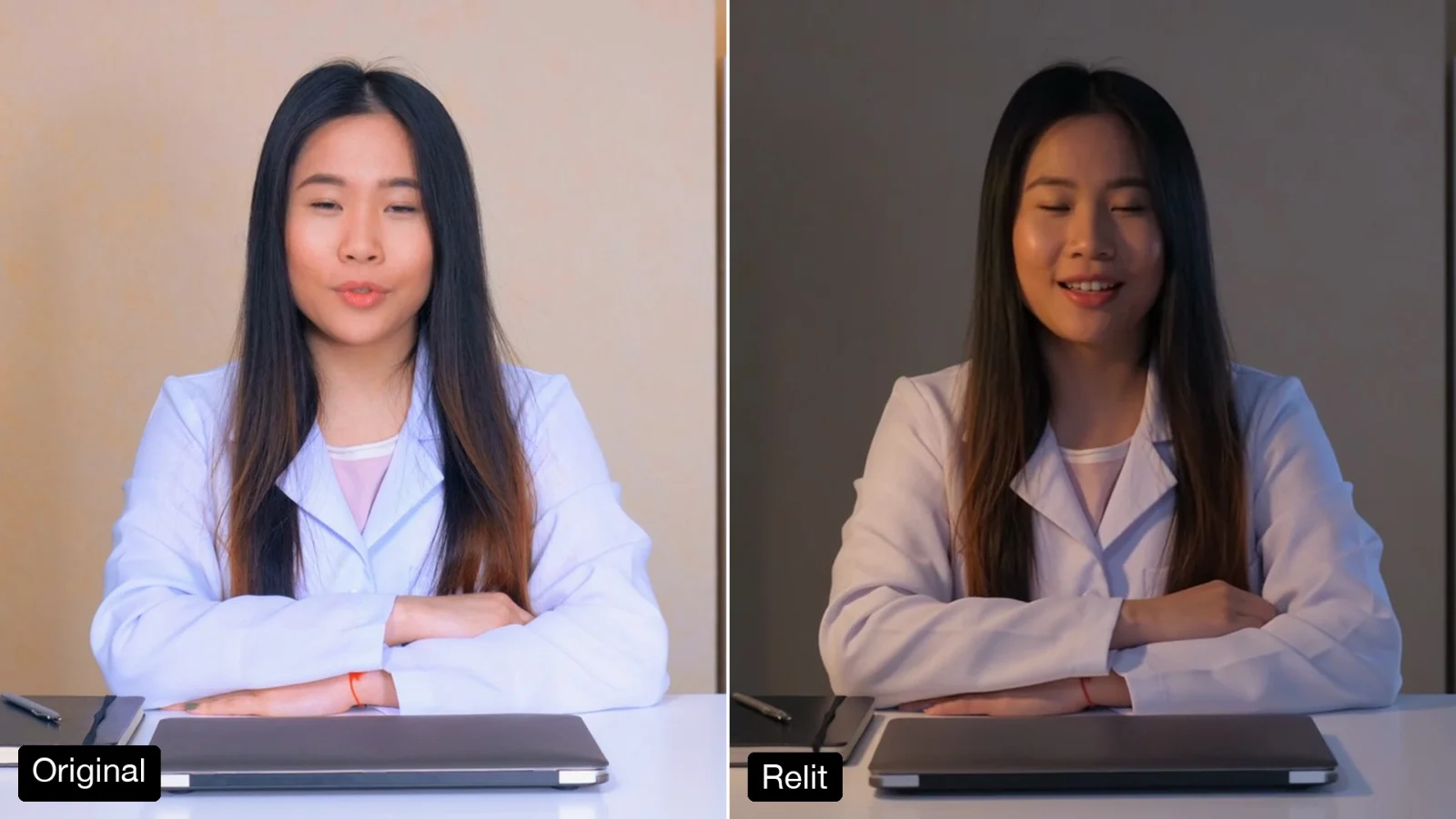
Left, a free stock clip of a woman writing at her desk (Mixkit). Right, one run asking to remove the small potted plant next to the laptop.
About this Pixelflow
Remove an Object from a Video takes one thing out of a clip, such as a plant, a cup, a bag or a chair, and fills the space with what should be behind it in every frame. Name the object in a sentence and get the same take back, with everything else untouched. Made with Gemini 3.8 Flash and Gemini Omni 1.2 Flash for creators and editors.
Add a clip of up to 15 seconds.
Name it by what it is and where it sits, such as the potted plant next to the laptop.
Gemini 3.8 Flash finds it and writes how to fill the space. Gemini Omni 1.2 Flash removes it in every frame.
One object goes, and the scene closes over the space it left.
The object is removed for the whole clip, including when hands pass near it.
The space shows what was behind it, with matching light, focus and grain.
The fill moves with the camera, so the background stays steady.
The edit follows your clip, so it drops back into your timeline.
MP4 with sound.
Same as your clip, up to 15 seconds.
Follows your clip, landscape or vertical.
720p.
Gemini Omni 1.2 Flash makes the video and Gemini 3.8 Flash writes the prompt.
Take out a stray cup, cable or bag you missed on set.
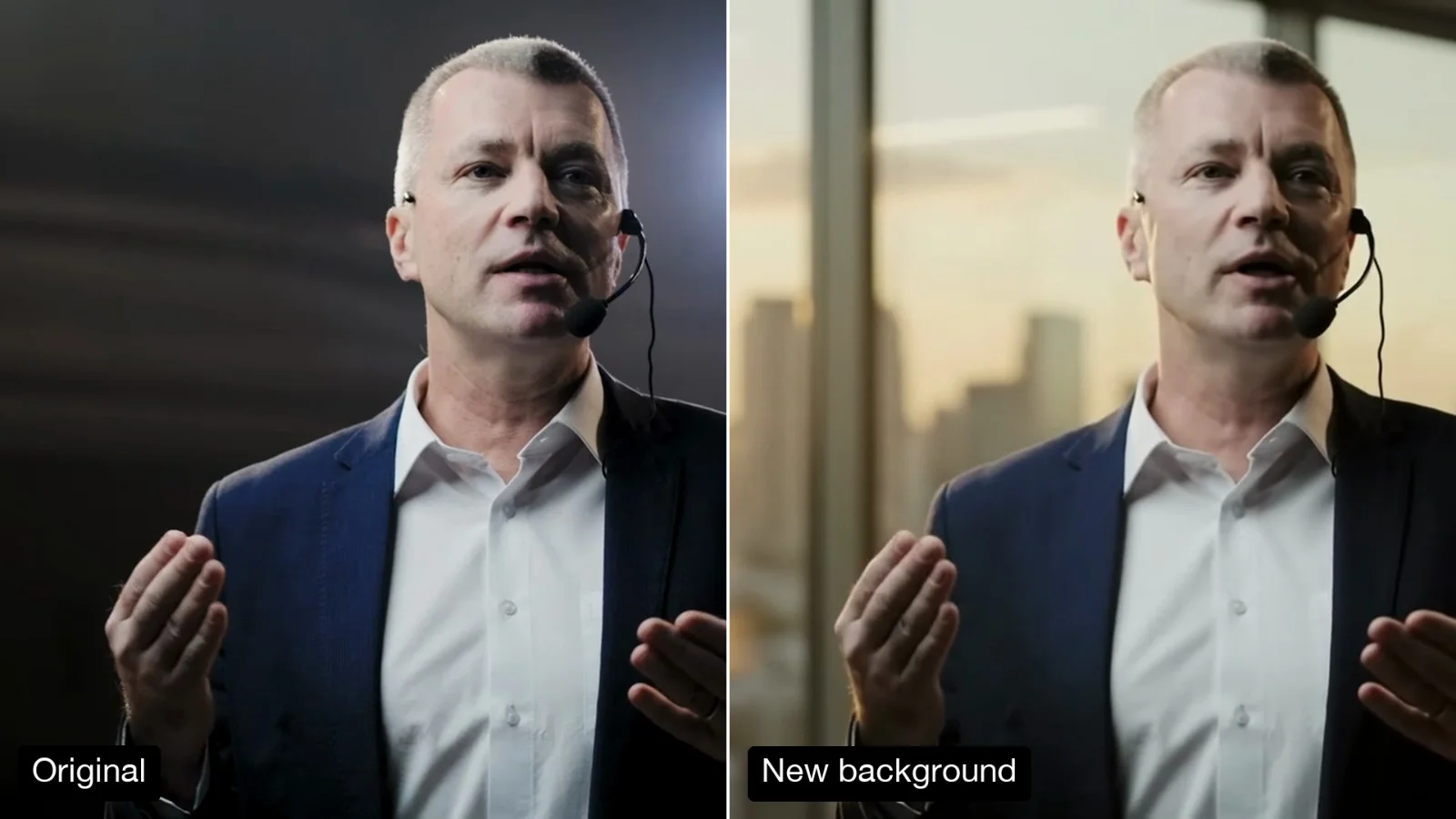
Remove clutter behind a speaker without a reshoot.
Remove an out-of-date prop before cutting a clip into a new edit.
Building with it? Read the Remove an Object from a Video API docs.
No. When the thing to remove shows a real brand, the video model’s copyright filter refuses the edit, and the edit is not billed.
Yes. The fill follows the camera; in our tests the background stayed steady through a slow move.
Name one per run for the cleanest result, then run the output again for the next one.
Yes. It runs through the Pixelflow API with the same inputs: submit a run, then poll for the result.
Call it from your code with the same inputs you used here, or talk to us about running it at volume. Segmind is an authorised channel partner of ElevenLabs, Google, ByteDance, Alibaba, OpenAI, Kling and 40+ more AI providers.