
Any place
Offices, cafés, beaches, streets, stages and studios, described in your own words.
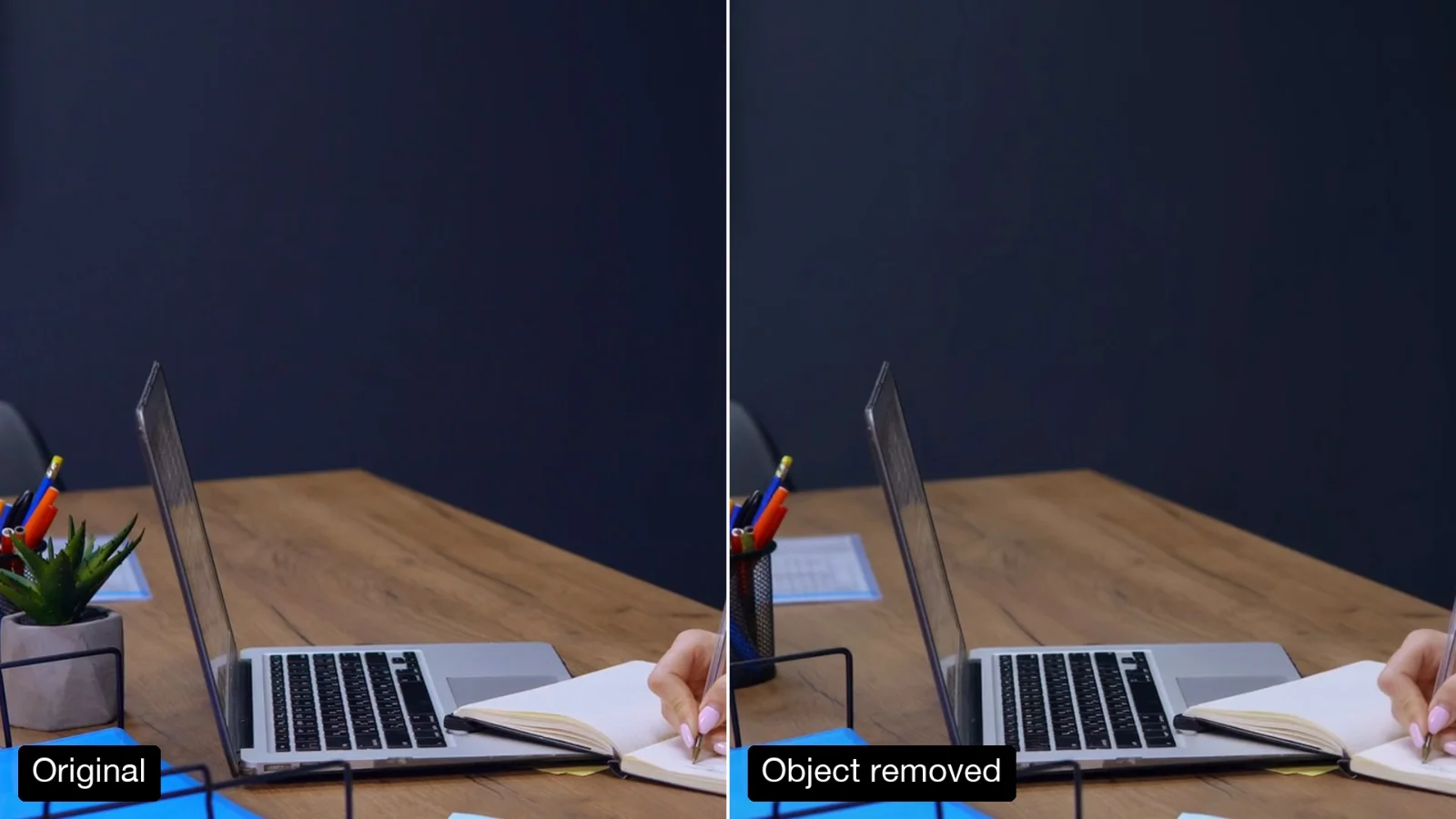
Change the background of a video without a green screen. Describe the new place; the face, gestures and lip sync stay. Made with Gemini Omni 1.2 Flash.
Your generated content will appear here
Example
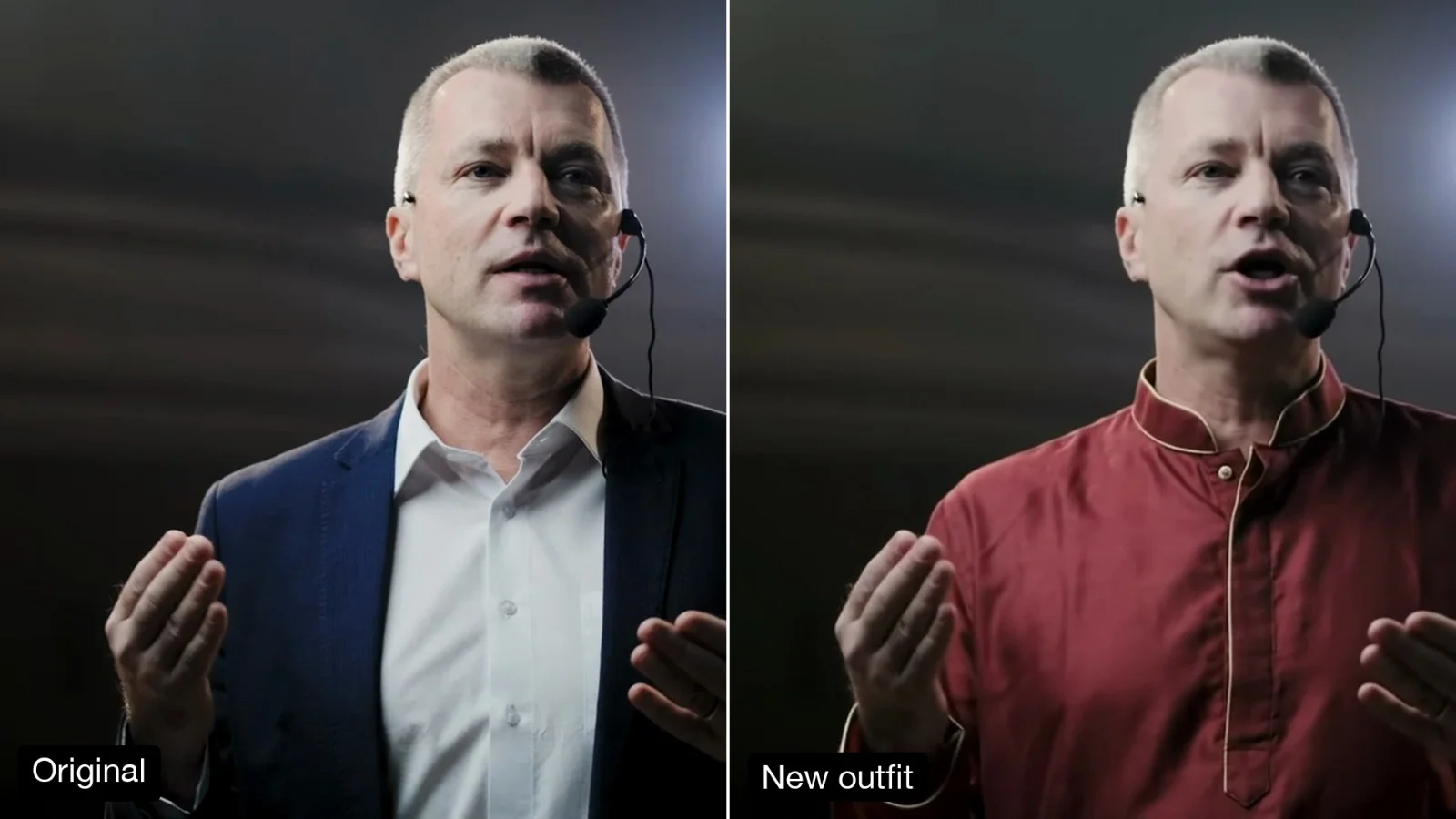
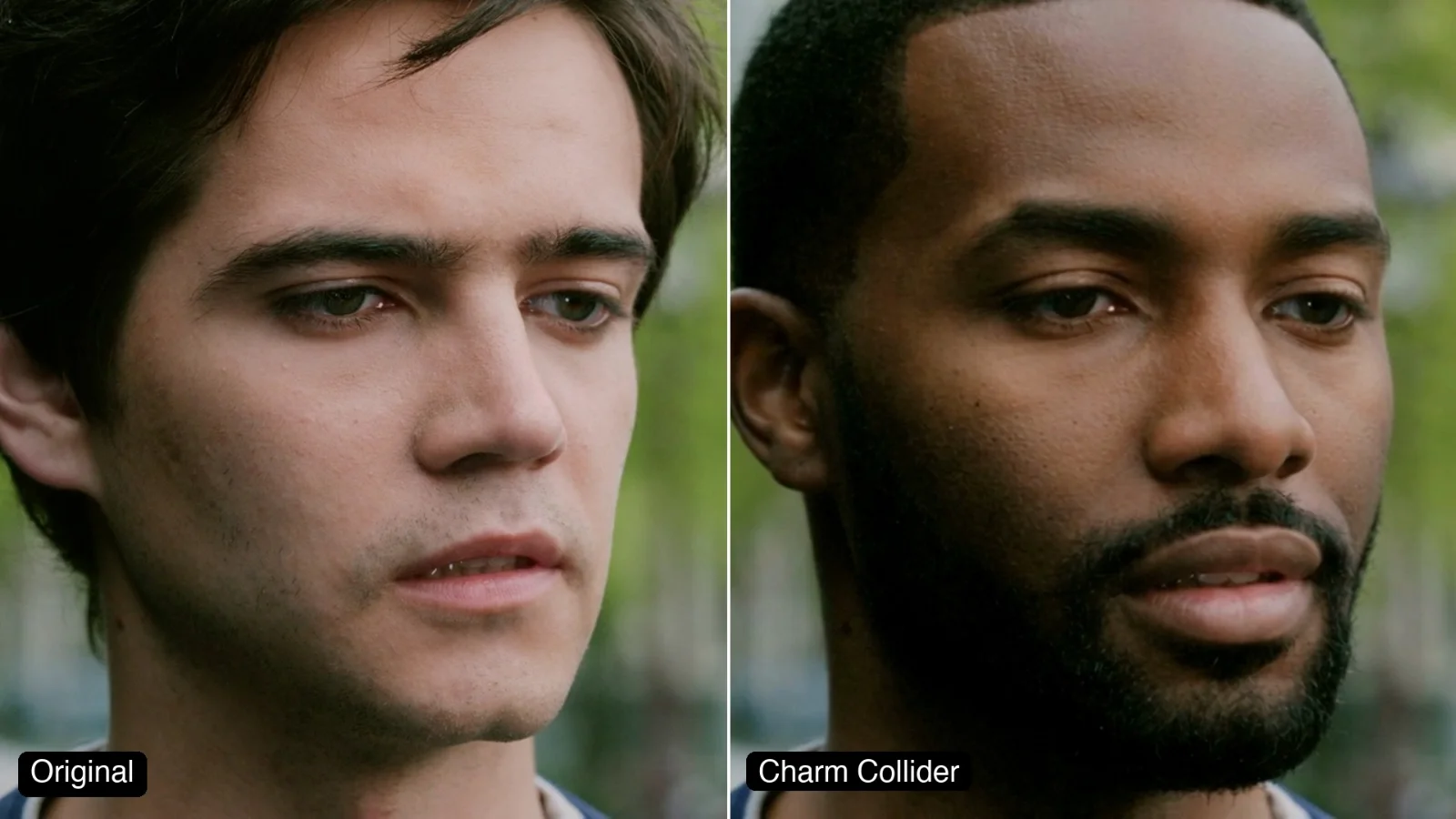
Left, a free stock clip of a speaker on stage (Mixkit). Right, one run asking for a glass-walled meeting room above a city skyline at golden hour.
About this Pixelflow
Change the Background of a Video moves the person in your clip to a new place without a green screen. Describe the place in a sentence and get the same take back: their face, hair, gestures and lip movement stay, and the light on them changes to match. Made with Gemini 3.8 Flash and Gemini Omni 1.2 Flash for creators, brands and video teams.
Add a clip of up to 15 seconds with the person clearly in view.
Write one sentence: where they are, the time of day and what stands behind them.
Gemini 3.8 Flash watches the clip and writes what to replace and what to keep. Gemini Omni 1.2 Flash makes the edit.
Only what is behind the person changes, and the light follows the new scene.
Offices, cafés, beaches, streets, stages and studios, described in your own words.
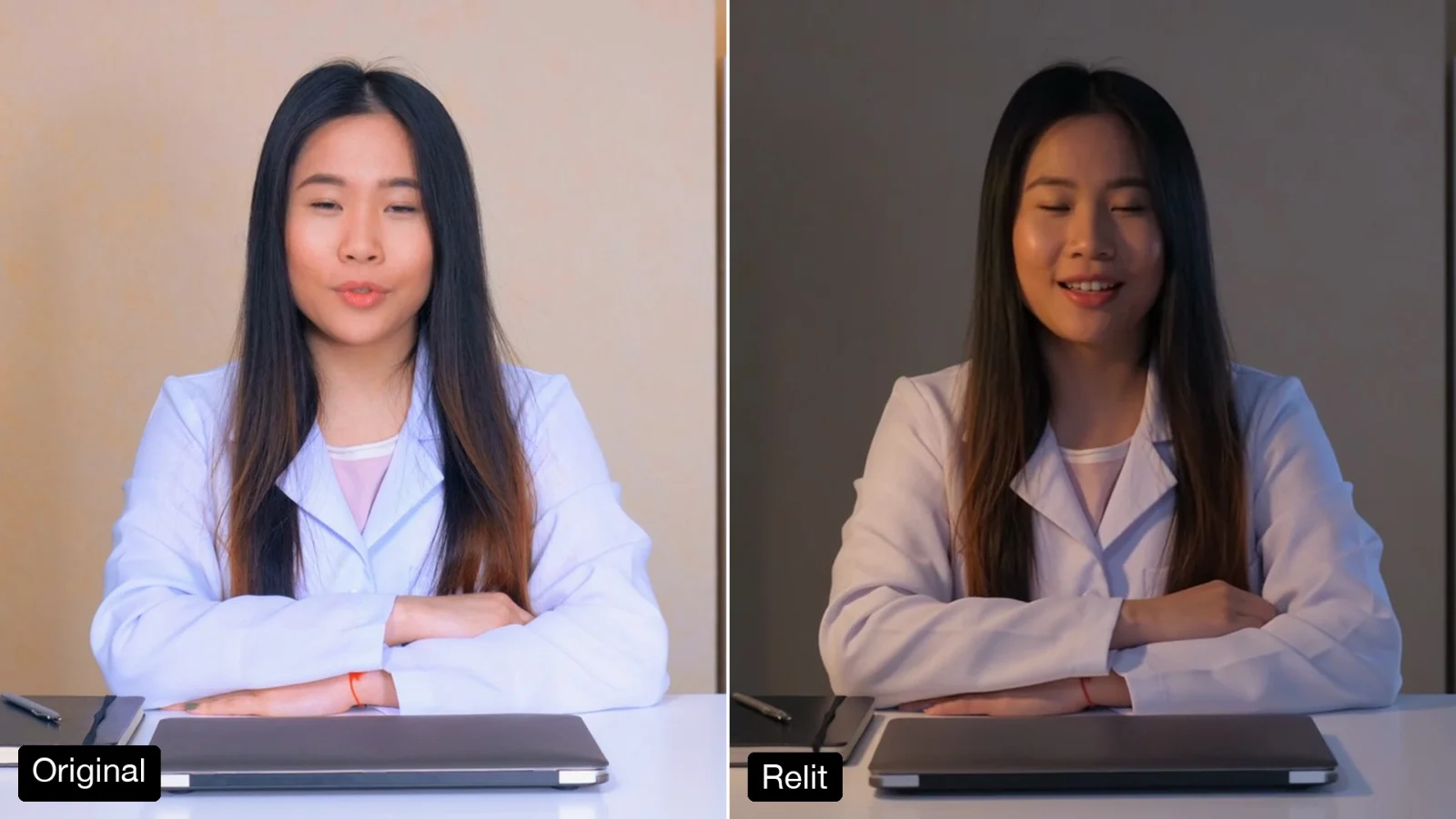
The light on the person follows the new scene, including the edges of the hair.
The new background has no signs, posters, logos or packaging.
The edit follows your clip, so it drops back into your timeline.
MP4 with sound.
Same as your clip, up to 15 seconds.
Follows your clip, landscape or vertical.
720p.
Gemini Omni 1.2 Flash makes the video and Gemini 3.8 Flash writes the prompt.
Film at your desk and post from a beach café, a rooftop or a studio.
Swap a cluttered background for a tidy, on-brand set.
Place one take in a city, a festival street or a snowy cabin for different campaigns.
Building with it? Read the Change the Background of a Video API docs.
No. Any clip with the person clearly in view works, and the edges, hair included, are handled for you.
Yes. The light on the face, hair and clothes is matched to the new place, so a sunset scene puts warm light on them.
Clips that show real brand logos, packaging or posters can be refused by the video model’s copyright filter, and the edit is not billed when that happens. Use footage without visible brands.
Yes. It runs through the Pixelflow API with the same inputs: submit a run, then poll for the result.
Call it from your code with the same inputs you used here, or talk to us about running it at volume. Segmind is an authorised channel partner of ElevenLabs, Google, ByteDance, Alibaba, OpenAI, Kling and 40+ more AI providers.