
Everything in clay
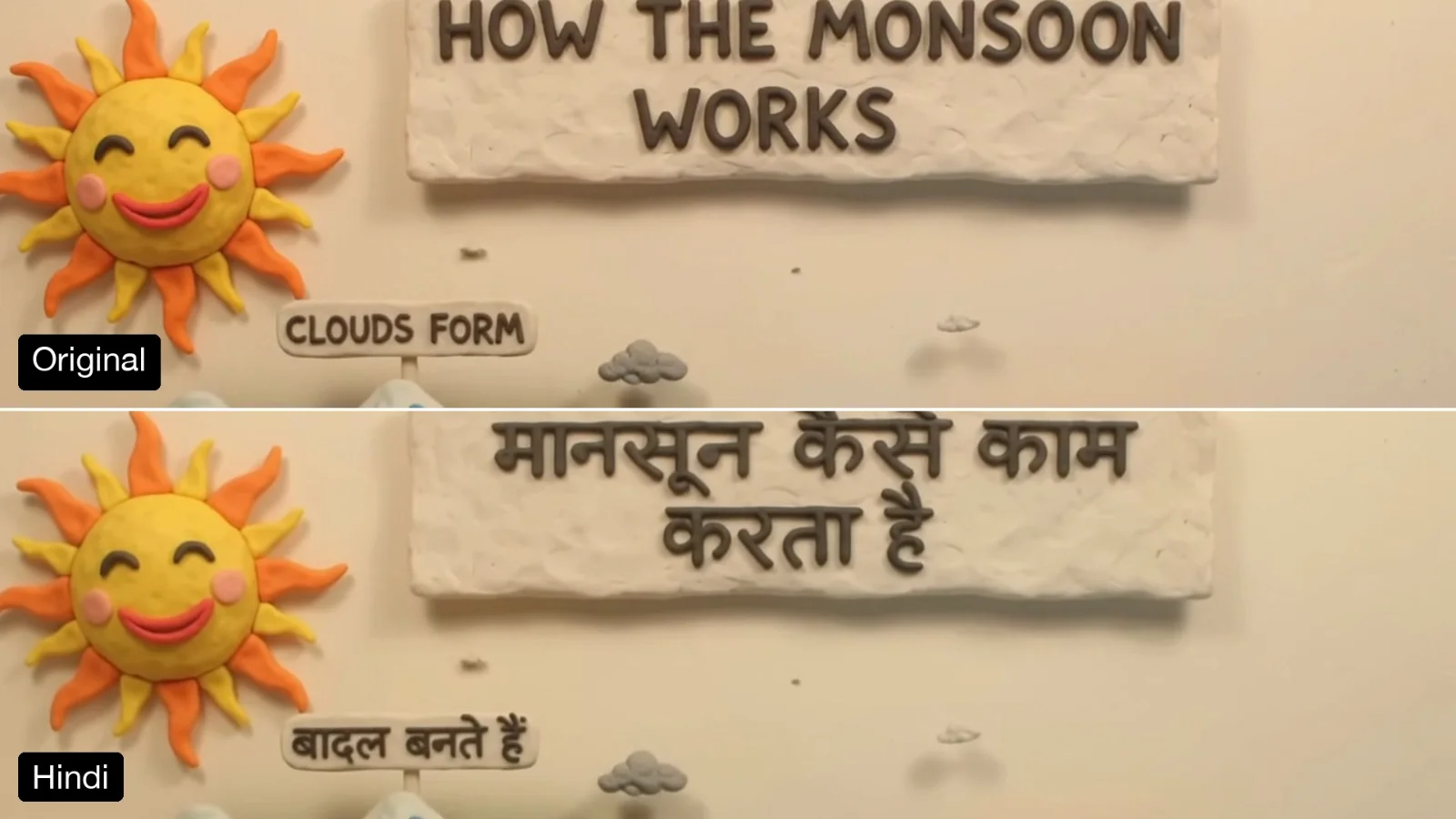
People, clothes, props and the set, with thumbprints and a matte finish.
Turn real video footage into stop-motion claymation: people, props and set become plasticine while timing and framing stay. Made with Gemini Omni 1.2 Flash.
Your generated content will appear here
Example
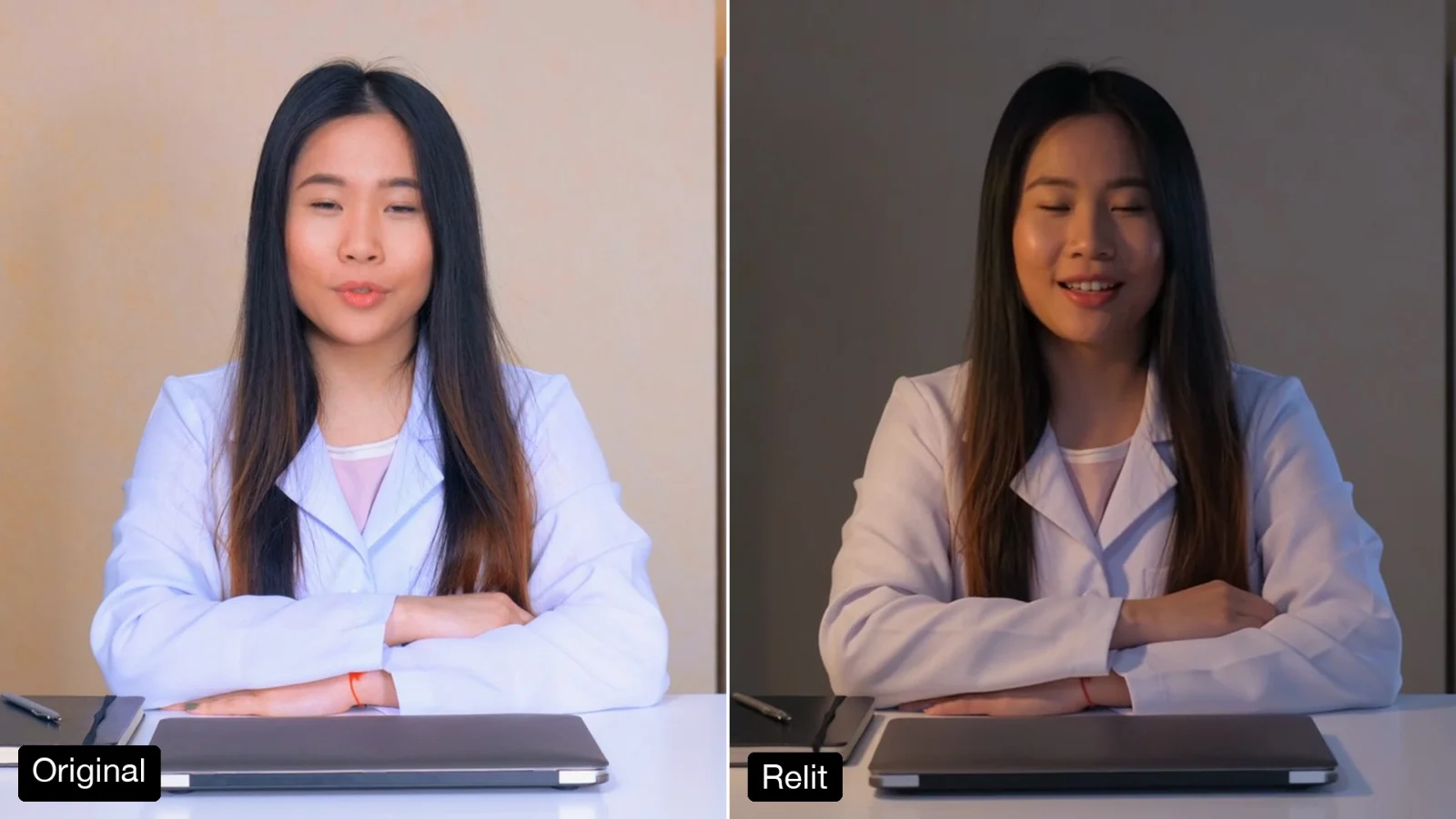
Left, a free stock clip of a doctor at her desk (Mixkit). Right, one run with the look note: bright pastel colours, like a friendly children’s TV show.
About this Pixelflow
Turn Real Footage into Claymation restyles a clip as stop-motion plasticine. People, clothes, props and the set become clay with thumbprints and a soft matte texture, while the timing, gestures and framing stay as you shot them. Add a note on the look if you like. Made with Gemini 3.8 Flash and Gemini Omni 1.2 Flash for creators, brands and teachers.
Add a clip of up to 15 seconds.
Name a palette or a style, such as bright pastels or earthy tones.
Gemini 3.8 Flash lists what is in the shot so every part is restyled. Gemini Omni 1.2 Flash makes the clip.
The whole frame is restyled, not just the person.
People, clothes, props and the set, with thumbprints and a matte finish.
Slightly stepped movement, like frames shot one at a time.
A note on palette or era steers the style.
The edit follows your clip, so it drops back into your timeline.
MP4 with sound.
Same as your clip, up to 15 seconds.
Follows your clip, landscape or vertical.
720p.
Gemini Omni 1.2 Flash makes the video and Gemini 3.8 Flash writes the prompt.
Turn an ordinary talking-head clip into something people stop for.
Restyle a presenter as a friendly clay character for a series.
Give teaching and kids’ content a handmade look without animating from scratch.
Building with it? Read the Turn Real Footage into Claymation API docs.
They become blank clay shapes, so no brand names carry over.
Yes. Add a look note such as bright pastels, earthy tones or a 1970s palette.
Clips that show real brand logos, packaging or posters can be refused by the video model’s copyright filter, and the edit is not billed when that happens. Use footage without visible brands.
Yes. It runs through the Pixelflow API with the same inputs: submit a run, then poll for the result.
Call it from your code with the same inputs you used here, or talk to us about running it at volume. Segmind is an authorised channel partner of ElevenLabs, Google, ByteDance, Alibaba, OpenAI, Kling and 40+ more AI providers.