The same beats
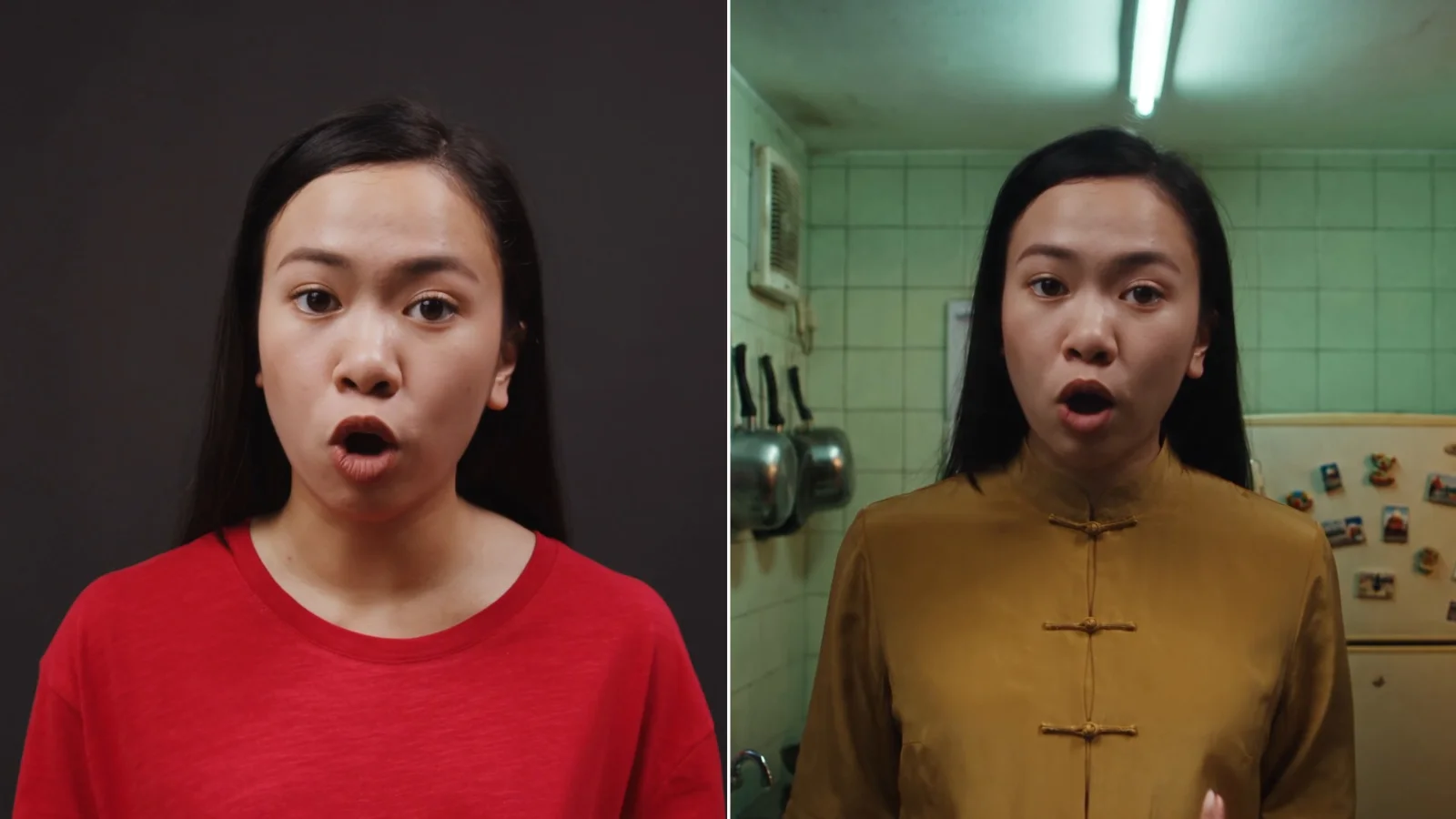
Each change of expression lands where the performer put it.
Pro AI Tool
Give a stand-in's acting take to any actor. Upload the take, your actor and a set, and get the scene with the same beats, timing and eye line.
About 8m 17s a run
The take
“Pleading desperately with someone, then breaking down on the edge of tears.”
Performance Intent
~8m 17s~$3.10for an average run
Example
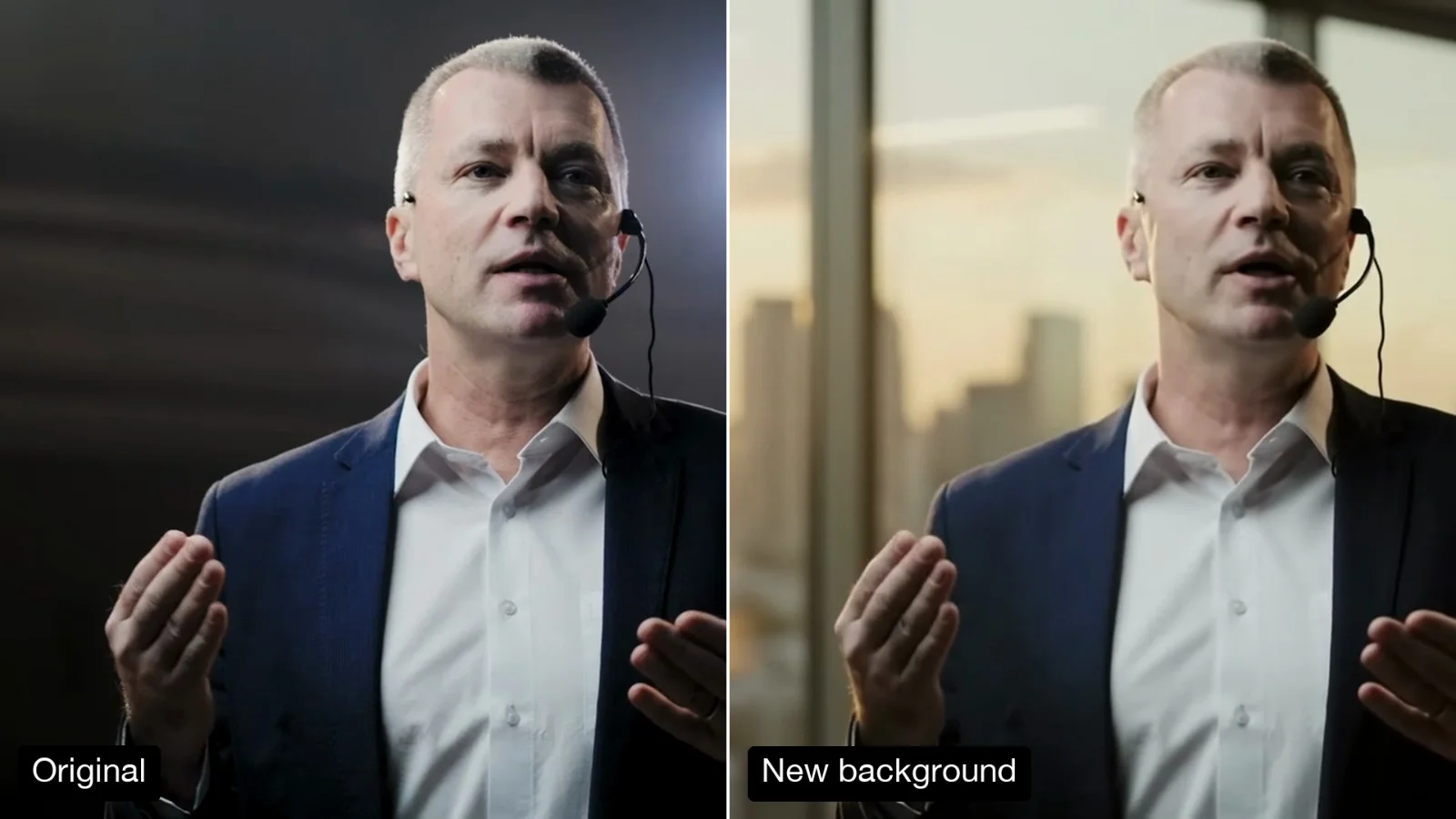
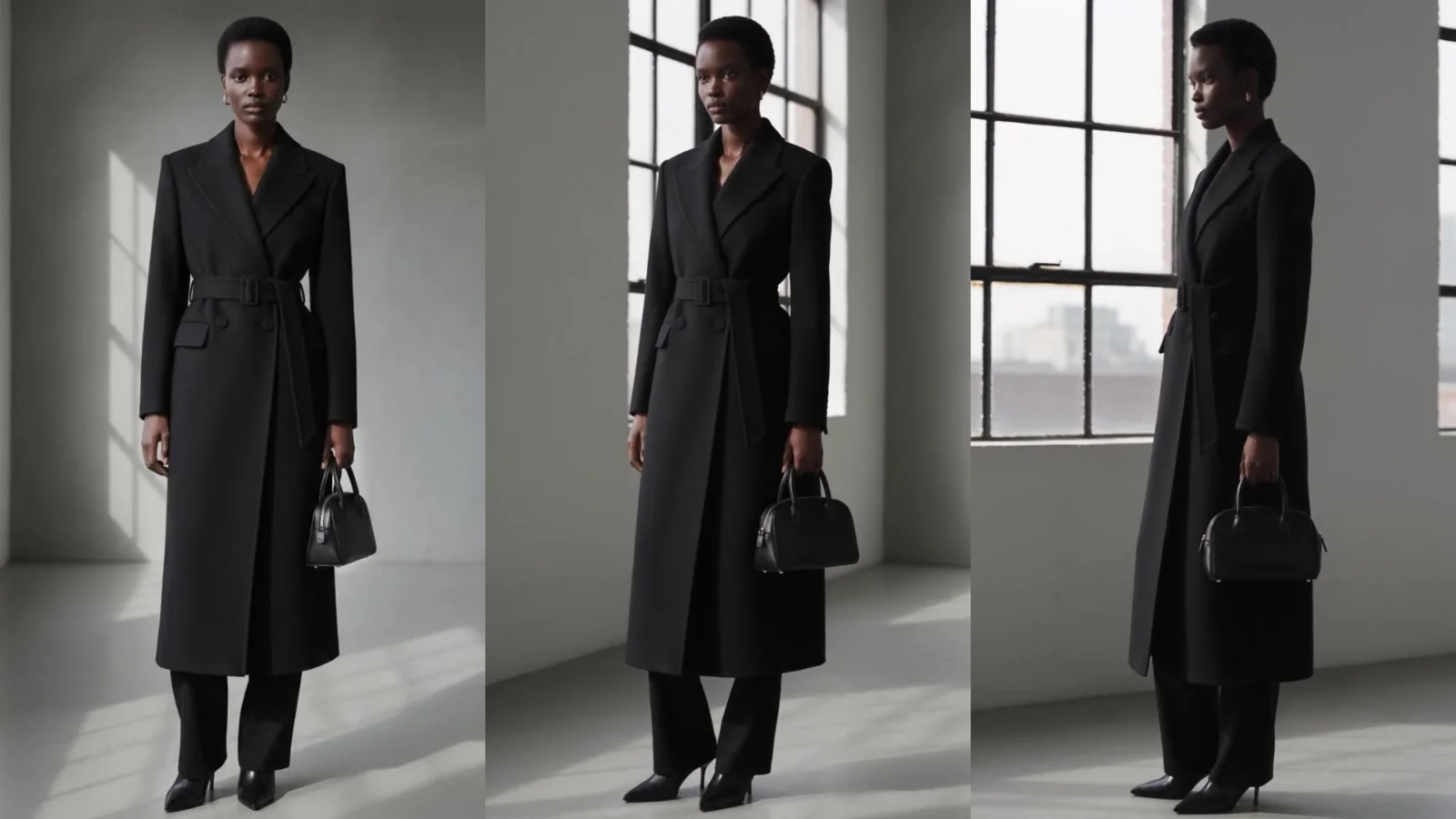
Left, a 5 second stock take against a dark backdrop. Right, one run at 1080p with a generated actor sheet and kitchen set, and one line of intent.
Actor Sheet
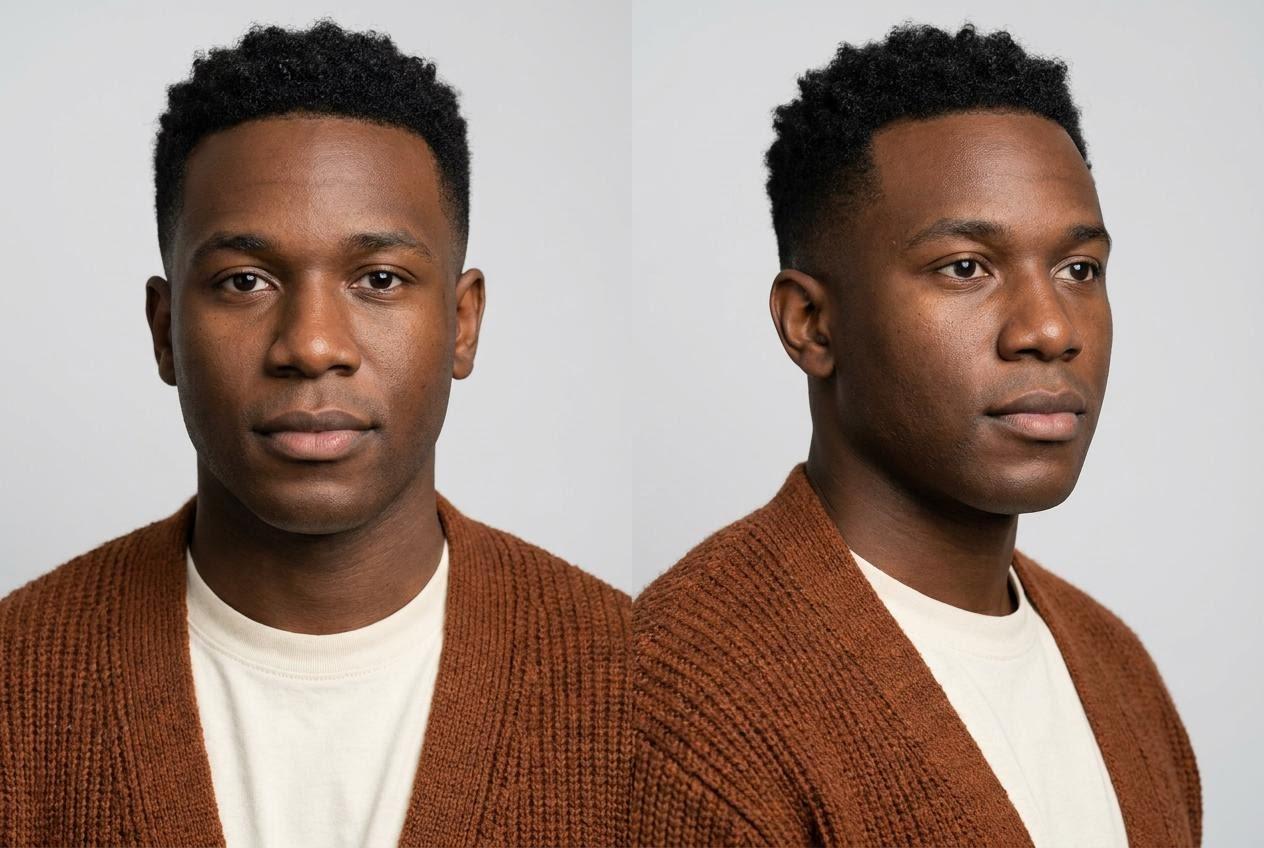
Scene Image
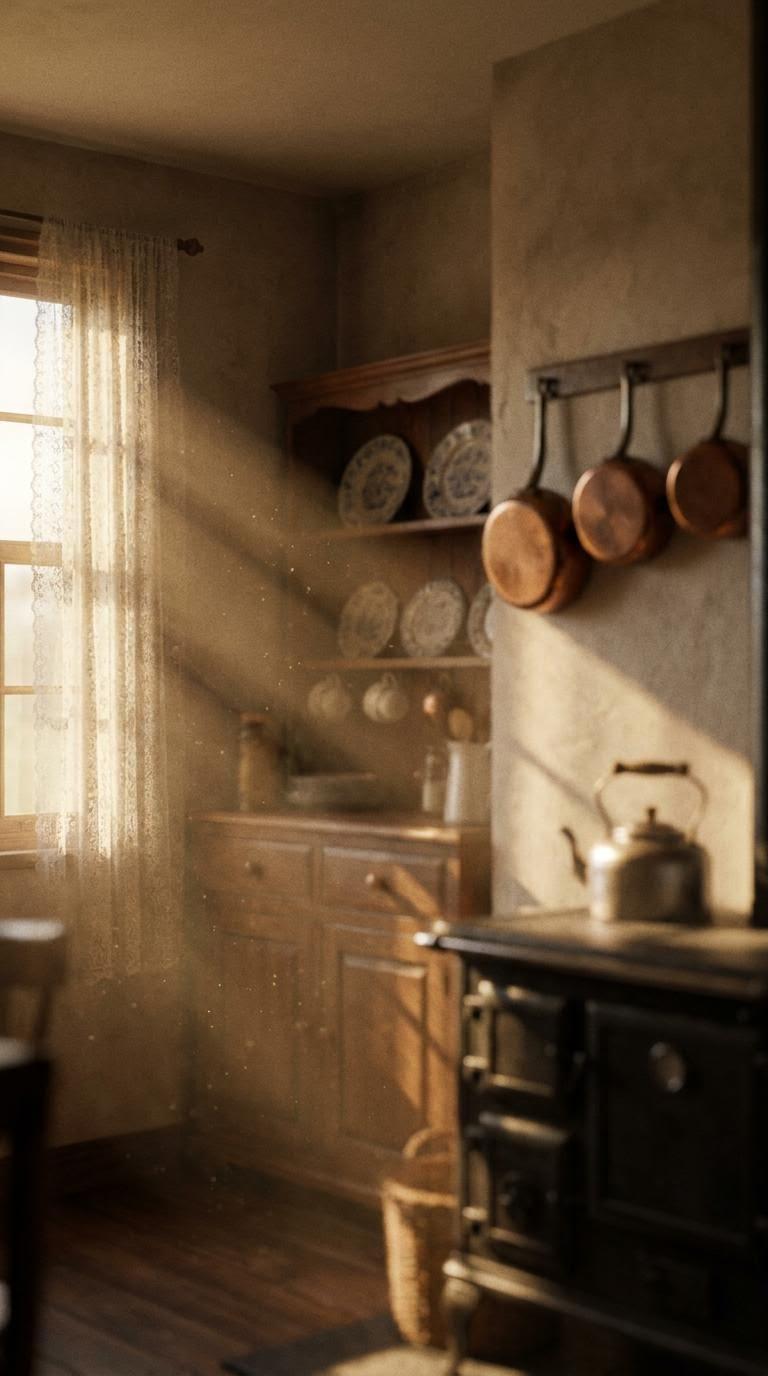
Performance Sheet
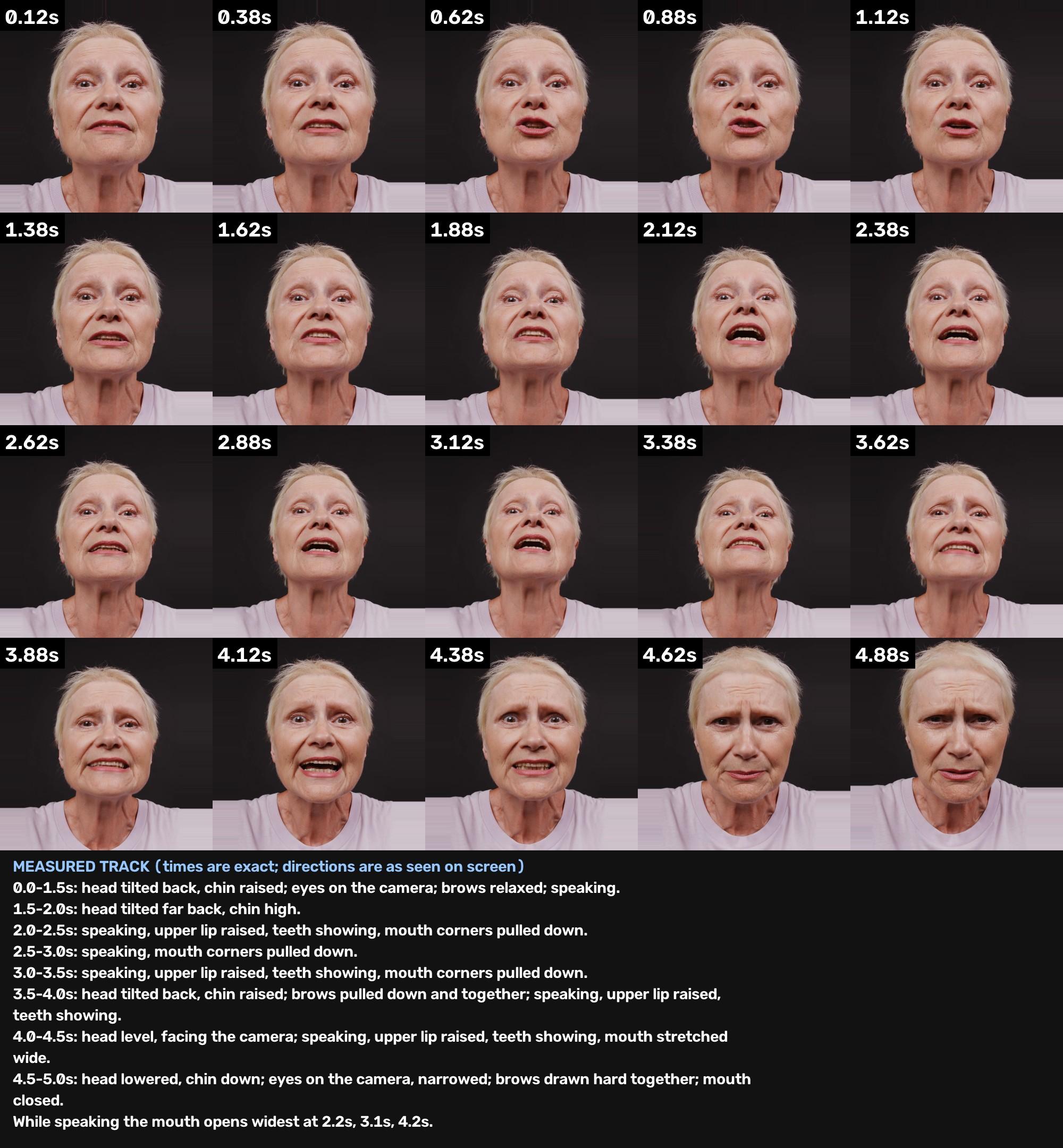
About this Pixelflow
Segmind Exciton gives one person's acting take to another actor. Upload the take, an image of your actor and an image of the set, and get the shot back with your actor in that set, playing the same beats with the same timing, eye line and speech rhythm.
Anyone can perform it: a stand-in, the director or a stock clip. Film it against a plain backdrop in flat light, framed as the final shot, up to 20 seconds, with the face in view.
A character sheet or a clear photo of the actor in costume, and an image of the set seen from your camera's height and distance.
Describe the scene's light, say in one line what the actor is playing, and choose how it is directed, the size of the acting, the resolution and the file format.
You give
The workflow behind it
Which models run, and how, opens on the Business plan and above.
You get
The take is measured, not guessed, so your actor hits the same moments.
Each change of expression lands where the performer put it.
Where the eyes look, each blink and every head move follow the take.
The mouth opens and closes on the performer's timing.
The face, age and costume come from your actor's image, the place from your set.
Three settings put you in the director's chair. Each has a recommended choice.
Directed notes is recommended: timed acting notes written from the measured take. Use Direct transfer when your actor looks like the performer.
Recommended for emotional scenes: one line on what the actor is playing sets the feeling.
As performed is recommended. Choose Smaller for quiet close-ups, or Bigger to open it up.
Try a scene on three different actors from one stand-in take, before anyone is booked.
A small team performs every role on one backdrop, and each character plays it in their own scene.
One performance, recast for each market, age group or campaign.
Building with it? Read the Segmind Exciton API docs.
The beats, their timing, the eye line, the head moves and the rhythm of speech follow the take. Clear, readable acting carries best. Very small details, such as a single brow twitch or the exact way a hand touches the face, can come out differently, so run a quiet take twice and pick the better one.
Directed notes suits most shots and any actor who looks different from the performer in age or gender: Exciton measures the take and writes timed acting notes for your actor. Direct transfer skips the notes and suits an actor who looks like the performer.
One line, the way you would brief an actor: what they feel and how it changes, such as pleading, then breaking down. It is optional, and it is the surest way to get the feeling right in an emotional scene.
Change the acting size. Smaller keeps the same beats and holds them in, which suits quiet scenes. Bigger plays the same beats more openly.
A plain backdrop, flat light, one performer, the face in view for the whole take and the framing you want in the final shot. Hands that cover most of the face make the face harder to read.
Call it from your code with the same inputs you used here, or talk to us about running it at volume. Segmind is an authorised channel partner of ElevenLabs, Google, ByteDance, Alibaba, OpenAI, Kling and 40+ more AI providers.