Built from your scene
It starts from a frame of your clip, so the clothes, props and set carry over.
Make the shots your edit is missing: Segmind Gluon turns a clip of your scene and one line of text into a matching insert or cutaway, with the same clothes, props, light, colour and grain. For ads, social and film. Up to 1080p, in H.264, HEVC 10-bit or ProRes.
Your generated content will appear here
Example
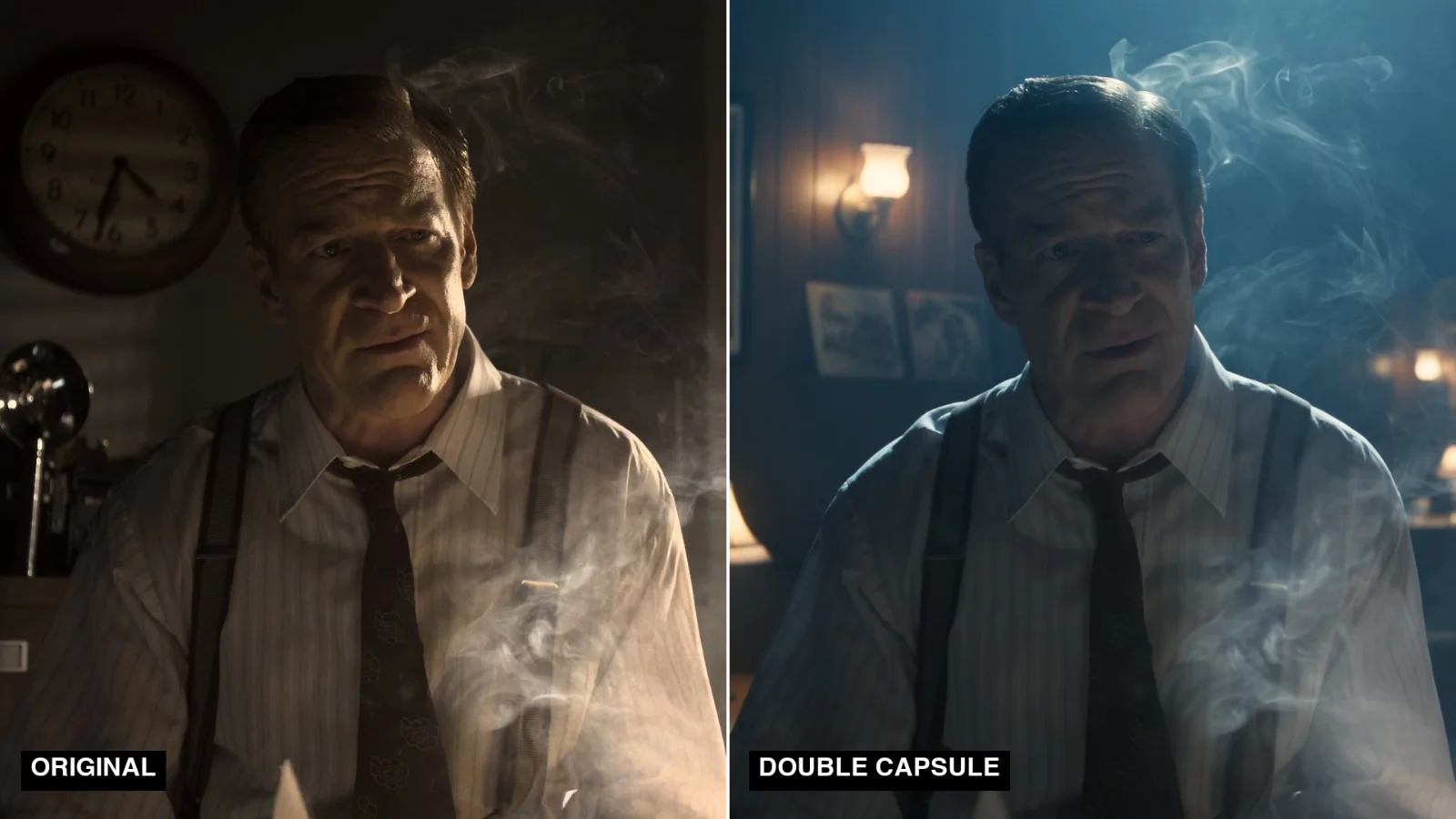
Left, the scene, from the Netflix short Meridian (CC BY 4.0). Right, one run asking for his hand lifting a cigarette from the ashtray. The shirt, braces, tie and desk lamp carry over.
About this Pixelflow
Segmind Gluon makes the shots your edit is missing. Upload a clip of the scene and describe the shot you need, such as a hand on a product, a phone screen or the building outside. Gluon returns an insert or cutaway that matches the scene's clothes, props, light, colour and grain, ready to cut in.
A clip of the scene the new shot belongs in, from your edit or your rushes.
One line, such as her hand turning the key or the street outside at dusk.
Choose how long the shot runs, its resolution and the file you deliver.
You give
The workflow behind it
Which models run, and how, opens on the Business plan and above.
You get
The shot you never filmed, in your scene's own look.
It starts from a frame of your clip, so the clothes, props and set carry over.
Colour and grain are measured on your clip and matched.
Close-ups and cutaways, with any person framed so no face shows.
Add up to three reference images, and the shot shows them as they are, lit and graded like your scene.
The shot comes back at your scene's frame rate and shape.
When your scene runs at a higher frame rate, in-between frames are added.
The natural sound of the action and the room, to keep or mute.
Product close-ups and hands on the product, matched to your hero footage.
B-roll that looks like your own footage, not stock.
The insert or establishing shot nobody filmed, without a pickup day.
Building with it? Read the Segmind Gluon API docs.
Gluon builds the new shot from a frame of your scene, then matches its colour, grain and frame rate to your clip, so it sits beside your footage. Simple actions and slow camera moves look the most natural.
No. Gluon makes inserts and cutaways of hands, objects, screens and places, and frames any person so their face stays out of shot.
Footage you shot, own or have licensed. In documentary and news work, label generated shots wherever your audience expects real footage.
Yes. The same inputs run through the async API: submit a request, then poll until it completes.
 Segmind Double Capsule
 Cheapest 1080p video generator with audio
 Cinematic Product Ad Video Creation with Seedance 2.0
 Dynamic Product B-roll Video Creation with Seedance 2.0
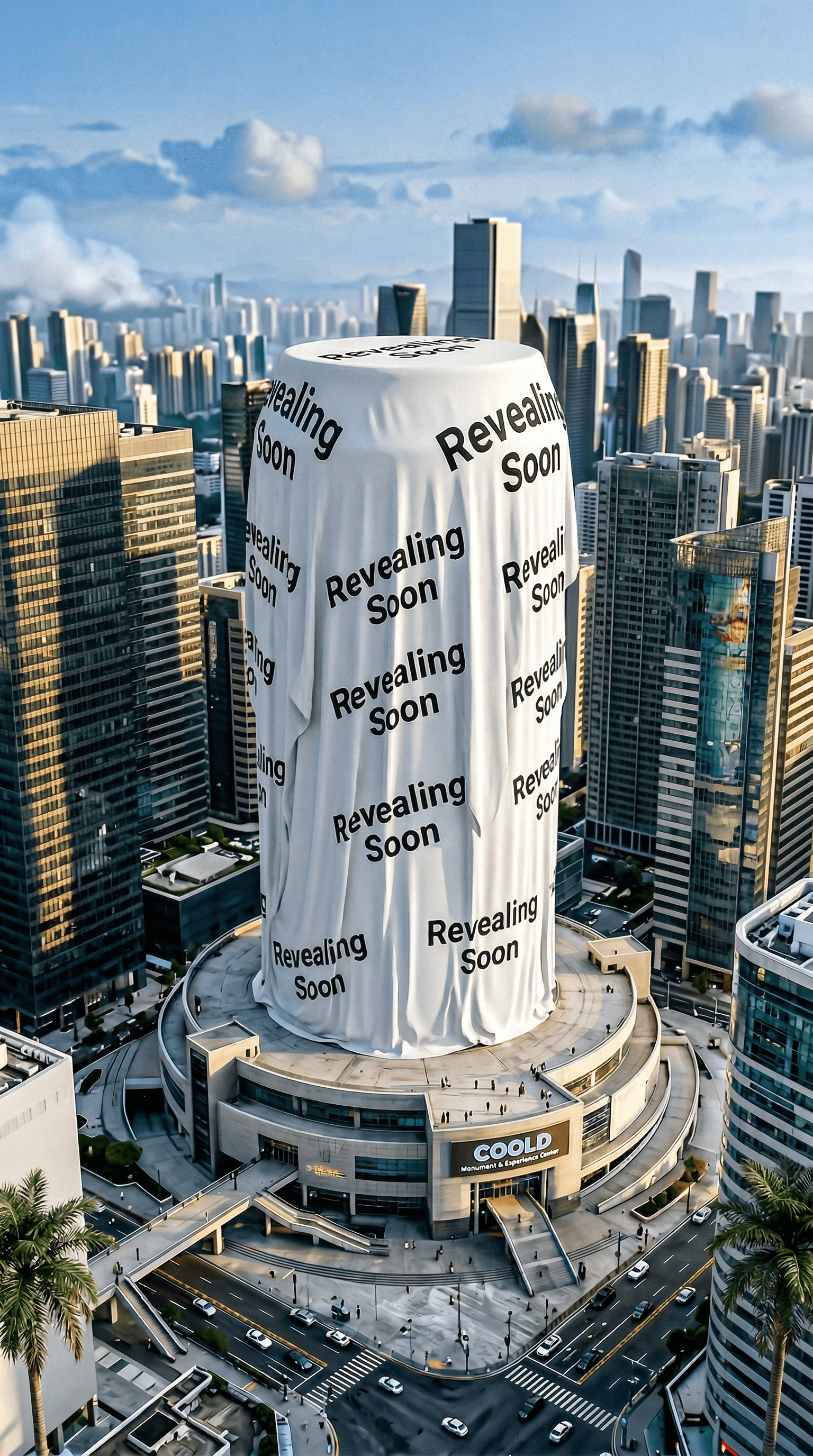 Surreal Product Reveal Videos with Nano Banana 2 & Kling O3
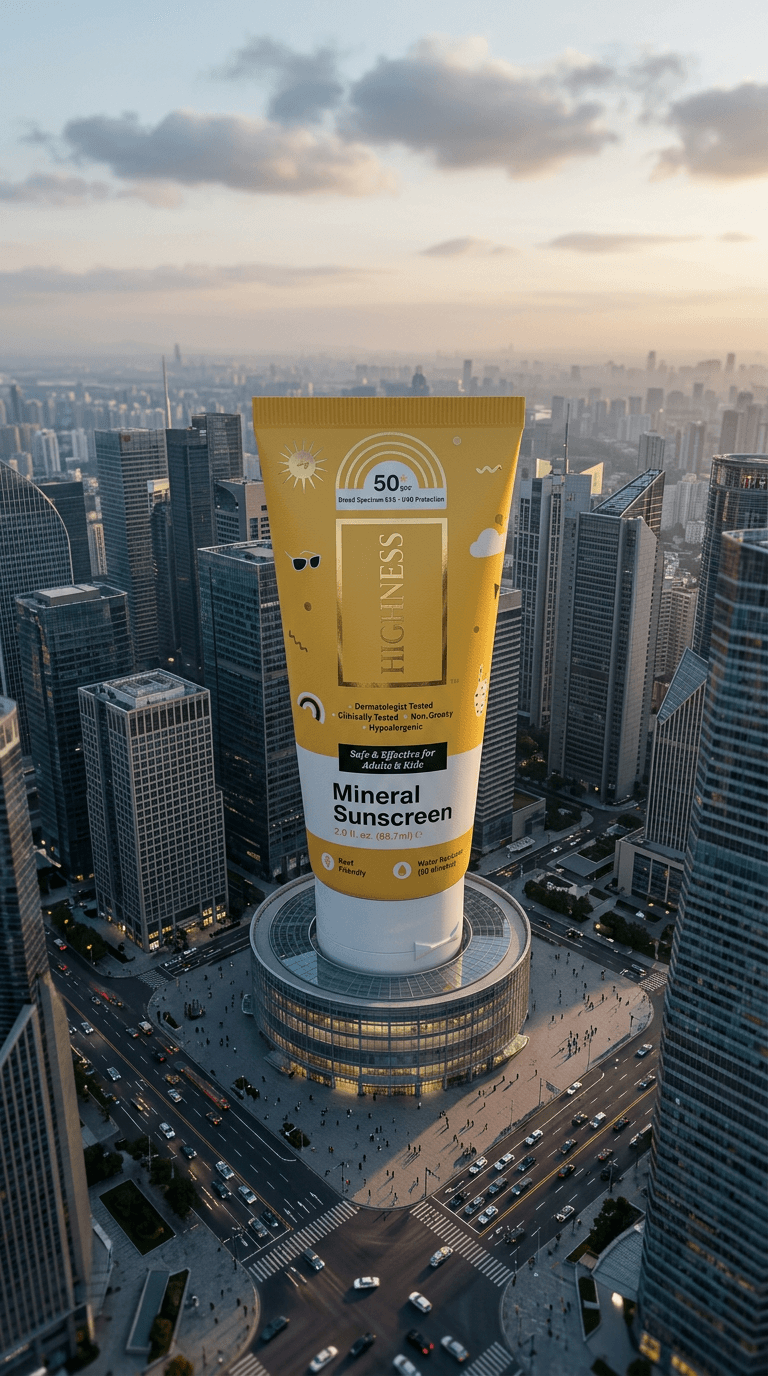 Cinematic Giant Product Ad Generation with Nano Banana 2 and Kling O3
 AI UGC Video Generator
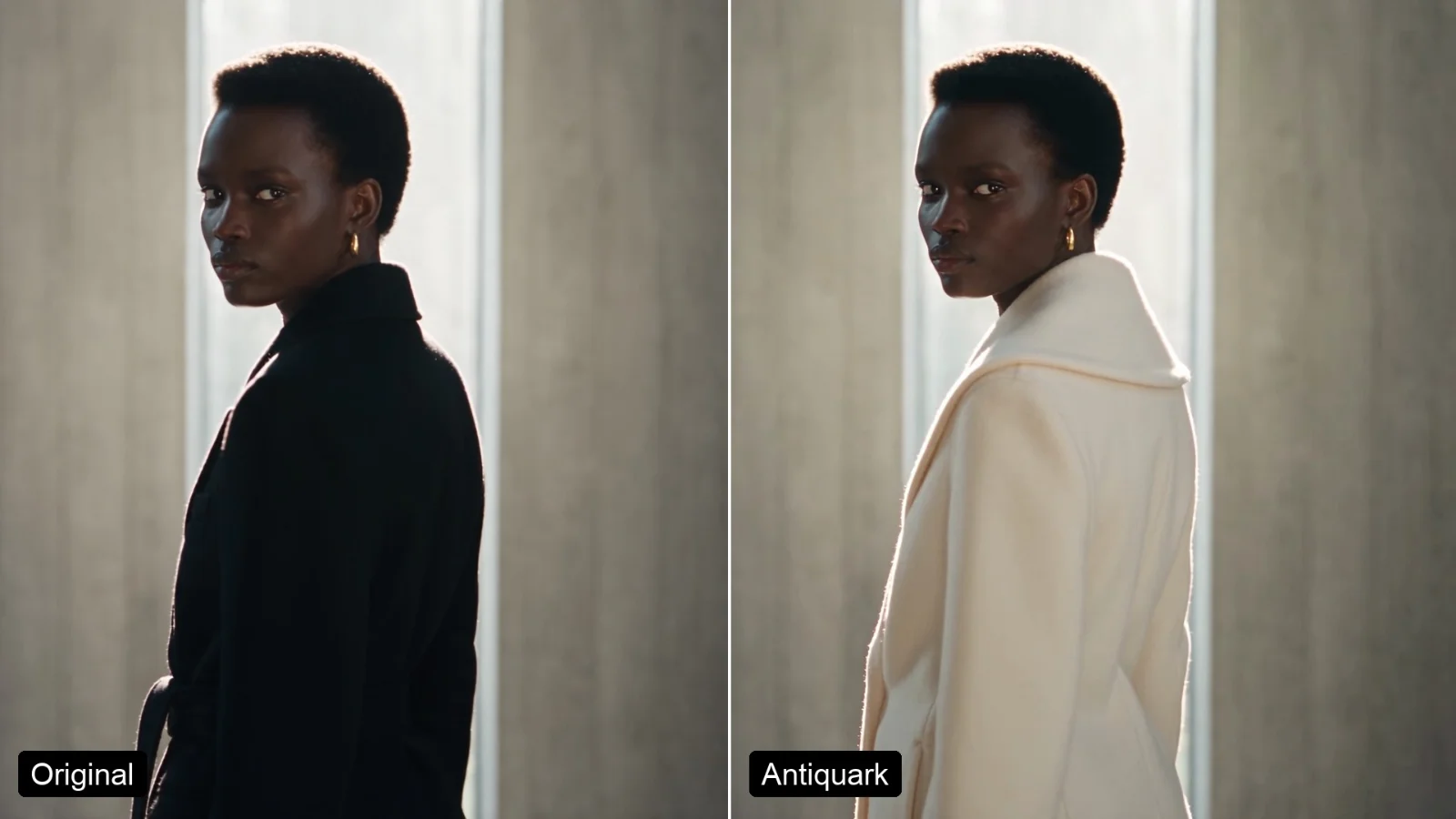 Segmind Antiquark
Call it from your code with the same inputs you used here, or talk to us about running it at volume. Segmind is an authorised channel partner of ElevenLabs, Google, ByteDance, Alibaba, OpenAI, Kling and 40+ more AI providers.