Guide to Segmind Double Capsule
Segmind Double Capsule reshoots a clip in a new location, light or season, or swaps a prop, keeping the actors and the camera. A guide with five examples.
Segmind Double Capsule reshoots a clip you already filmed: it moves the take to a new location, light or season, or swaps one object, and keeps the people, their performance and the camera move. You give it the shot, one reference image and one sentence, so a film, ad or post team can change a scene after the shoot has wrapped.
 PixelflowSegmind Double CapsuleAI video-to-video reshoots for film, TV and ad studios: keep the actor's performance and camera move, and change the location, lighting, season or props. Guided by one reference image, up to 1080p, 10-bit HEVC at your clip's exact length, frame rate and grain.
What you give it
| Input | What to give it | Tip |
|---|---|---|
Source video (source_video) | The shot you filmed: 4 to 30 seconds, one continuous take. | You pay for every second, so trim it to the part you need. |
Reference image (reference_image) | One picture of the new look: a location photo, a mood frame, or a frame of your shot changed in an image editor. | The closer it matches your shot's framing, the more closely the result follows it. |
Change (change) | One sentence: what changes, then three or four concrete details. Write "@Image 1" where you point at the reference. | Name anything that must survive the change, such as smoke, rain or reflections. |
Keep (keep) | Who or what stays, described by what you can see, plus their movement. | With two people, describe each one so neither gets redrawn. |
Resolution (resolution) | 480p, 720p or 1080p. The default is 1080p. | Test at 480p first, then finish at 1080p. |
Smooth retime + grain match (smooth_retime_and_grain_match) | On (the default) or off. | Leave it on to get your clip's exact length and frame rate, its grain and its sound. Off returns the raw take, about 5% shorter and silent. |
Examples
Turn a grey studio shoot into a real location
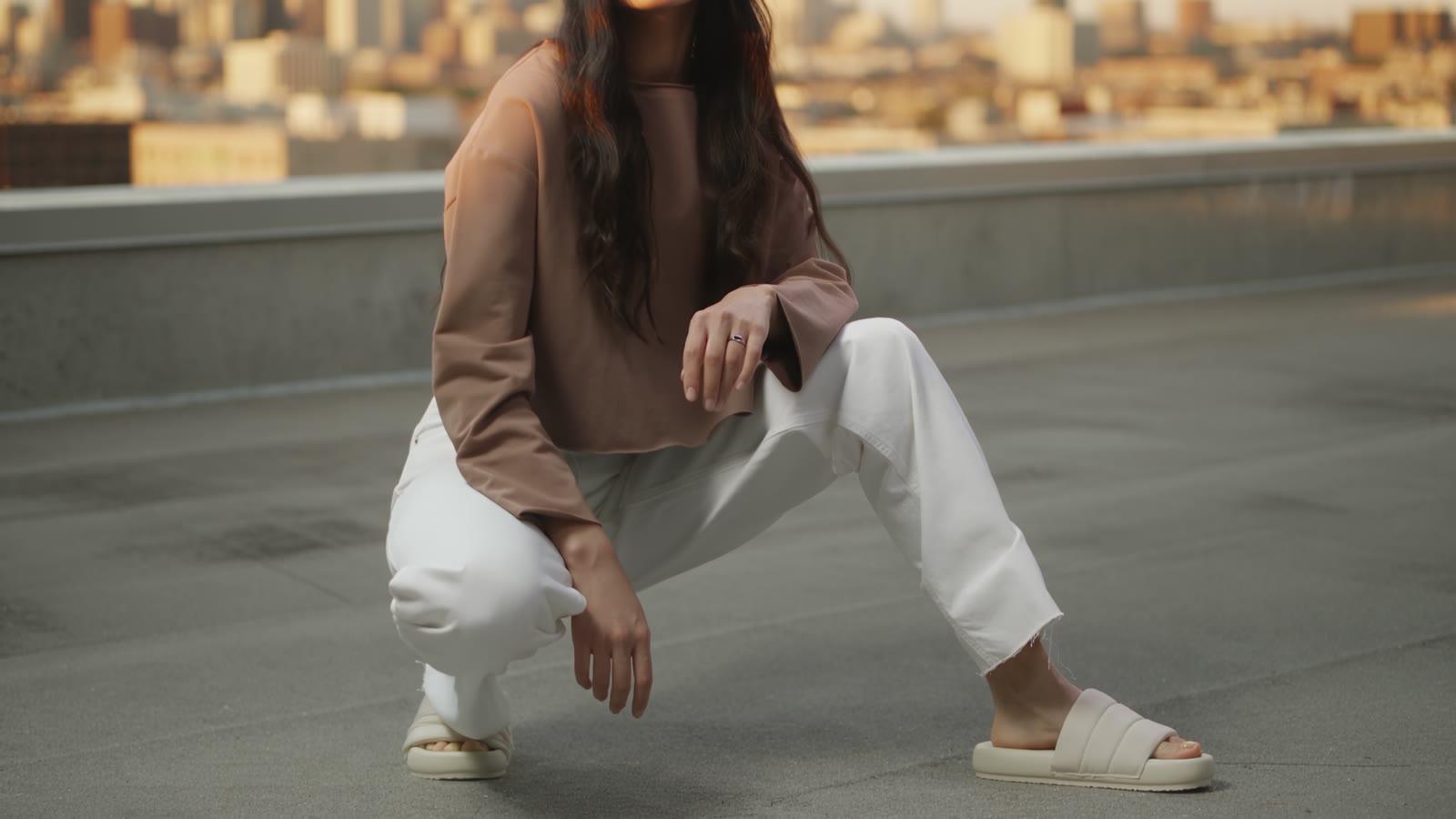
A fashion or product team shot on a plain grey backdrop and wants the same take on a city rooftop at golden hour.
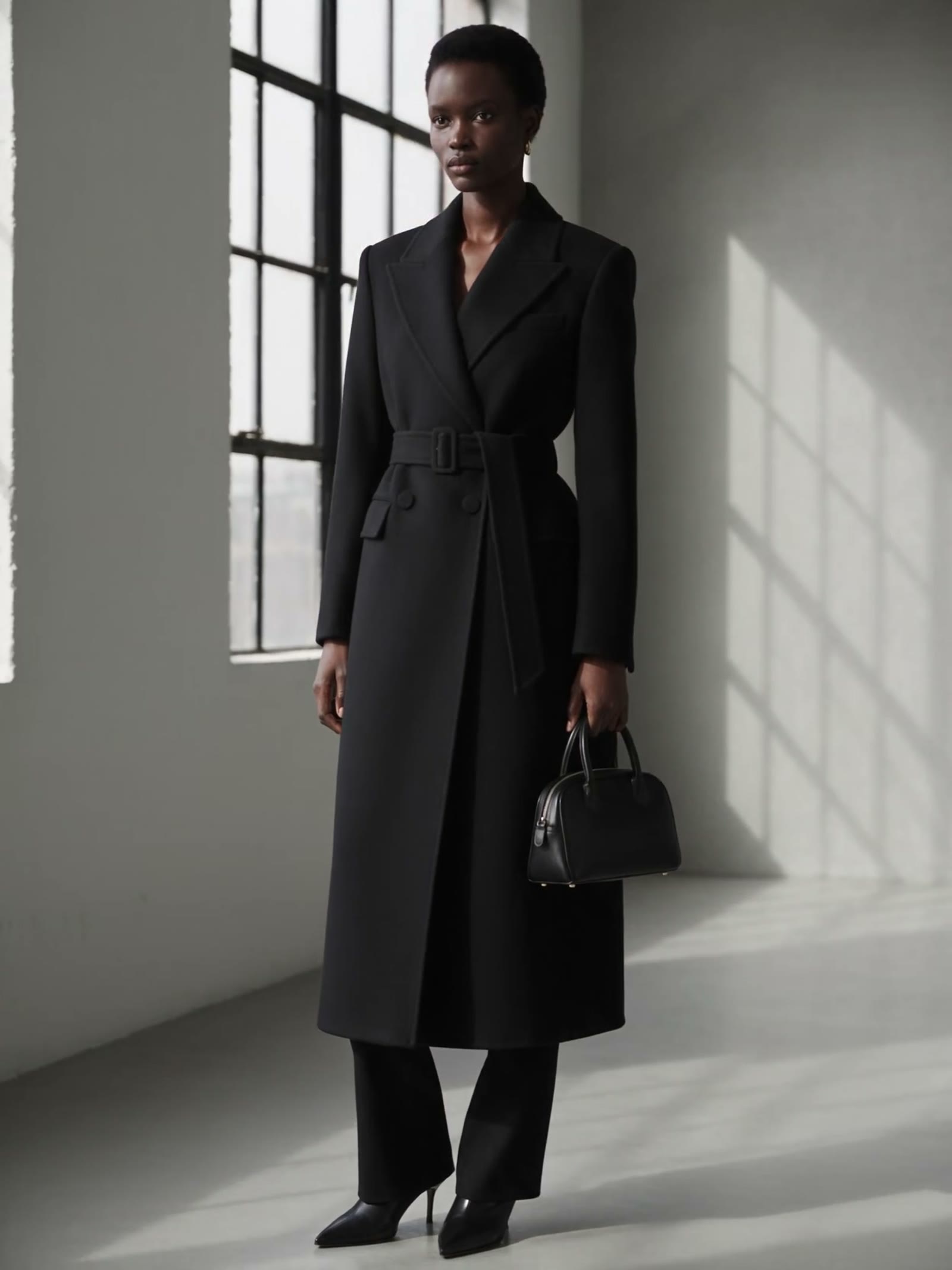
The new look, `reference_image`
Change the grey studio and the flat light to the sunlit concrete city rooftop at golden hour in @Image 1: a low parapet with the skyline softly out of focus behind her, warm low sun from the left; relight her to match, with warm light on her face and a soft shadow on the ground
She is the same person: hat, ring, every pose and the camera tilt carry over, and her face takes the low sun instead of the flat studio light. The first second, which shows only her legs, reads greyer than the rest, so trim it when you cut it in.
Move a scene to a new location after the shoot
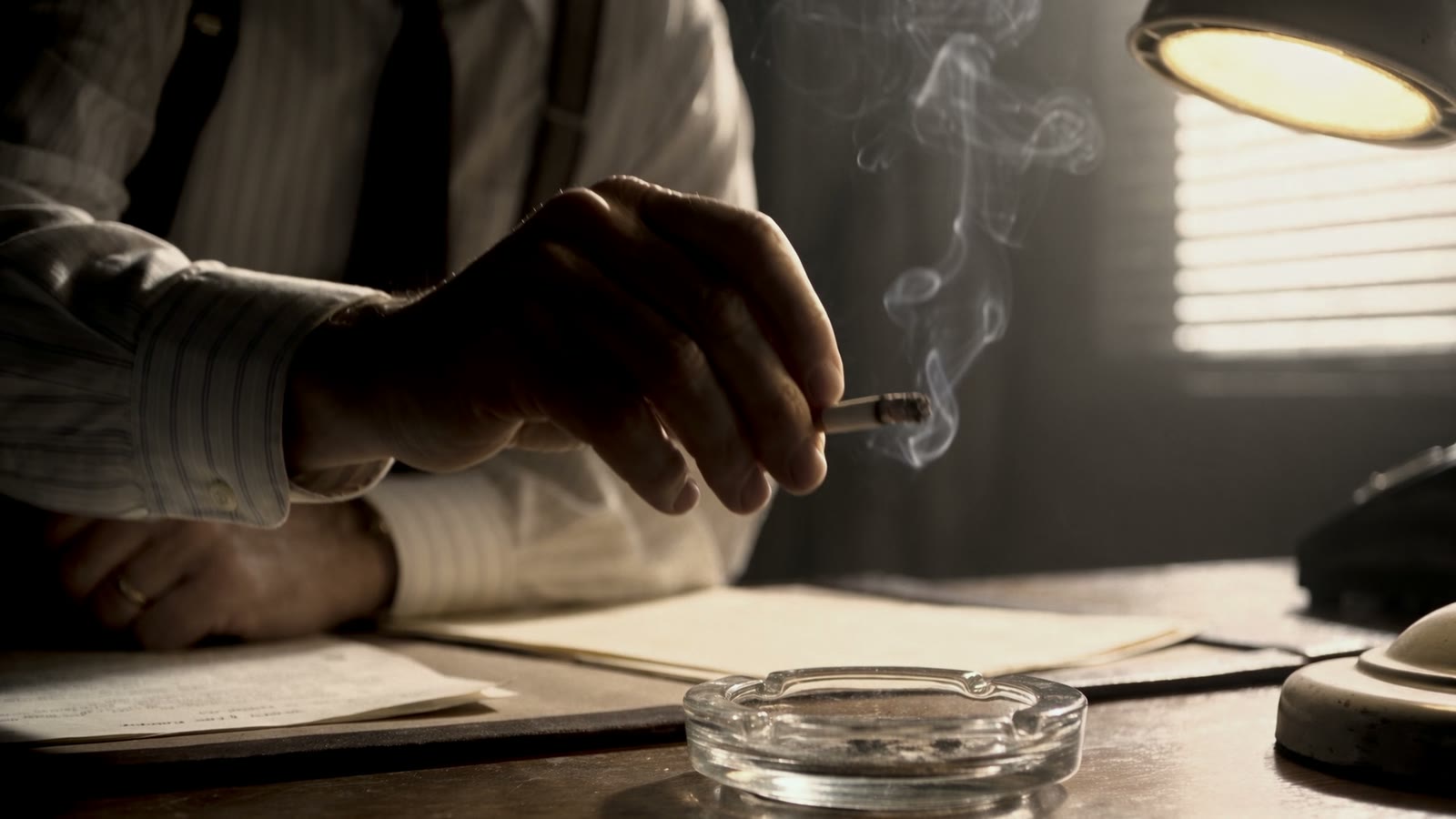
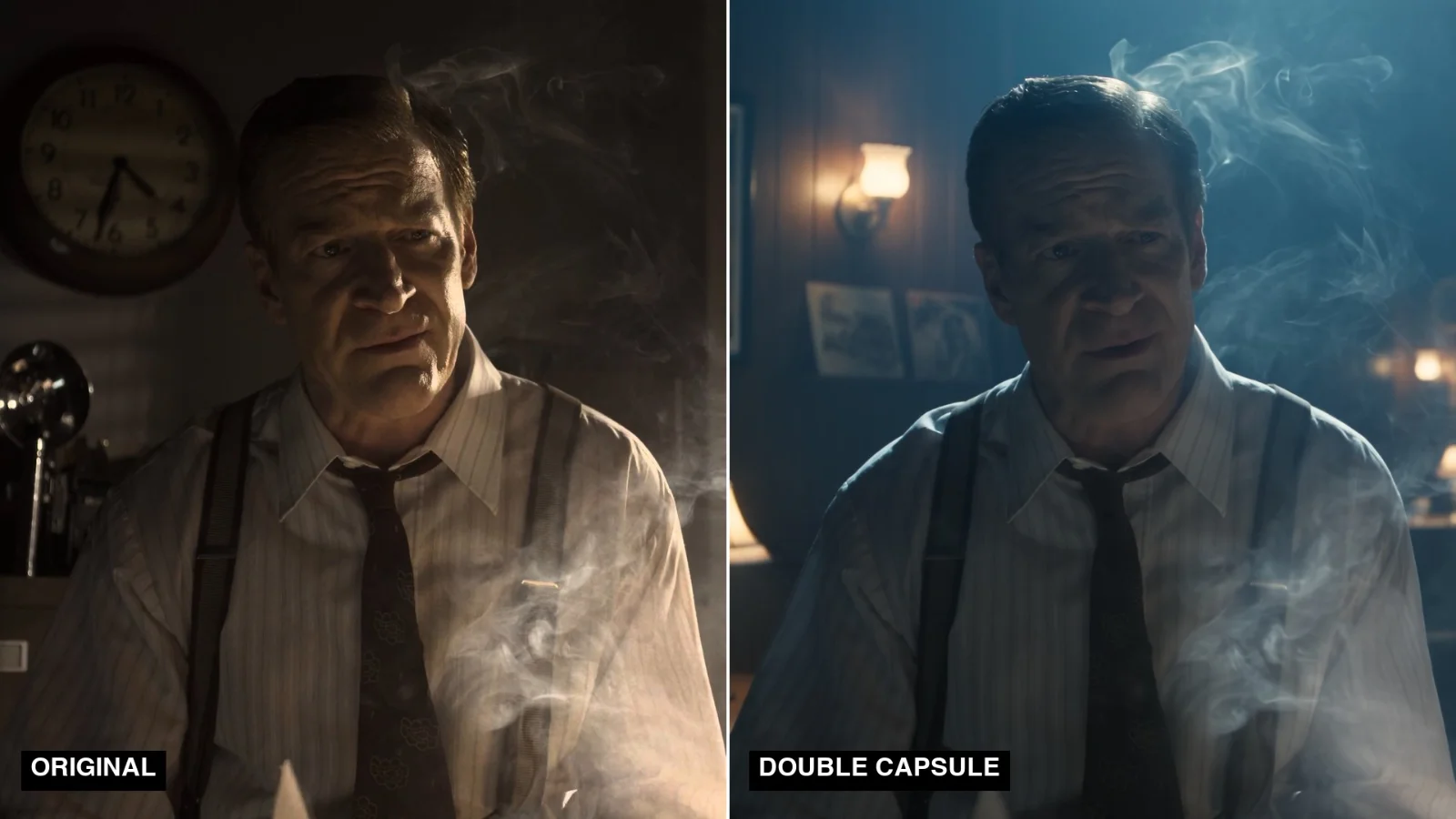
A director has a scene shot in a period office and wants it to play in the back room of a jazz club instead.
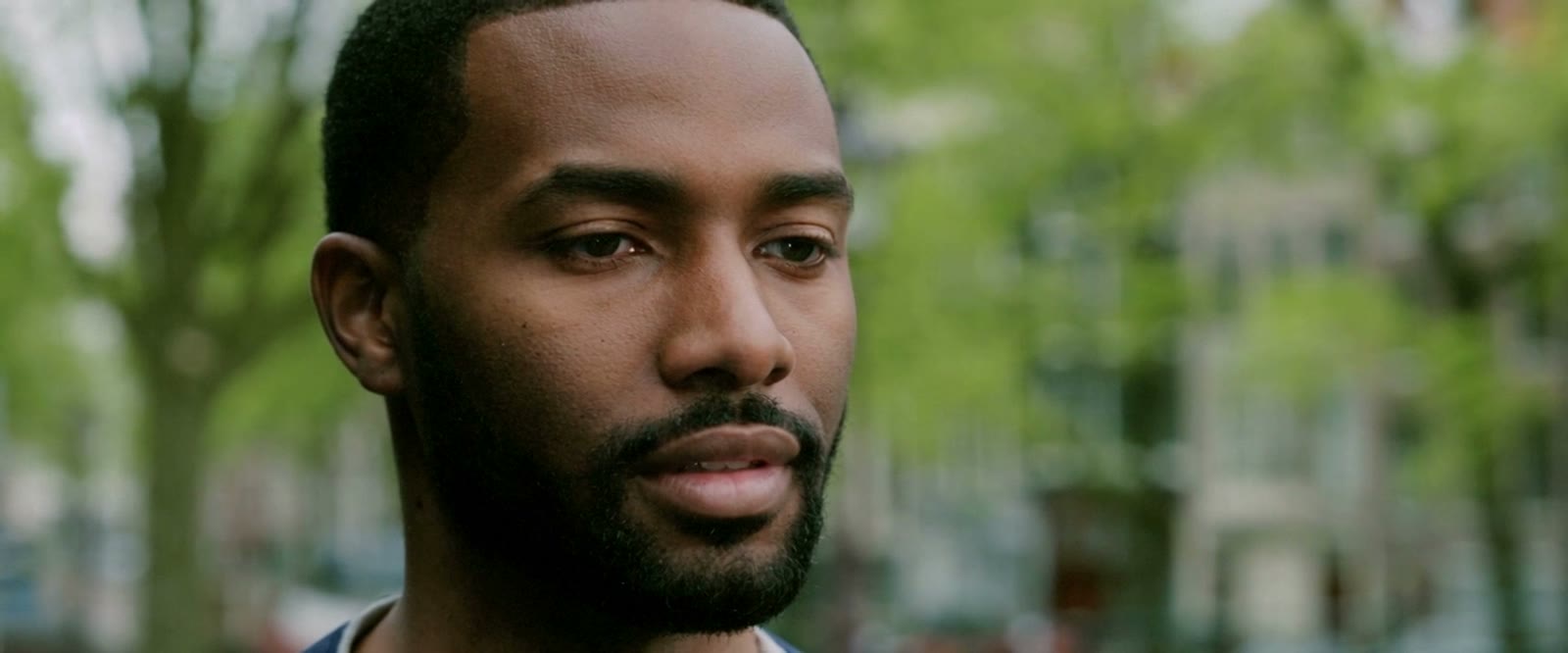
The new look, `reference_image`
Change the setting and the light to the back room of the 1920s jazz club in @Image 1: blue haze, warm brass table lamps; keep his cigarette smoke
The panelling, brass lamps and blue haze read at once, and his posture and wardrobe carry over, as does the smoke the sentence named. Two things slipped: a lit cigarette appears at his lip partway through, which the source never shows, and the desk lamp in the right foreground is gone.
Source footage: Meridian (2016), Netflix, Inc., CC BY 4.0.
Relight a day scene as night with neon light
A cinematographer has a close-up lit by daylight through an office window and wants it to play at night, lit by a red neon sign outside.
The new look, `reference_image`
Change the light to the same office at night in @Image 1, lit only by flickering red neon from a sign outside the window; relight him to match, with red neon light on his face and deep shadows
His expressions, lip movements and the framing follow the source, and the red light falls across his face. The sign dims three times in five seconds: that is the flicker the sentence asked for.
Source footage: Meridian (2016), Netflix, Inc., CC BY 4.0.
Change the season of a shot to winter
A commercial team wants a summer drive to play in winter for a seasonal cut, without booking a second aerial shoot.
The new look, `reference_image`
Change the season to winter as in @Image 1: the same winding road through snow-covered hills, snow on the slopes, the verges and the fence line, a clear dark road, soft winter light
Snow covers the hills, the verges and the fence line, the sky turns overcast, and the car holds its line, speed and timing under the same aerial move. Its hard summer shadow softens to suit the new light.
Source footage: Meridian (2016), Netflix, Inc., CC BY 4.0.
Swap a prop in a shot without a reshoot
A production designer wants a different desk lamp in a two-person scene that has already been shot.
The new look, `reference_image`
Replace the desk lamp on the desk with the green-shaded brass banker's lamp in @Image 1, in the same spot and switched on
The banker's lamp stands on the same spot in every frame, and both men, the papers, the room and the shaft of window light, all named in Keep, are unchanged. The one loss: the warm pool of light the old lamp threw on the desk is gone.
Source footage: Meridian (2016), Netflix, Inc., CC BY 4.0.
Tips for good results
- Make the reference from a frame of your own shot. Change one frame in an image editor so the framing matches, and check it before you run: the rooftop's first reference zoomed out and turned her sandals into sneakers, so it was redone.
- Put the relight on the person. "Relight her to match, with warm light on her face" came back relit. An earlier grey studio test that only said "relight him to match" kept the flat studio light on his face.
- Name what must survive the change, such as smoke, rain, reflections or the light a prop throws. The banker's lamp sentence did not mention the old lamp's warm light on the desk, so it went with the lamp.
- Every word in Change is acted on. The neon example flickers because its sentence said "flickering". Describe the look you want and nothing else.
- Swap like for like. Pick a clearly lit prop and swap it for something of similar shape, size and handling, such as a desk lamp for a banker's lamp. A flashlight swapped for an oil lantern did not make sense in the shot, and a new look on a backlit, silhouetted prop did not read.
- Use one reference for every shot of a scene. Four office shots given the same jazz club frame all came back in the same room, so the cut holds together.
- Watch the whole take. Small props can appear or vanish (the jazz club cigarette), a wide day-to-night shot can change only half the frame, and very fine skin and fabric texture comes out a little smoother. Every run is a new take, so run again if a detail matters.
- Test at 480p, then finish at 1080p. The test shows whether the look works. The 1080p render is a new take, so it will not match the test frame for frame.
Use it from the API
Every input above is also an API parameter, so you can send a batch of shots from Python, JavaScript or your pipeline tools: submit a request, then poll until the new shot is ready. The request format is on the Segmind Double Capsule API page.
Try it on your own footage at Segmind Double Capsule.
- #guide
- #ai-video
- #video-to-video
- #video-editing
- #filmmaking
- #vfx