Bria Product Shadow – Product Image Enhancement API
What is Bria Product Shadow?
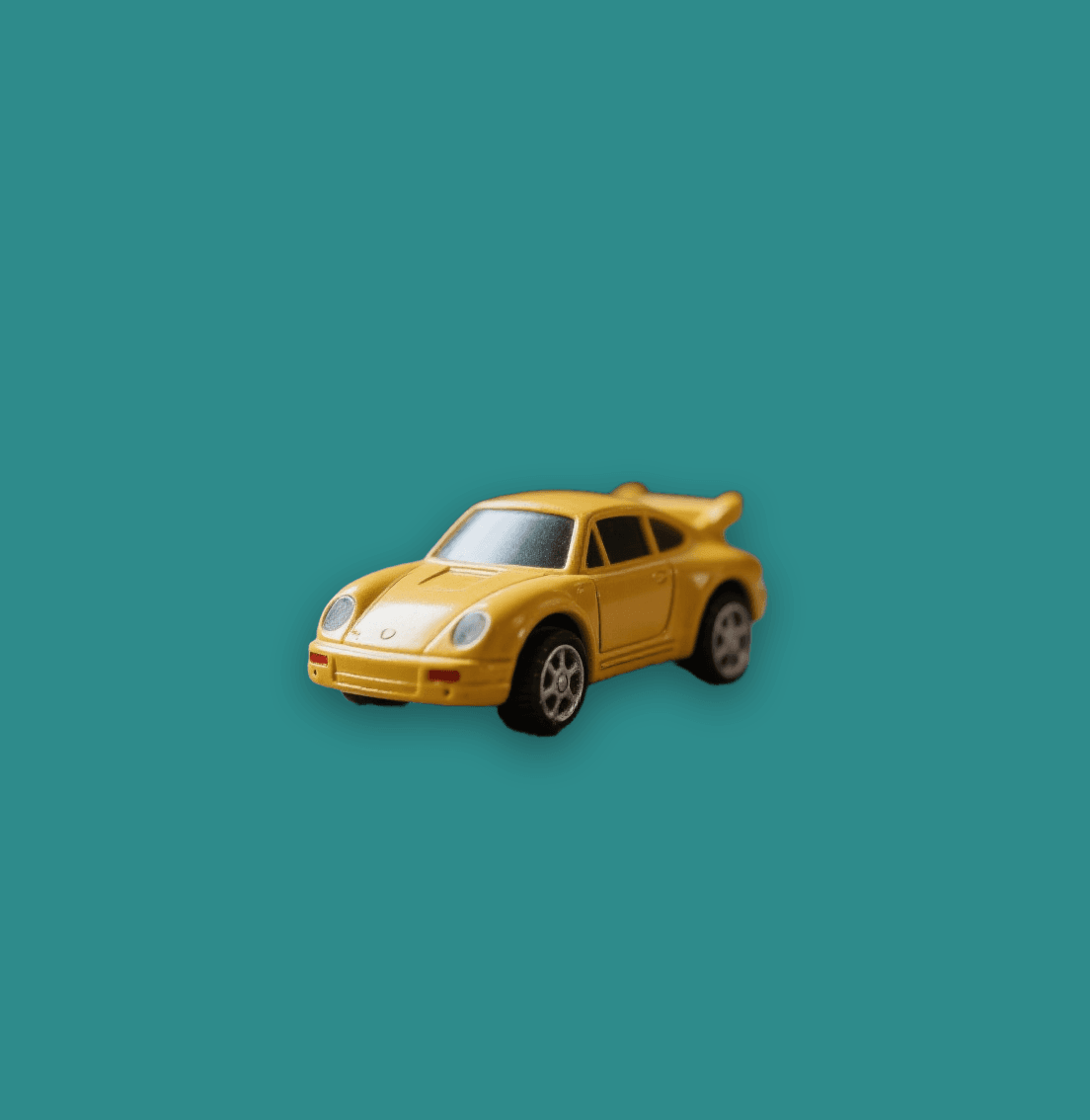
Bria Product Shadow is a specialized AI-powered API designed to add realistic, professional shadows to eCommerce product images. Part of Bria AI's comprehensive product shot editing suite, this model automatically generates consistent shadows that enhance product presentation and create depth for cutout images. The API seamlessly integrates shadow generation with background processing, making it ideal for developers building automated product photography workflows or eCommerce platforms requiring high-quality product visuals at scale.
Key Features
• Dual shadow styles: Choose between regular ground shadows or floating 3D shadows for enhanced visual impact
• Precise shadow control: Fine-tune intensity, blur, width, and height parameters for perfect shadow positioning
• Custom color support: Apply any shadow color using hex codes to match brand guidelines or design requirements
• Intelligent background handling: Automatically processes transparent backgrounds or force background removal as needed
• Alpha channel preservation: Maintains image transparency while adding realistic shadow effects
• Content moderation: Optional inappropriate content screening for safe automated workflows
Best Use Cases
eCommerce platforms benefit from consistent product imagery across catalogs with professional shadow effects. Digital marketing agencies can automate client product shot enhancement without manual photo editing. Automotive dealers leverage specialized automotive image harmonization for vehicle listings. Product photographers streamline post-processing workflows by batch-adding shadows to cutout images. Marketplace sellers create professional-looking product photos that stand out and drive conversions.
Prompt Tips and Output Quality
For optimal results, use PNG images with transparent backgrounds as input. Set shadow intensity between 60-80 for natural-looking shadows, or increase to 90+ for dramatic effects. Choose "regular" shadow type for grounded products like furniture or electronics, and "float" for lightweight items needing 3D elevation. Adjust shadow blur (10-20) for sharp products or higher values (25+) for softer, more diffused shadows. Match shadow colors to your background – use darker grays (#333333) on light backgrounds and lighter shadows (#666666) on darker surfaces.