FLUX 3 Extend Video — AI Video Continuation Model
What is FLUX 3 Extend Video?
FLUX 3 Extend Video is Black Forest Labs' video continuation mode, exposed on Segmind as a simple video-to-video API. You hand it a short MP4 clip and a prompt describing what happens next, and it renders a seamless continuation that carries the source's framing, motion, camera behavior, and audio across the seam. It is part of FLUX 3, BFL's multimodal model trained jointly on video, images, and audio, so the extension is generated with native synchronized sound rather than a bolt-on pass.
Because the continuation is framing-aware, the new footage does not restart the shot — it extends it. In testing, a five-second cliff-top clip continued into a sweeping pull-back that revealed the wider landscape as birds crossed the sky, complete with matching ambient audio.
Key Features
- Seamless video extension that preserves composition, motion, and scene logic
- Native synchronized audio: dialogue, sound effects, and ambience generated with the frames
- HD and Full HD (fhd) output at 24 fps
- Aspect ratio control (auto, 16:9, 9:16, 1:1, and more) with auto matching the source
- Extension length from 5 to 20 seconds
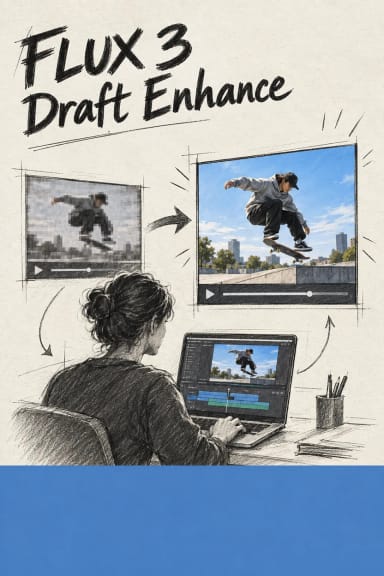
- Draft mode for fast, low-cost previews before a final render
Best Use Cases
Use FLUX 3 Extend Video to lengthen an existing shot without a reshoot: continue a product demo, extend an establishing shot, add a next beat to a narrative scene, or push a social clip past its original cut. It is well suited to cinematic reveals, camera moves such as pull-backs and cranes, and continuations that need matching sound. Creators use it to turn short generations into longer, edit-ready sequences.
Prompt Tips and Output Quality
Describe the next beat — the action, camera move, and mood — rather than restating the source clip. Keep the starting footage clean and stable for the most coherent seam. Leave aspect_ratio on auto to inherit the source frame, or set 16:9 for cinematic and 9:16 for verticals. Iterate with draft enabled, then disable draft and choose fhd for final delivery. In our tests the model produced clean 720p continuations with coherent motion and synchronized audio; an occasional transient artifact on a given seed clears on a re-run.