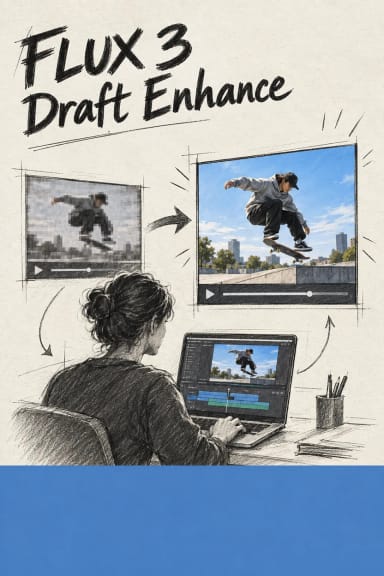
FLUX 3 Video Edit - AI Video-to-Video Editor
What is FLUX 3 Video Edit?
FLUX 3 Video Edit is Black Forest Labs' prompt-driven video editor. Give it a clip and one instruction, and it returns the same clip with only that change applied. It is a video-to-video model, not a text-to-video generator, so the length, framing, camera movement, timing and audio all come from your source footage instead of being regenerated. Everything the prompt does not name stays exactly as shot, which is the model's core promise: it preserves faces, products and background detail while many editors drift. Send an MP4 up to 15 seconds and describe the edit in plain language.
Key Features
- Swap the on-camera character or subject while the motion, footwork and camera stay frame for frame.
- Add, remove or replace objects with no mask; removed areas fill from the scene and added ones inherit its light, scale and perspective.
- Rewrite or insert on-screen text with legible typography that tracks the shot.
- Restyle the whole clip into a named look, or rebuild the background and location with no green screen.
- Rewrite and translate spoken dialogue with matching lip sync, and stack several edits in one prompt.
Best Use Cases
In testing, one boxing clip became a chrome-robot fighter, gained bold wall text, had its heavy bag swapped for a swinging watermelon, and was redrawn as a charcoal sketch, each keeping the original punches and camera. That maps to real production work: swap a product, colourway or packaging text across a finished ad, localize dialogue from a single master, remove a stray logo or crew member from a locked shot, or restyle creator footage into on-brand variants without a reshoot.
Prompt Tips and Output Quality
Name only what changes, and name what must stay, for example keep the same footwork, camera and timing. One clear change per prompt is the most reliable; stack more only when each is simple. Output holds the source length at up to 720p and 24 fps. A silent clip stays silent, so dialogue edits need a source that already has audio.