Kling 3.0 Pro Motion Control — Video-to-Video Motion Transfer
What is Kling 3.0 Pro Motion Control?
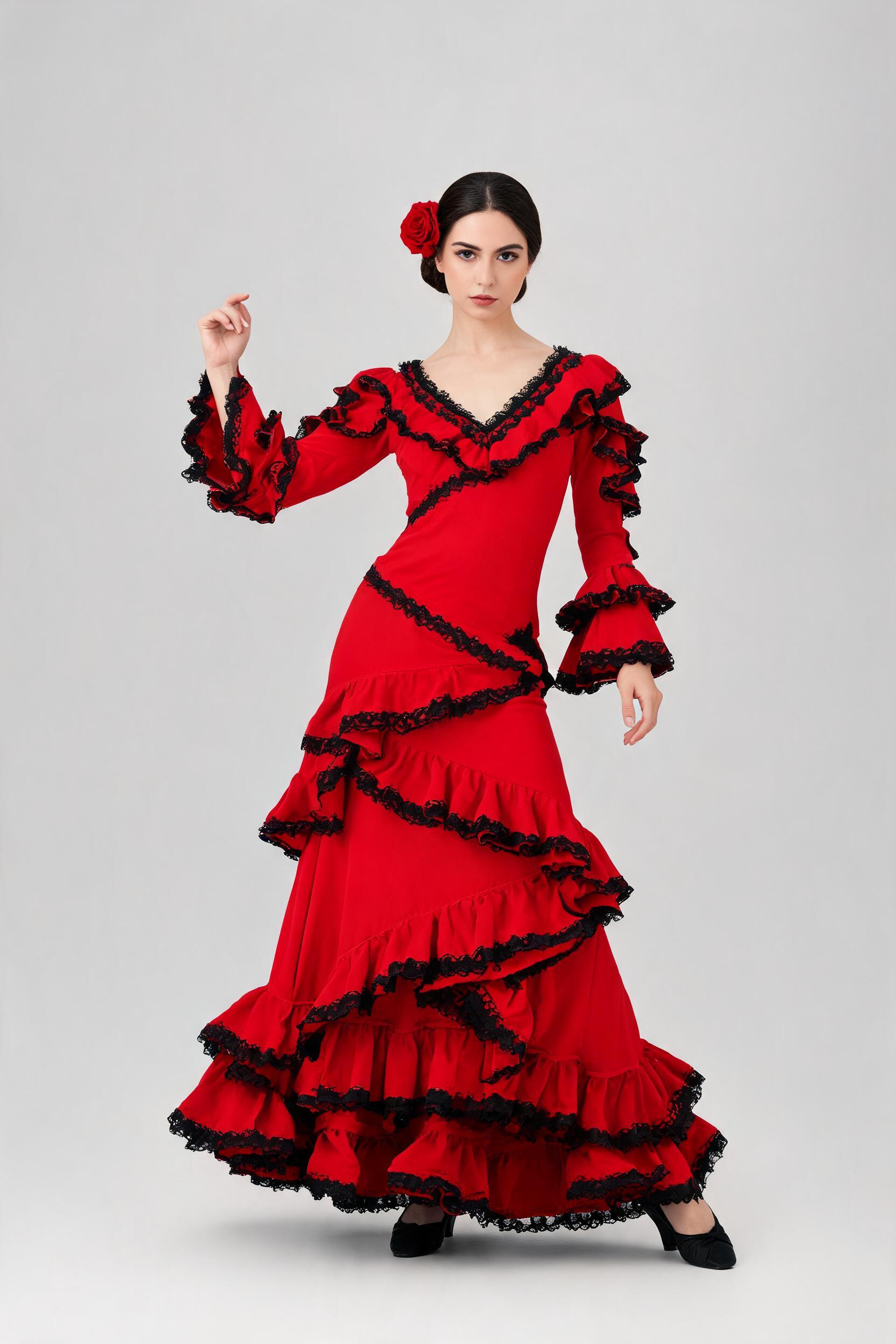
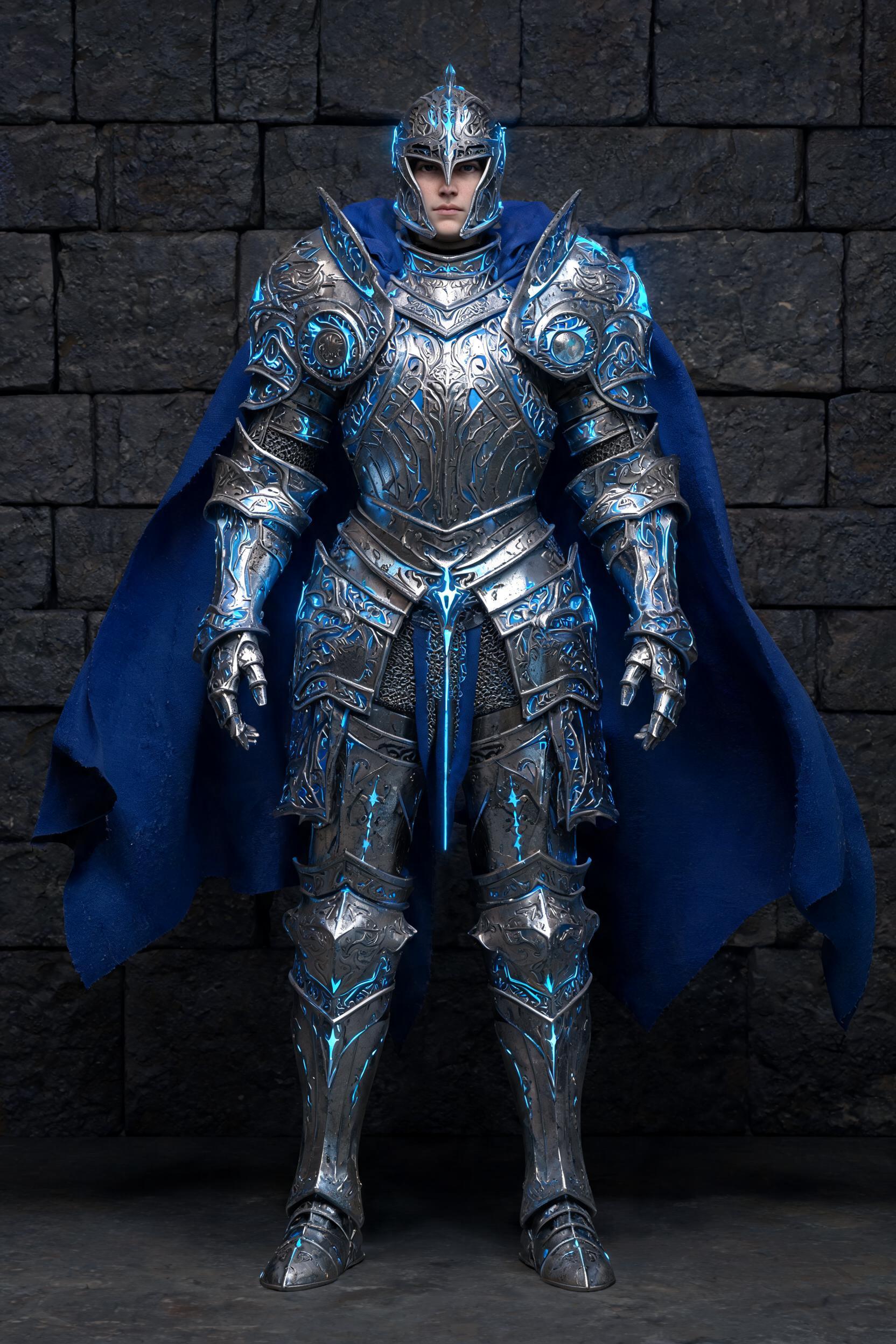
Kling 3.0 Pro Motion Control is a video-to-video motion transfer model from Kuaishou's Kling team. You give it two inputs — a single still character image and a 3-to-30-second reference (driving) video — and it returns a new clip in which your character performs the reference's exact movement while keeping its own face, expression and outfit. It separates appearance from action: the image decides who appears, the video decides how they move. The pro tier renders at 1080p for final delivery.
Because you show the model the motion frame by frame instead of describing it in a prompt, results are far more repeatable than prompt-only image-to-video — one reference clip can drive a whole cast of characters.
Key Features
- Reference-driven motion transfer from a 3–30 s driving clip; output length matches the reference
- 1080p output on the pro tier (720p on the standard tier)
- Facial identity, expression and outfit preserved through head turns, multi-angle motion and partial occlusions (hands, props)
- Physics-accurate motion — grounded feet, natural balance and inertia, no "sliding on ice"
character_orientationto follow the reference (up to 30 s) or keep the still's facing (up to 10 s)- Optional prompt for scene, background or camera;
keep_original_soundto retain the reference audio
Best Use Cases
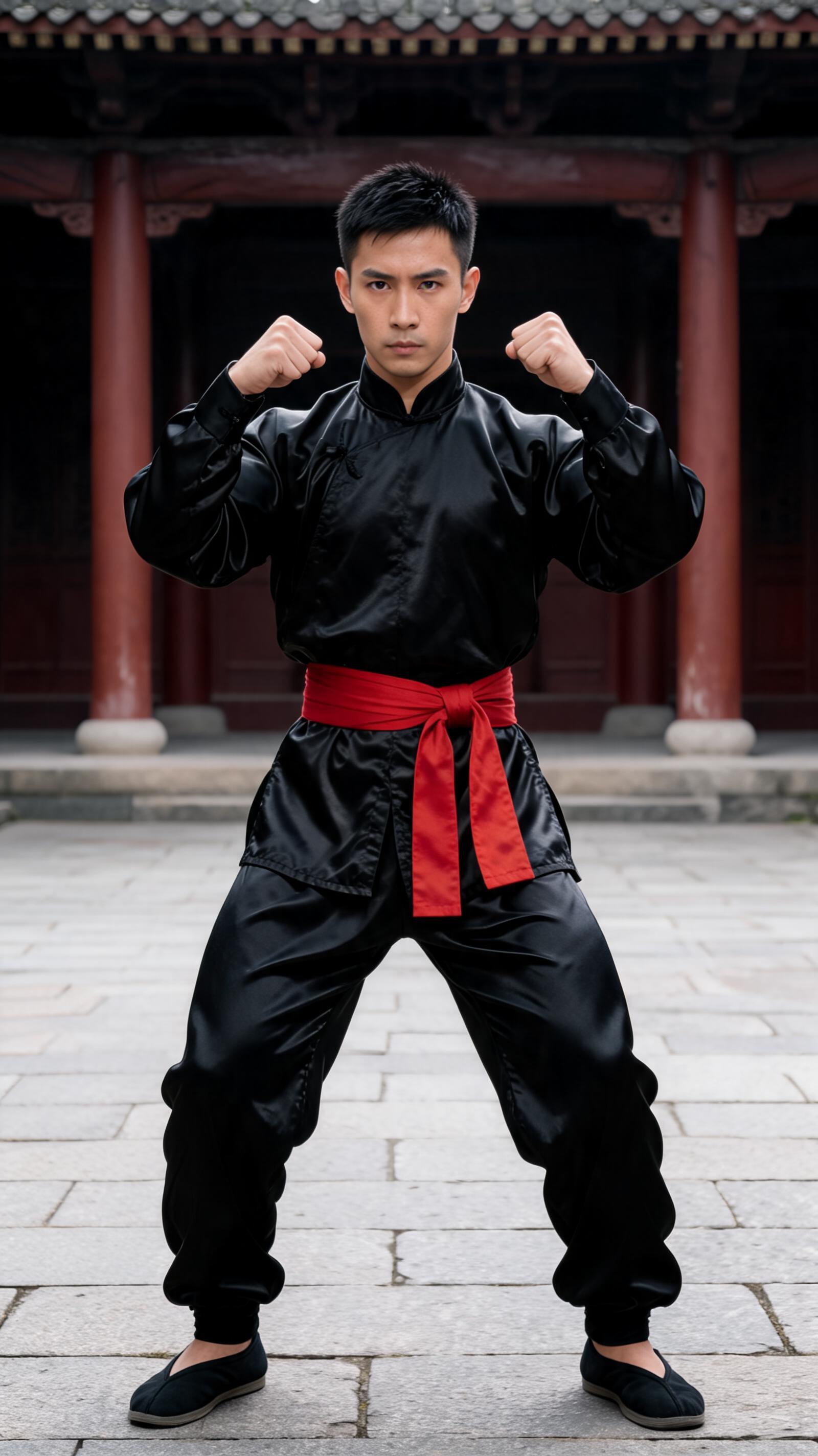
Apply a trending dance or an expressive gesture to a custom character or avatar; drive brand mascots and concept art with a real performance; reuse one motion template across a series for consistent characters. It suits music videos, game trailers, IP campaigns and short-form social, replacing a motion-capture-and-rigging stage with a single reference clip. Dance, martial arts, walking, running and hand-gesture work all transfer cleanly — our test drove a wushu character through a full kung-fu form (high kick, lunge punch, horse-stance guard) with identity and footing intact.
Prompt Tips and Output Quality
Motion always comes from the video, so the prompt only adds scene, background or camera direction — keep it short. Use a clean, single-subject reference with continuous, moderate-speed motion and no hard cuts, and a character image with a clearly visible, reasonably large face. In a multi-person reference, the subject filling the largest area of the frame drives the motion. Expect sharp 1080p results that hold likeness across the whole clip.