Luma Uni-1 — Reasoning-First Image Generation and Editing
What is Luma Uni-1?
Luma Uni-1 is a multimodal model from Luma AI that reasons before it renders. Instead of stitching a language model to a separate image generator, Uni-1 is a single decoder-only autoregressive transformer where text and image tokens share one interleaved sequence. That means it can decompose an instruction, resolve constraints, and plan composition during synthesis rather than guessing in one shot. On Segmind, you can call it as a text-to-image generator or as a natural-language image editor: send a prompt, optionally attach a source image, choose an aspect ratio, and pick a style. The result is image generation and editing that respects spatial logic, plausibility, and your stated intent — ideal when "prompt and pray" is not good enough.
Key Features
- •Reasoning-first synthesis that plans layout and object relationships before drawing.
- •Natural-language editing: describe a change ("change the sky to sunset, keep the town unchanged") and Uni-1 edits only what you ask.
- •Optional source image input for image-to-image transformation, background swaps, relighting, and localized edits.
- •Nine preset aspect ratios for banners, social, and mobile formats.
- •Style control with an auto mode for realistic output and a manga mode for comic, webtoon, and anime looks.
Best Use Cases
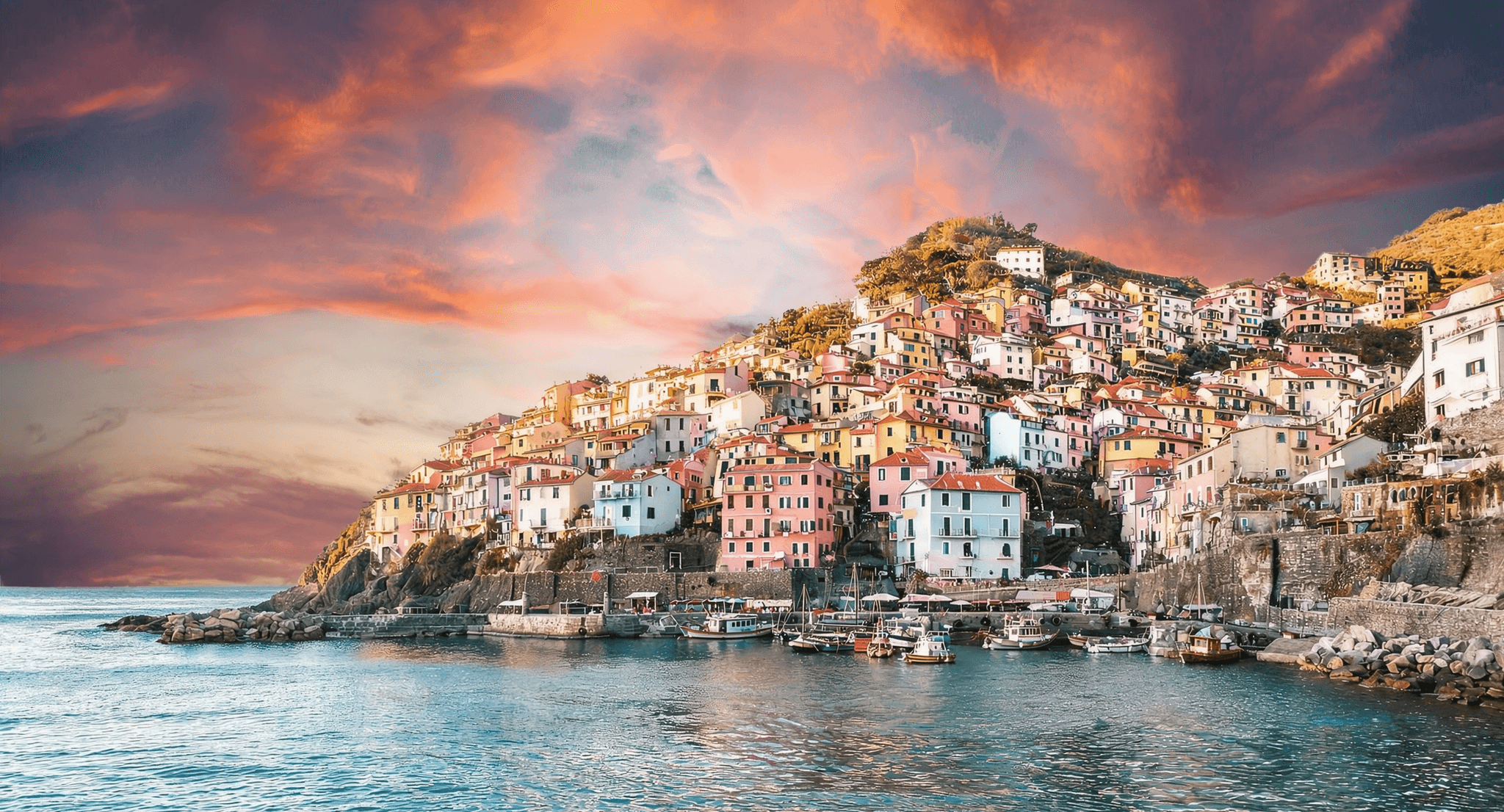
Uni-1 shines on instruction-heavy work: multi-constraint briefs, complex scenes with precise spatial relationships, and edits that must stay visually plausible. In testing, a clear-sky coastal town was converted to a dramatic sunset while the buildings, boats, harbor, and water stayed intact and the global lighting adapted naturally — a clean demonstration of reference-faithful editing. It is well suited to brand and campaign assets that must stay on-brand across revisions, sketch-to-art refinement, manga and webtoon panels, and agent-driven creative pipelines where reliable instruction-following matters more than a single pretty guess.
Prompt Tips and Output Quality
Write plain-language directions and be specific. For edits, name the regions to preserve ("keep the subject and composition unchanged") so changes stay localized. Match the aspect ratio to your source image when editing, and switch style to manga for line-art and comic aesthetics. Outputs are high-resolution PNGs with clean, repeatable quality. Because Uni-1 is autoregressive, high-resolution generations can take longer than lightweight diffusion models — a worthwhile trade for accuracy.
FAQs
Is Luma Uni-1 a text-to-image or an image editing model? Both. Omit the image to generate from text, or attach a source image to edit it with plain-language instructions.
What makes Uni-1 different from diffusion models? It reasons through instructions before and during generation, so it handles spatial logic, layout, and plausibility better than one-shot diffusion.
Can it preserve a subject while changing the background? Yes. State what to keep and what to change; Uni-1 applies localized edits while leaving the rest intact.
Does it support manga or comic styles? Yes. Set style to manga for comic, webtoon, and anime-style results; use auto for realistic output.
Which aspect ratio should I choose? Use 16:9 for banners and landscapes, 9:16 for mobile and stories, and 1:1 for social posts.
Why might a generation take a little longer? Uni-1's reasoning-first, autoregressive approach trades some speed at high resolution for stronger instruction-following and coherence.