Pruna P Video 2 — Video Generation with Native Audio
What is Pruna P Video 2?
Pruna P Video 2 is the second generation of Pruna AI's video model, and the change that matters most is that it generates sound. Dialogue, music, ambience and sound effects are produced together with the picture in a single pass, so a clip arrives finished rather than silent and waiting for a soundtrack. Pruna also reports stronger lip sync and sharper on-screen text than the first P Video.
It is one endpoint with three ways in. Send a prompt alone for text-to-video. Add an image and it animates that frame. Add an audio track and the model generates video to match it, which is how you get a speaking presenter whose mouth follows a voiceover you already have. Output goes up to 1080p at 24 or 48 fps, in clips of up to 20 seconds.
On Segmind, POST https://api.segmind.com/v1/p-video-2 returns the finished MP4 in the response body. Billing is per second of the video you actually get back — no GPU to provision, no queue to manage.
Key Features
Native audio. Every render carries a 48kHz stereo track generated with the video. Prompt for a line of dialogue and the character speaks it; prompt for rain on an awning and you hear it. Set save_audio to false if you want the picture on its own.
Three input shapes, one slug. Text-to-video, image-to-video and audio-conditioned generation all run through the same endpoint — the model picks the task from which fields you send. Add last_frame_image to steer where the shot ends up.
Draft mode. draft: true returns a faster, lower-quality preview at roughly half the per-second rate, so you can iterate on a prompt cheaply and spend the full rate only on the take you keep.
Length that follows the content. Set duration between 1 and 20 seconds, or leave it out entirely and let the model choose the length from your prompt. Supply an audio track and the video is generated to match the audio's length.
Seven aspect ratios — 16:9, 9:16, 4:3, 3:4, 3:2, 2:3 and 1:1 — plus 24 or 48 fps, and seeded generation for reproducible results.
Best Use Cases
P Video 2 earns its place wherever sound is part of the deliverable. Social and ad teams get platform-native vertical clips that already have music and effects. Product teams get explainer footage with a voice, from a script rather than a shoot. The audio-conditioned path turns an existing voiceover into a presenter clip, which is the fastest route from a written script to a talking-head video. And because an input image locks the opening frame, brand and product stills can be animated without redrawing them.
Draft mode changes the economics of exploration: at $0.015 per second, a 5-second 720p preview costs under two cents, so trying ten prompt variants before committing is a rounding error rather than a budget decision.
Prompt Tips
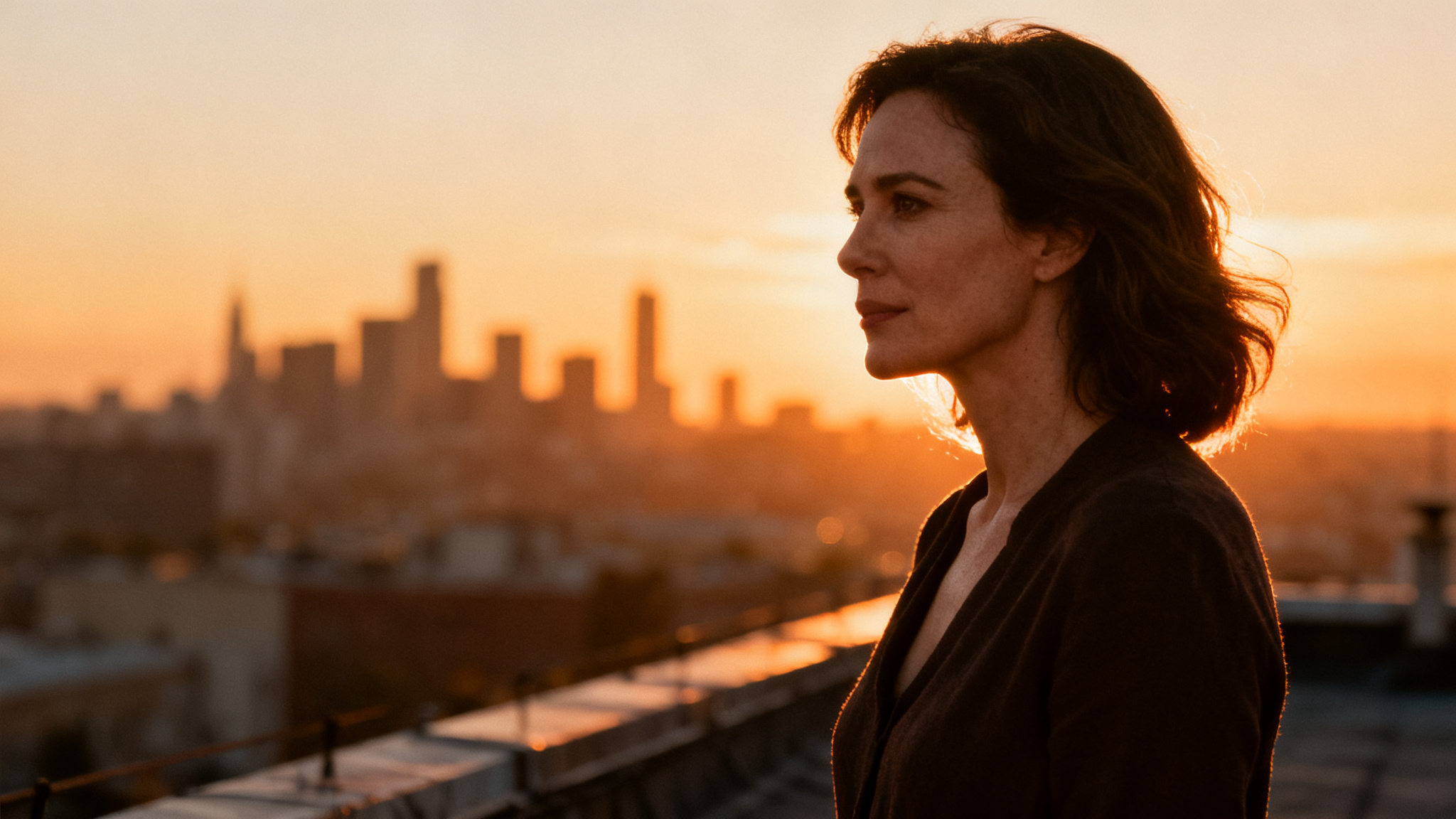
Write the sound into the prompt, not just the picture. A prompt that names the subject, the action, the setting, the camera move and what you hear gives the model everything it needs: "A woman walks through a rain-slick Tokyo alley at night, neon reflecting in the puddles. She looks into the camera and says warmly: 'You can hear every drop.' Distant traffic hums, rain patters on the awnings. Slow tracking shot, cinematic."
Put spoken lines in quotation marks so the model treats them as dialogue rather than description. Name ambience and effects explicitly — "wind", "distant traffic", "footsteps on gravel" — because they are generated, not sampled. Keep prompts under about 200 words for coherence, and leave prompt_upsampling on when your prompt is short and you want the model to fill in the detail.
For image-to-video, describe the motion rather than the scene: the image already establishes what things look like, so spend the prompt on what moves, how the camera travels, and what the shot sounds like.