P Video 2 Pro — Cinematic Text & Image-to-Video with Native Audio
What is P Video 2 Pro?
P Video 2 Pro is Pruna AI's cinematic video generation model and the final release in the P-Video family, built on MiniMax H3 (Hailuo 3.0) and tuned by Pruna for a much faster generation pass than the base API. One endpoint takes three kinds of input — a text prompt alone, a first-frame image, or a first-and-last-frame pair — and returns a finished clip of 5 to 15 seconds at 480p or 768p, 24 fps, in seven aspect ratios.
Its signature is audio. Every output comes back with sound generated in the same pass as the picture — dialogue, ambience and effects — so you write the sound you want directly into the prompt instead of adding it in a separate step. That is the capability that most clearly separates the underlying model from silent text-to-video generators.
Key Features
- Native generated audio in every clip — 32 kHz stereo, synced to the motion; write dialogue or sound effects into the prompt.
- Three ways in, one endpoint — text-to-video, first-frame image-to-video, and a first-and-last-frame lock that steers where the shot ends up.
- Three recipes —
speed(the fast default),quality(more compute on the same prompt) andcost(speed's output at the lowest per-second rate, for high-volume runs). - Prompt upsampler at three levels —
off,turbo,max— independent of the recipe. - 5–15 seconds, 480p or 768p, 24 fps, in 16:9, 9:16, 4:3, 3:4, 3:2, 2:3 and 1:1. A reference image sets the canvas, so the aspect ratio follows the image when you supply one.
- Reproducible with an explicit seed.
Best Use Cases
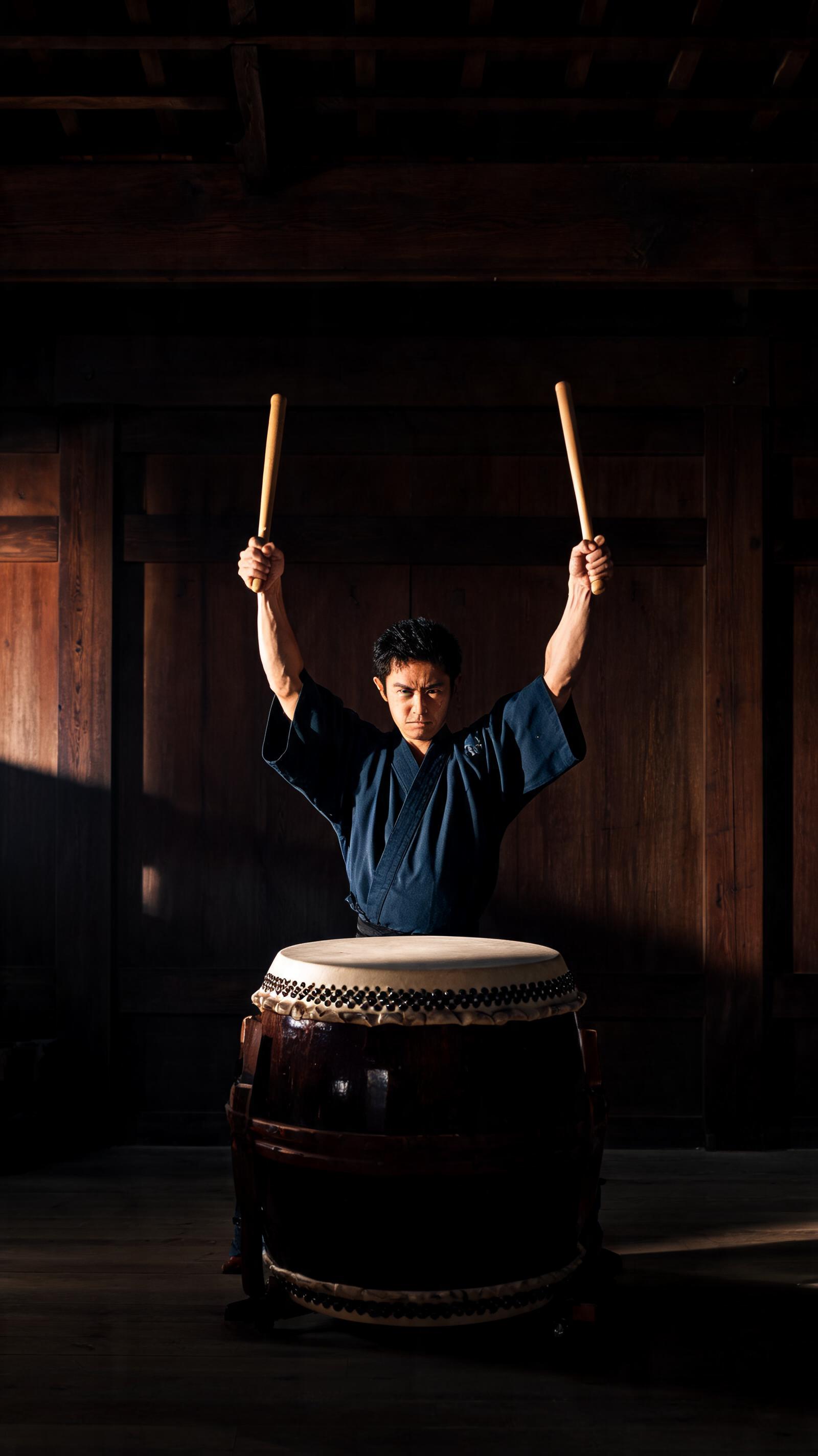
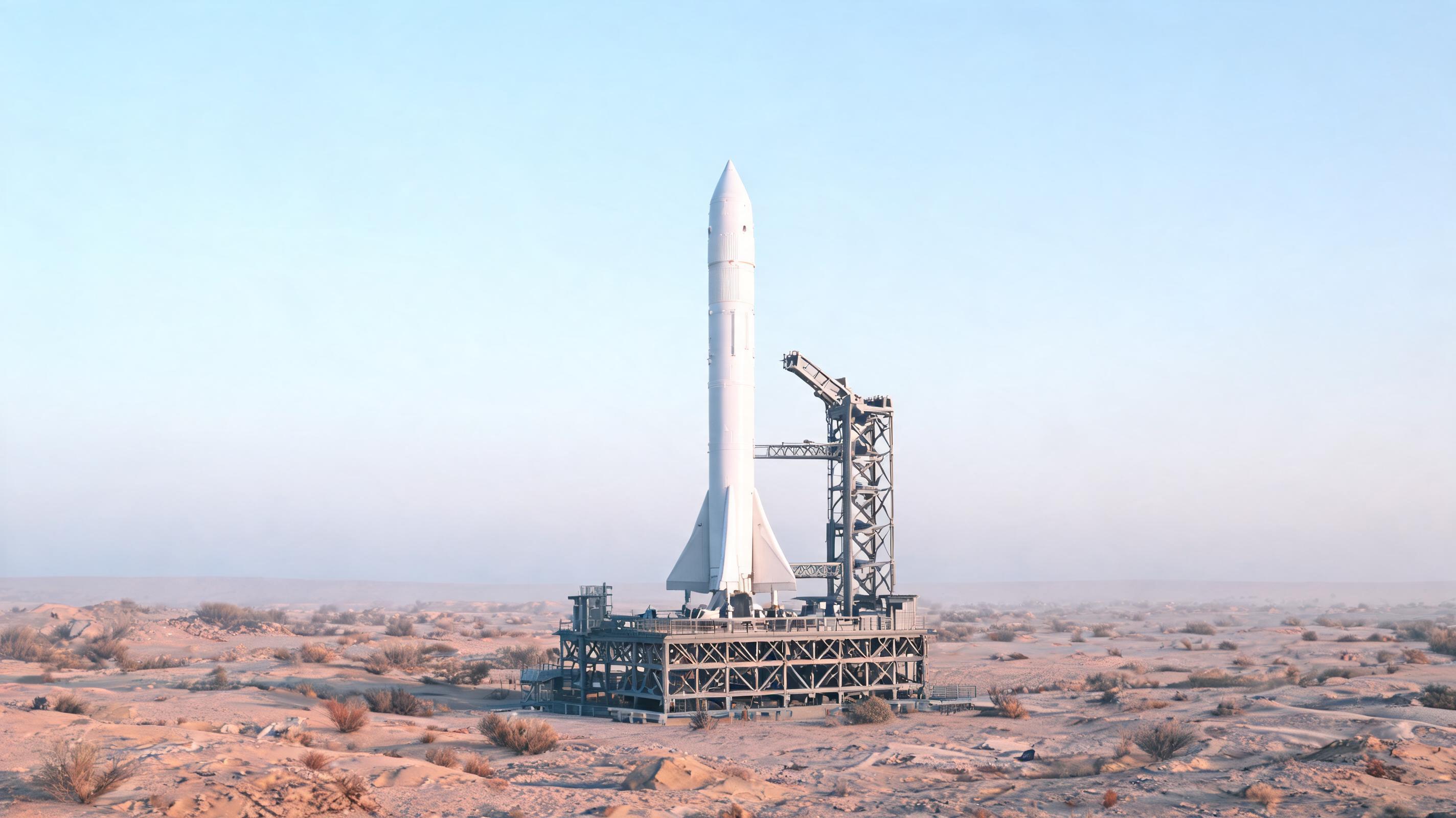
P Video 2 Pro is aimed at film-style beats where sound matters. In testing it rendered a forge scene with rhythmic hammer clangs, a taiko drummer whose still image animated into booming strikes, a rocket launch driven by first-and-last-frame images with a building engine roar, and a vertical quality-mode wok toss ready for social. That range maps to brand and product films with sound baked in, social-first vertical clips, game-world and pre-visualization shots, and dialogue two-shots — all without a separate audio mix.
Prompt Tips and Output Quality
Structure the prompt as subject, action, camera, then the sound. Keep one clear action and one clear sound event so the audio lands cleanly. Supplying a first-frame image switches the model to image-to-video and the aspect ratio follows that image; add a last-frame image to lock where the shot resolves. Use speed for drafts and quality for finals, 768p for delivery and 480p to iterate. Fix the seed to refine a shot across runs.