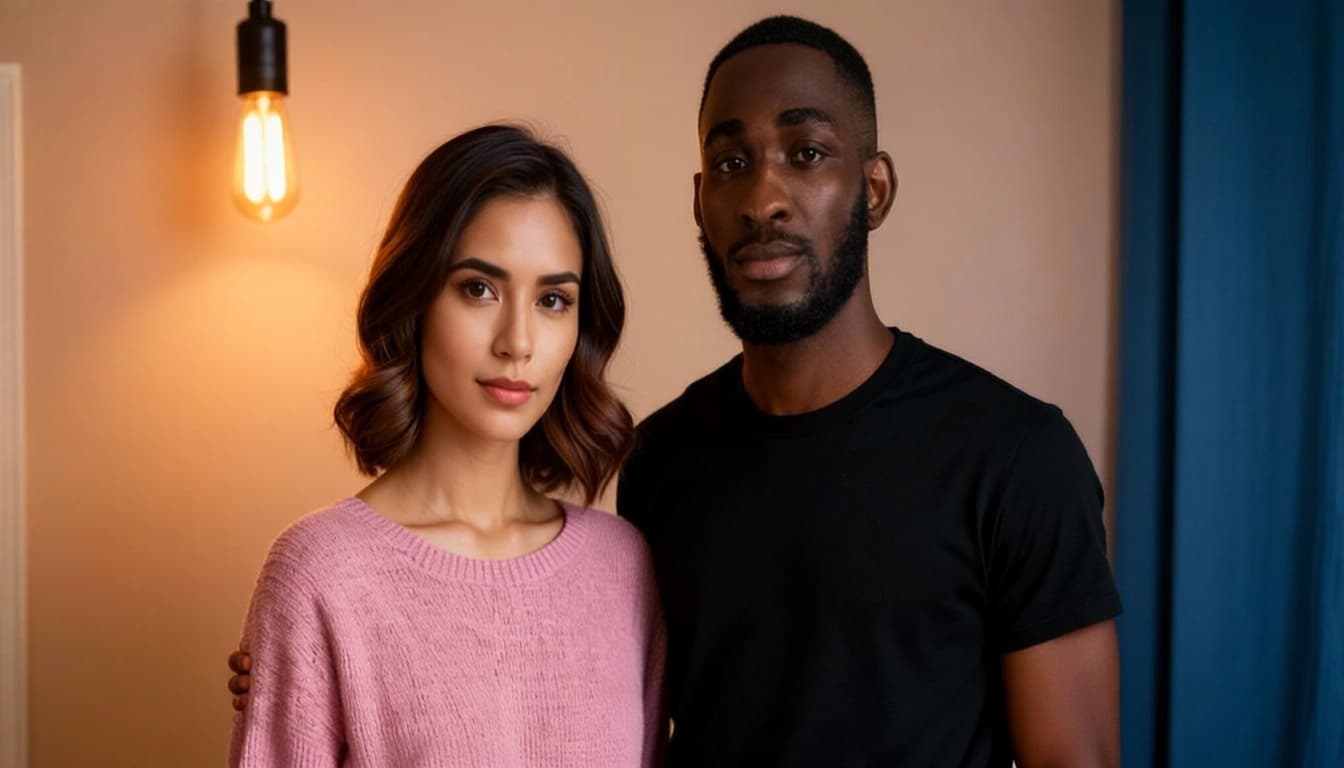
Qwen-Image-Edit-2509-Photous: Multi-Portrait Group Photo Generator
Edited by Segmind Team on November 27, 2025.
What is Qwen-Image-Edit-2509-Photous?
Qwen-Image-Edit-2509-Photous is an advanced AI model that has been perfected using Qwen/Qwen-Image-Edit-2509. It is a major upgrade in the realm of image-to-image models as it addresses and solves the daunting task of producing cohesive and lifelike group photos from separate individual portraits. This variant ensures stable facial features and seamless scene integration, which was often lacking in the original Qwen model, which would produce visual results with inconsistent characters in multi-image compositions. Qwen-Image-Edit-2509-Photous is developed using diffusers and LoRA adapters, making it useful for creators and developers focused on building photo editing software, social media applications, and AI-driven platforms for visual storytelling. Additionally, it is capable of incorporating a subtle vintage touch through artistic grain and nostalgic tones while maintaining the clarity and structure of the original visuals.
Key Features of Qwen-Image-Edit-2509-Photous
- •Character Consistency: It effectively maintains accurate facial features and identity across multiple input portraits.
- •Multi-Image Compositing: It can effortlessly process up to 3 individual portrait inputs to generate a single cohesive group scene.
- •Vintage Photo Effects: It can automatically apply authentic film grain and nostalgic styling for a vintage touch.
- •LoRA Customization: It comes pre-configured with
group_photoLoRA and supports additional custom LoRA URLs. - •Flexible Aspect Ratios: It also supports 11 ratios including, "16:9 widescreen" and "match_input_image" preservation.
- •Reproducible Outputs: It performs seed-based generation for consistent results across API calls.
- •High-Quality Export: It is equipped with configurable quality (1-100) with JPEG, PNG, and WebP format support.
Best Use Cases
- •Social Media Apps: It is perfect to create AI-generated group photos from remote participants' individual selfies.
- •Photo Editing Platforms: It offers "add friends to your photo" features for content creators.
- •Marketing & Advertising: It can render composite product photos with multiple influencer portraits.
- •Event Documentation: It can generate commemorative group images from distributed photo collections.
- •Dating & Social Discovery: It can be utilized to build realistic group context photos for profile enhancement.
- •Gaming & Avatars: It can design in-game group portraits from character face inputs.
Prompt Tips and Output Quality
Effective Prompt Structure: The model responds best to natural language describing mood, setting, and composition; therefore, using descriptive scene-setting prompts like "Create a group photo with friends smiling under a sunset" renders precise and high-quality results instead of prompts that contain technical instructions.
Image Input Best Practices: The model accepts 1-3 images: use all three inputs for richer group compositions. Also, upload high-resolution, well-lit portraits with clear facial features while ensuring consistent lighting and orientation across input portraits for cohesive results across multiple iterations.
Parameter Optimization:
- •Aspect Ratio: Use
match_input_imageto preserve original dimensions or select16:9for cinematic group shots. - •Seed Control: Set a specific seed (e.g., 87568756) for reproducible edits during testing; use
-1for creative variation. - •Quality Settings: Default quality (95) balances file size and detail; maximize to 100 for print-ready outputs.
- •LoRA Layering: Start with the pre-configured
group_photoLoRA, then experiment with custom LoRA URLs for style variations.
Camera Angles: Include "Rotate the camera for a dynamic angle" in prompts for portrait-style edits to add depth and professional framing.