Extract Texture Qwen Image Edit 2509: Texture Extraction Model
What is Extract Texture Qwen Image Edit 2509?
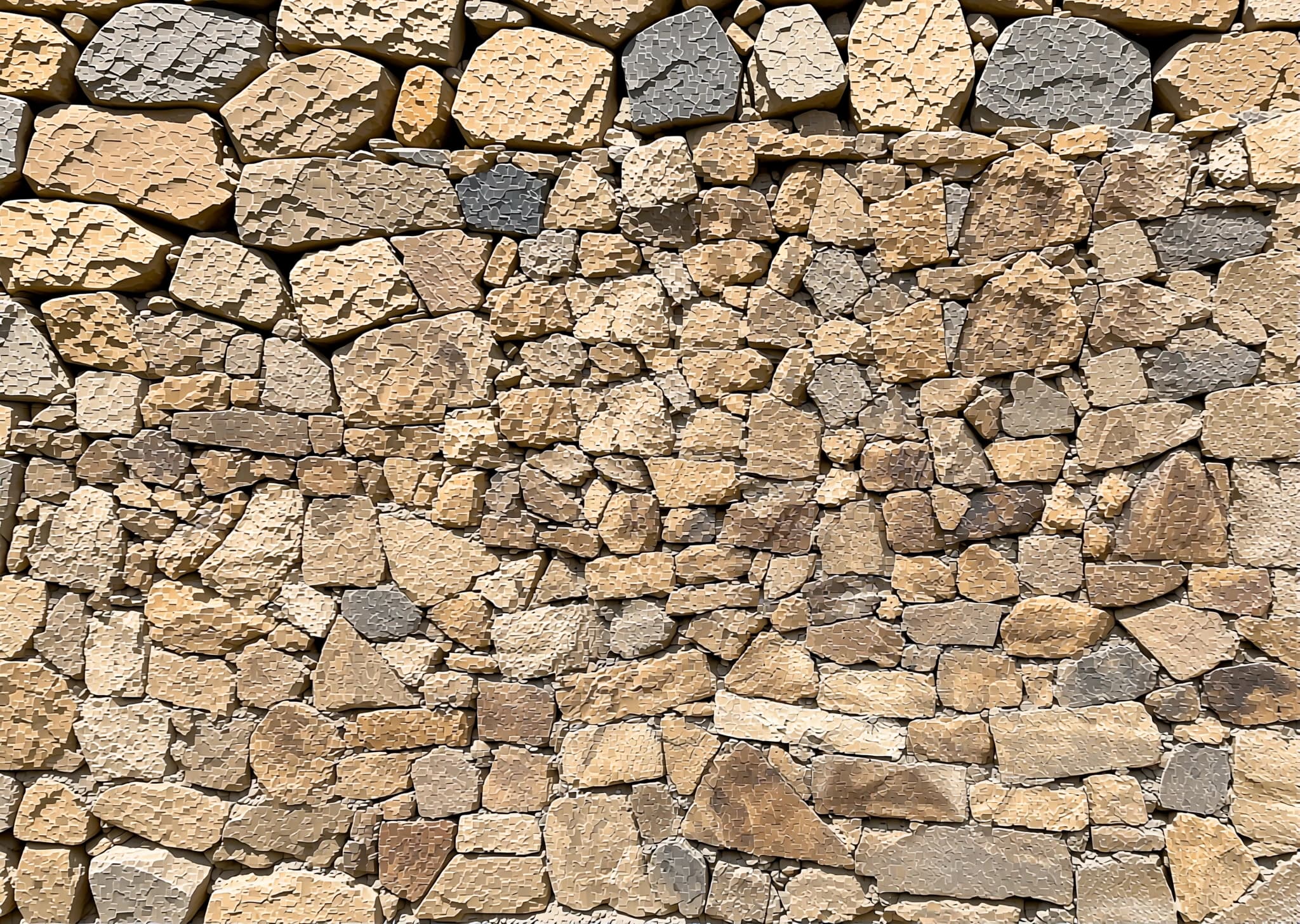
Extract Texture Qwen Image Edit 2509 is a specialized image-to-image AI model built on Qwen/Qwen-Image-Edit-2509 with a custom LoRA adapter fine-tuned for texture extraction. This model excels at isolating and generating clean, repeatable texture patterns from photographs—transforming images of stone walls, fabric surfaces, birch tree bark, or wood panels into seamless texture maps. Designed for 3D artists, game developers, graphic designers, and digital creatives, it automates the tedious process of texture creation by intelligently extracting surface patterns while removing unwanted context and lighting variations.
Unlike general-purpose image editing models, this tool focuses specifically on pattern recognition and texture synthesis, making it ideal for workflows that require tileable textures, material libraries, or reference assets for rendering pipelines.
Key Features
- •Pattern-Aware Extraction: Automatically detects and isolates repeating surface patterns from complex photographs
- •Multi-Image Blending: Supports up to three input images for texture layering and creative compositing
- •Flexible Aspect Ratios: Offers 11 preset ratios including match_input_image, 1:1, 16:9, and custom dimensions
- •Reproducible Results: Seed control ensures consistent outputs across iterations
- •LoRA Customization: Built-in texture_extract LoRA with support for additional model URLs
- •Production-Ready Formats: Exports in JPEG, PNG, or optimized WebP with adjustable quality settings
- •Fast Inference: Powered by WaveSpeed infrastructure for efficient processing
Best Use Cases
Game Development: Generate tileable brick, concrete, metal, and organic textures for environment assets and PBR material workflows.
Architectural Visualization: Extract realistic building material textures—marble, wood grain, stone cladding—directly from reference photos.
Graphic Design: Create seamless background patterns, fabric swatches, and surface textures for print or digital design projects.
3D Modeling & Rendering: Build custom material libraries with extracted textures for Blender, Unreal Engine, or Unity pipelines.
Digital Art & Concept Design: Synthesize unique surface patterns for matte paintings, texture brushes, and stylized artwork.
Prompt Tips and Output Quality
Be Specific About Material Type: Instead of "texture," write "rough granite stone texture" or "weathered oak wood grain pattern" for targeted extraction.
Describe Pattern Characteristics: Include adjectives like "repeating," "seamless," "weathered," or "smooth" to guide pattern recognition.
Mention Surface Context: Phrases like "close-up brick wall texture" or "tree bark surface detail" help the model understand scale and focus.
Use Seed Values: Set a specific seed (not -1) when iterating on prompts to isolate the impact of text changes versus random variation.
Experiment with Aspect Ratios: Use 1:1 or 4:5 for square texture tiles; 16:9 or 21:9 for banner-style pattern strips.
Layer Multiple Images: Combine a base texture photo (image_1) with color references (image_2) and overlay patterns (image_3) for complex material effects.
Optimize Export Settings: Use WebP at quality 95 for the best compression-to-detail ratio, especially for large texture libraries.