Guide to Segmind Antiquark
Segmind Antiquark puts your product into a video ad you already have, in every shot. A guide to its inputs and settings, with worked examples and tips.
Segmind Antiquark puts your product into a video edit that already works: give it an ad, a fashion film or a product reel and one photo of your product, and it returns the same edit with your product in every shot, keeping the cuts, the camera and the people. It is for brands, agencies and sellers who want a proven format without a new shoot.
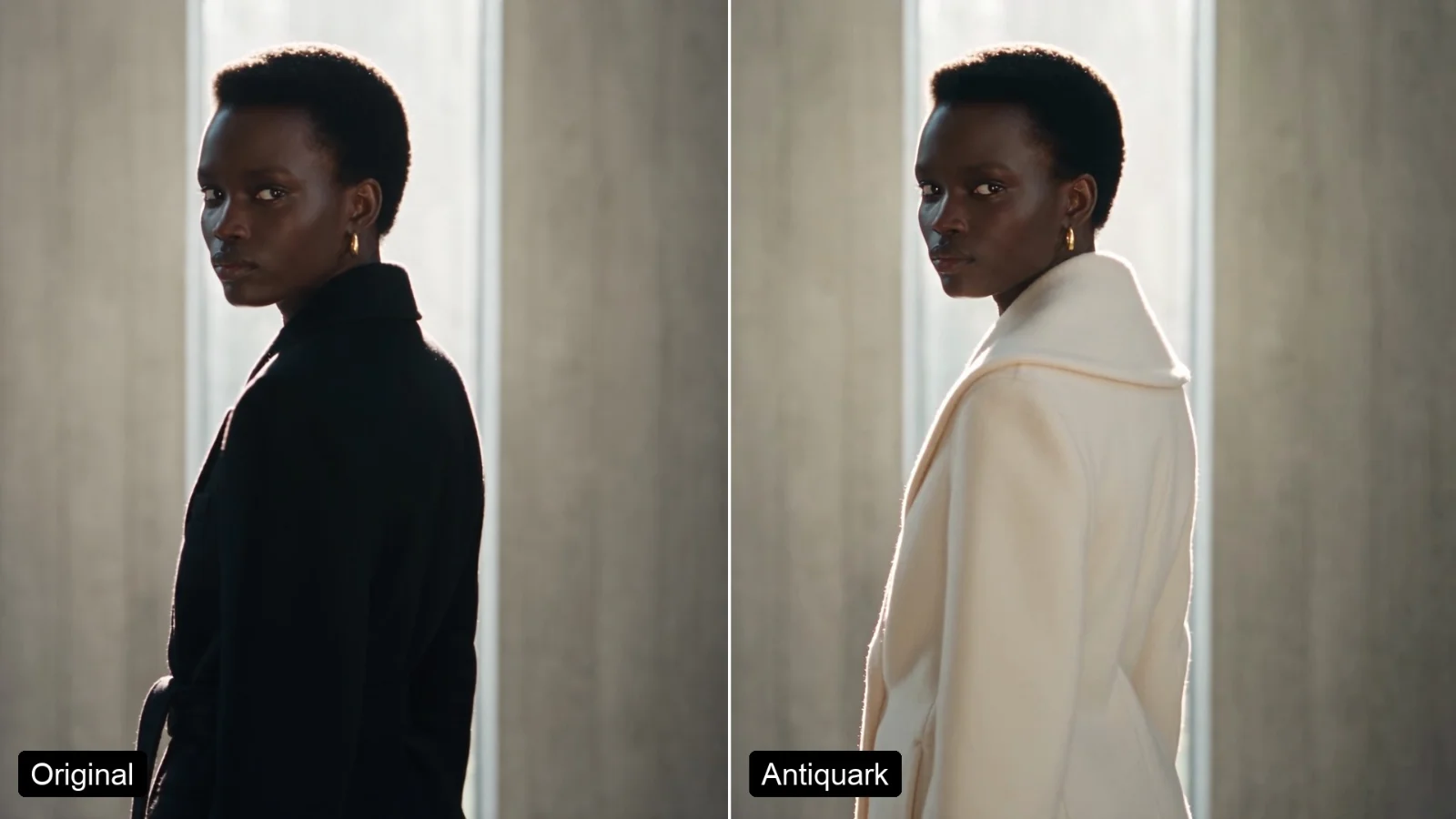 PixelflowSegmind AntiquarkRebuild a proven ad, fashion film or product reel with your product: Segmind Antiquark keeps every shot, cut, camera move and the music, and puts your product in, true to its details. For brands, agencies and sellers. Up to 1080p, in H.264, HEVC 10-bit or ProRes.
What you give it
| Input | What to give it | Tip |
|---|---|---|
Reference edit (reference_edit) | An ad, a fashion film or a product reel of up to 30 seconds that you made, own or have licensed. | Pick an edit where the item is clearly in view and is the same kind of thing as your product. |
Product photo (product_photo) | One sharp photo of your product, ideally a packshot or flat lay on a plain background. | The tool cuts close-ups of its details from this photo, so a high-resolution photo gives sharper close-ups. |
What to replace (what_to_replace) | A few words naming the item in the edit that your product replaces. | Describe the old item as it looks on screen, not your product: "the woman's black coat". |
Resolution (resolution) | 480p, 720p (the default) or 1080p. | Test at 480p first, then finish at 1080p for close-ups and hero work. |
Delivery format (delivery) | H.264 mp4 (plays everywhere), HEVC 10-bit mp4 or ProRes 422 HQ master. | H.264 to post, HEVC to keep more colour, ProRes as the master you grade and edit. |
Smooth retime + grain match (smooth_retime_and_grain_match) | On or off. | Leave it on: the result comes back at your edit's exact length and frame rate, with its grain. |
Examples
Swap the coat in a fashion campaign film without a reshoot
You are a fashion brand with a campaign film that works and a new coat you want in it, shot for shot.
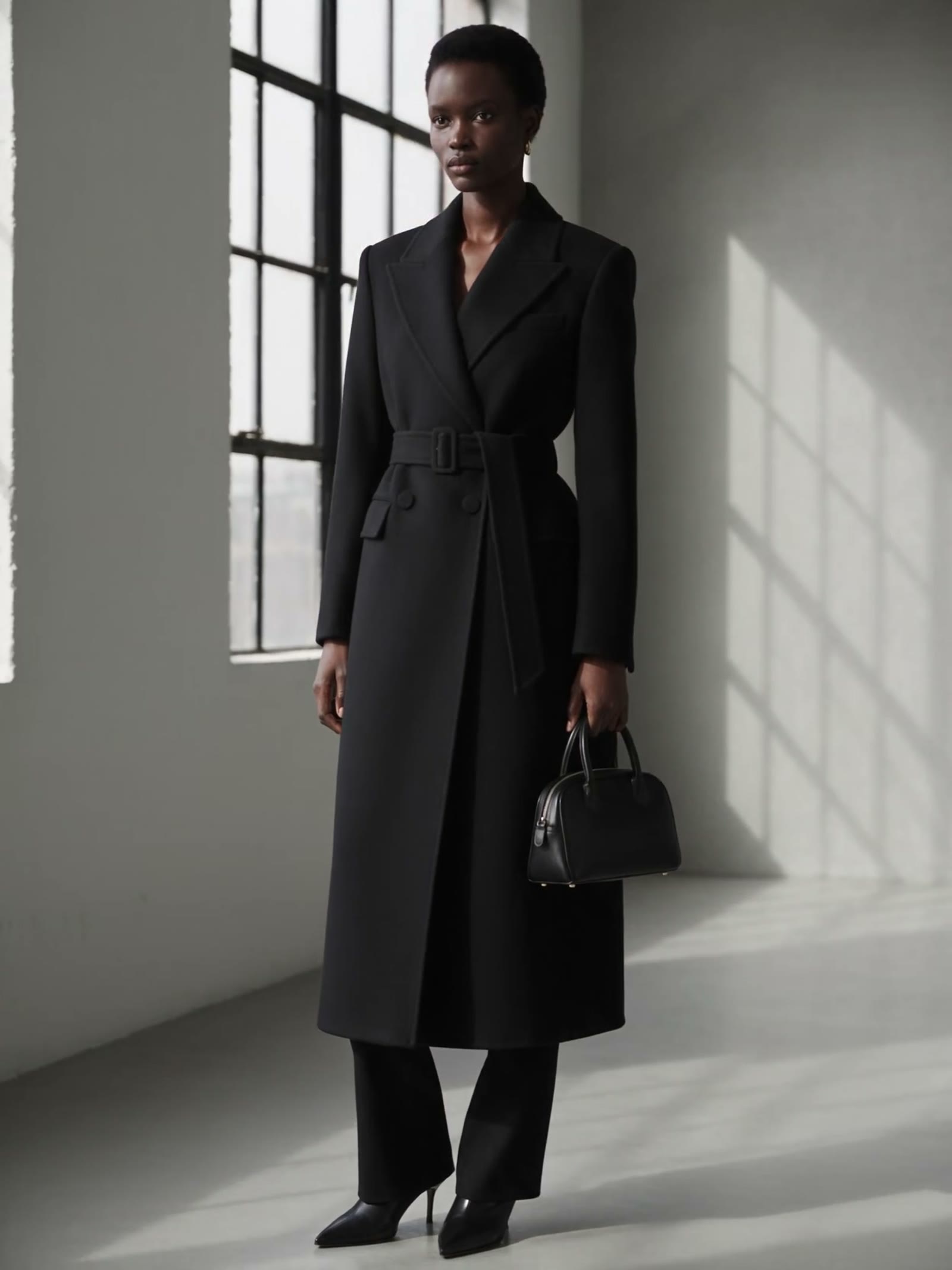
The new coat, `product_photo` The close-ups the tool cut from it (made for you, not an input)
the woman's black coat
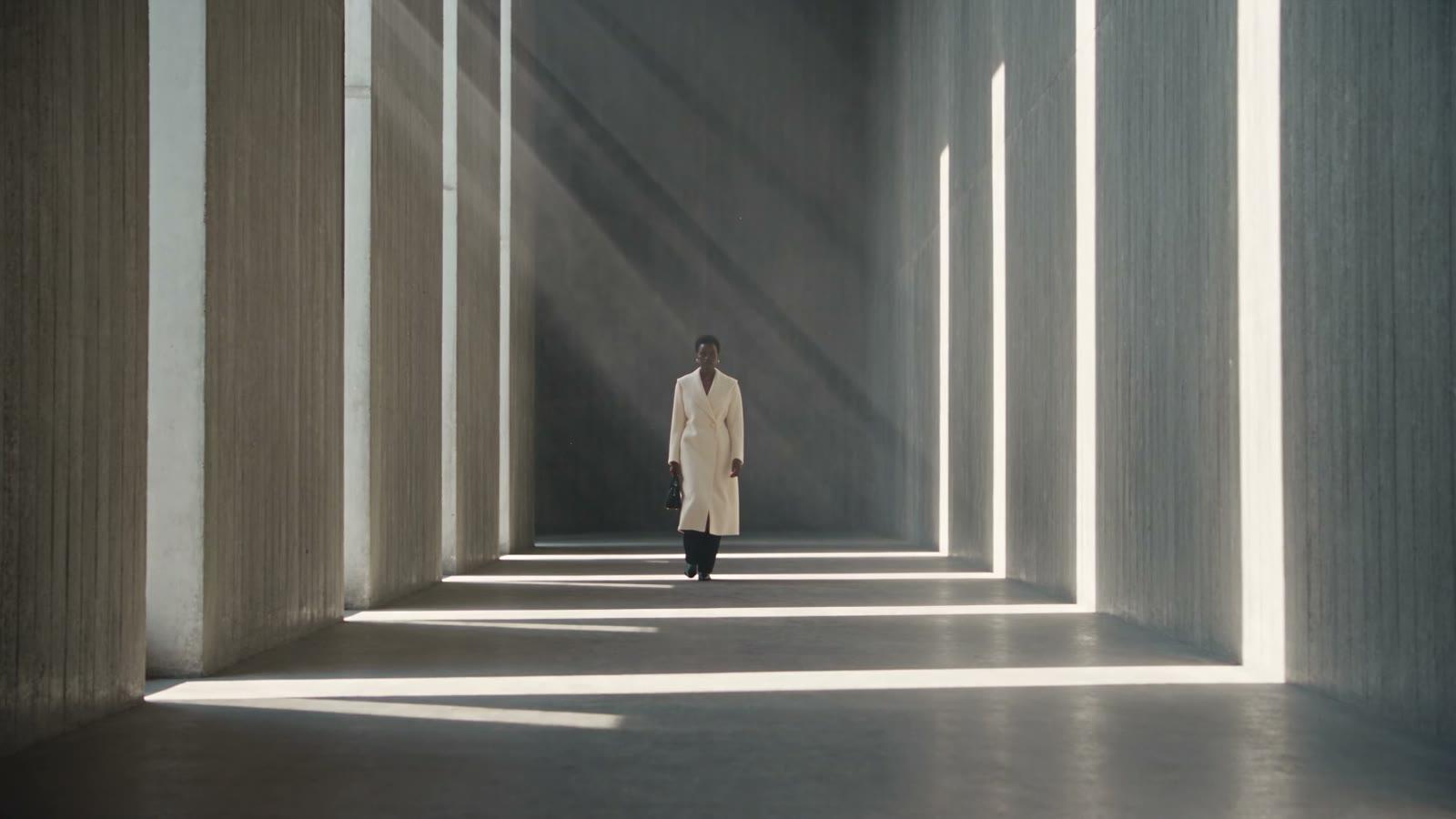
The ivory coat, with its shawl collar and single button, is in all four shots, and the black coat's belt, buckle and flap pockets are gone, even in the close-up built around the belt. The model, the corridor, the light and the cuts are unchanged; the one miss is the button, whose thin gold ring became plain fabric.
The film, its model and both coats are generated and fictional.
Replace a perfume bottle in a product video and keep the label
You run a fragrance brand with a four-shot bottle reveal you like, and you want it with your own bottle, label included.
The new bottle, `product_photo` The close-ups the tool cut from it (made for you, not an input)
the tall clear perfume bottle with the silver ball cap
The square amber bottle, its black cap and the SOLACE label are in all four shots, and the label stays readable in the hand shot and even in its reflection on the marble. The hand, the mist, the light and the cuts hold; the opening close-up, framed on the old ball cap, now shows the shorter black cap and the top of the label.
The reveal film, the hand and both bottles are generated and fictional.
Change a model's whole outfit in a lookbook video from a flat lay
You sell menswear and have a lookbook walk you like, and you want the same film in a new outfit, down to the shoes.
The new outfit, `product_photo` The close-ups the tool cut from it (made for you, not an input)
the man's navy overshirt, grey t-shirt, beige chinos and black sneakers
All four pieces changed in all four shots: an olive overshirt with its two chest pockets and dark buttons, a white t-shirt, rust chinos and white sneakers, while his face, his walk, the plaza and the cuts stay as they were. The one slip is the sneaker's side, which the top-down flat lay never shows: in the close-up it picked up a line of small made-up lettering.
The film, its model and both outfits are generated and fictional.
Tips for good results
- Swap like for like. Pick an edit whose item is the same kind as yours, a coat for a coat; very different shapes fail. The tool does remove parts your product lacks, like the coat's belt.
- For a whole outfit, name every piece. One line listing the overshirt, t-shirt, chinos and sneakers changed all four in every shot.
- Use one sharp, high-resolution photo on a plain background. The close-ups come from that photo, and in testing, a photo about 1,000 pixels wide gave soft close-ups.
- Shoot clothes without a person. Use a flat lay, a hanger or an invisible mannequin, so no other face or body finds its way into your film.
- Keep the item clearly in view. In testing, a handbag about 20 pixels tall in a wide shot was not swapped at all.
- Check small details before you deliver. Fine metal parts can simplify, and sides your photo does not show get filled in. A large, plain label held at 720p; small print and fine logos are at risk, so use 1080p for close-ups.
- Leave smooth retime and grain match on. The result can still come back one frame longer than your edit (242 frames for 241), so trim one frame if you conform it to a frame-exact timeline.
- Use edits you made, own or licensed. Many trend videos use other people's footage and music.
Use it from the API
The API takes the same six inputs under the same keys as the table above: you submit a request with your edit and photo URLs, then poll until the result is ready. The API page has the request format and code to copy.
Try it on your own edit at Segmind Antiquark.
- #guide
- #ai-video
- #product-video
- #video-ads
- #fashion
- #e-commerce