FLUX 3 Max Image to Video
What is FLUX 3 Max Image to Video?
FLUX 3 Max Image to Video turns a single still into a moving clip with sound. Give it a first frame — a PNG, JPEG or WebP — plus a prompt describing how the shot should move, and it animates the image into up to 20 seconds of 720p or 1080p video with native, synchronized audio. It is a frontier image-to-video model, a post-trained version of Black Forest Labs' FLUX 3 multimodal foundation, and it shares the same model and pipeline as FLUX 3 Max Text to Video.
The model is built for speed at frontier quality: a 10-second clip returns in roughly 12 seconds, so the take you iterate on is the take you ship. On Artificial Analysis's preliminary image-to-video arena it sits tied for the top score, with faces and fine materials that hold up in close-up.
Key Features
- Animate from a first frame, with an optional last frame for controlled first-to-last transitions.
- Native synchronized audio rendered in the same pass, so an impact sound lands on the right frame.
- Motion that keeps its shape: fast subjects hold the form they had in the first frame instead of smearing or morphing.
- Duration 5 to 20 seconds; resolution 720p or 1080p; aspect ratios from 21:9 to 9:16, or auto to follow your image.
- Reasoning level low or high, and a seed for reproducible runs.
Best Use Cases
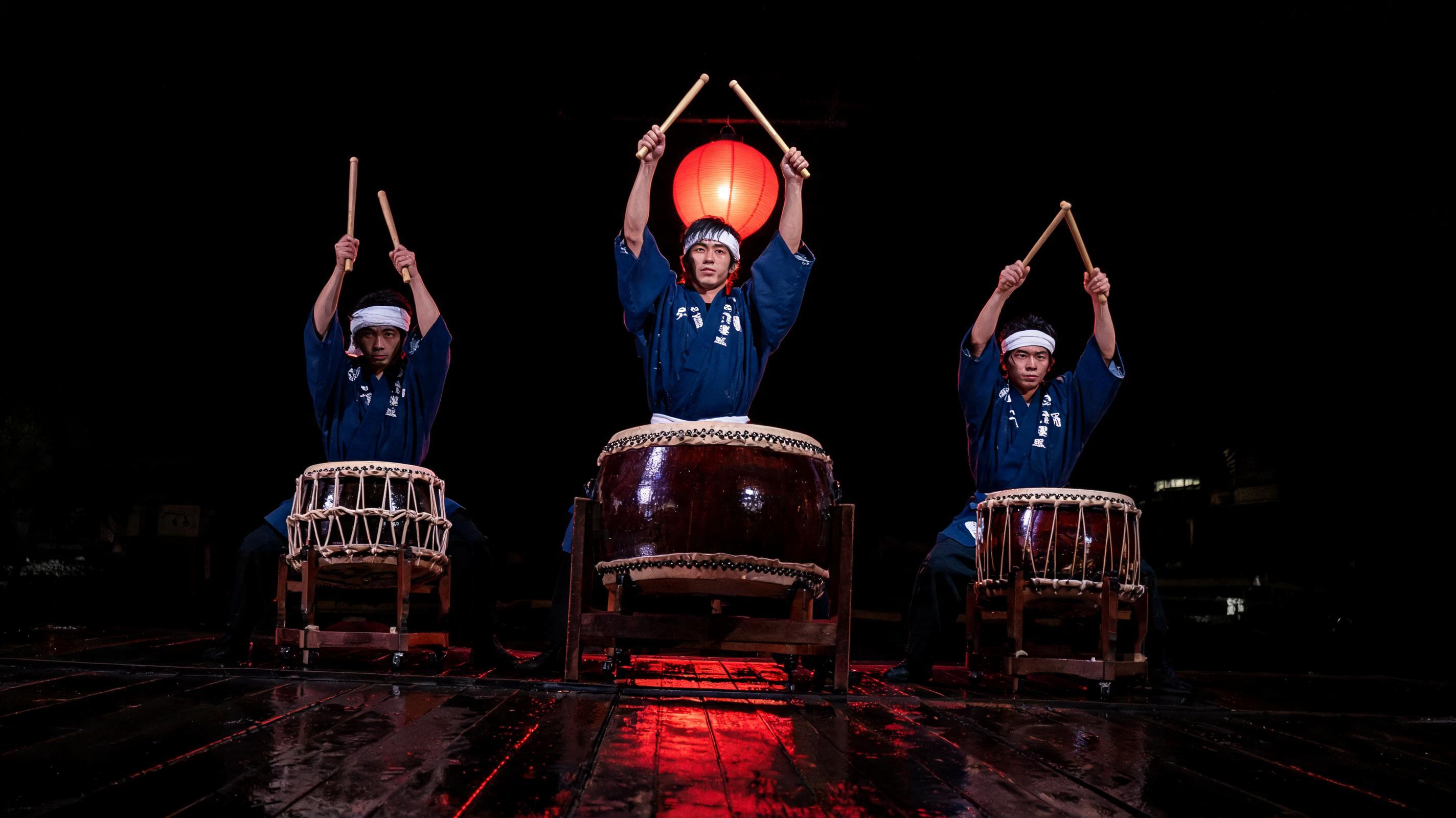
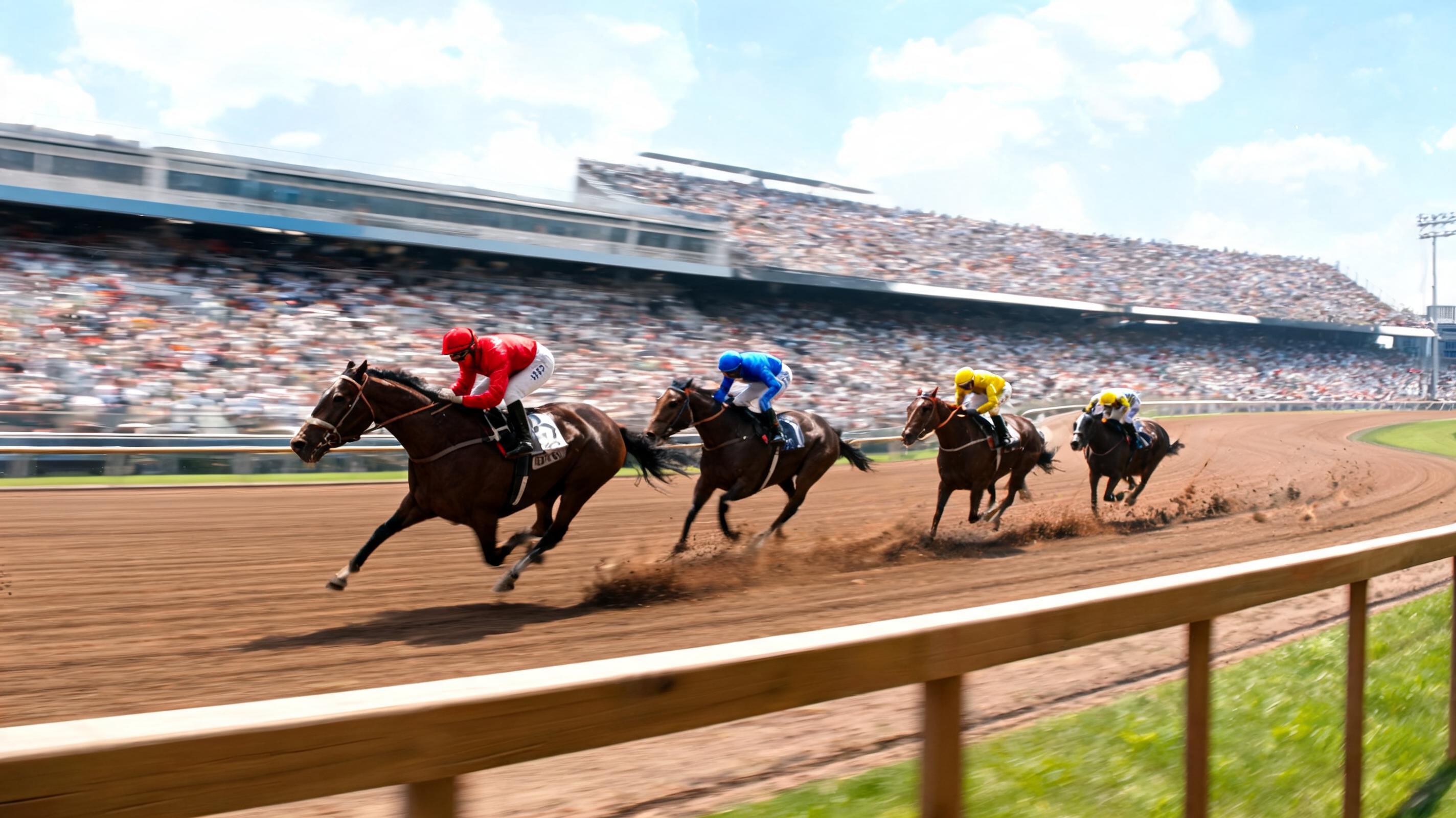
Bring product shots, portraits and concept frames to life for social and ad clips; add motion and sound to a storyboard frame for rapid previs; animate performance, sport and machinery stills where rigid shapes must stay consistent; and build first-to-last transitions by supplying both ends of a shot. In testing, a still of taiko drummers with raised sticks animated cleanly into the downbeat strike — arms and bachi held their shape through the motion blur while synchronized drum booms landed on each visible hit.
Prompt Tips and Output Quality
Compose the first frame at the top of an action so the motion has somewhere to go. In the prompt, name one verb-driven action, a camera move motivated by that action, and one line of sound. Keep audio on for any scene with a clear sound event, and use high reasoning for busy, multi-subject motion. Output is clean h264 video with an AAC audio track at the resolution you choose.