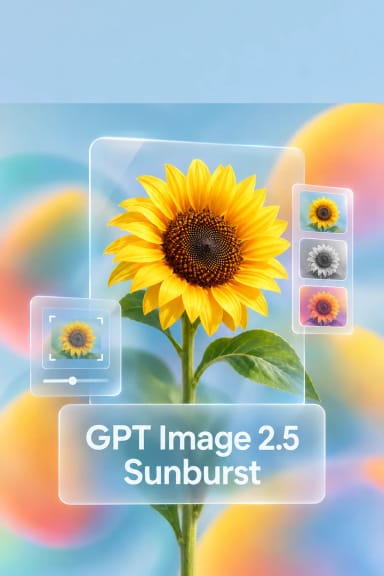
GPT Image 2.5 Flare — Text-to-Image Generation and Editing
What is GPT Image 2.5 Flare?
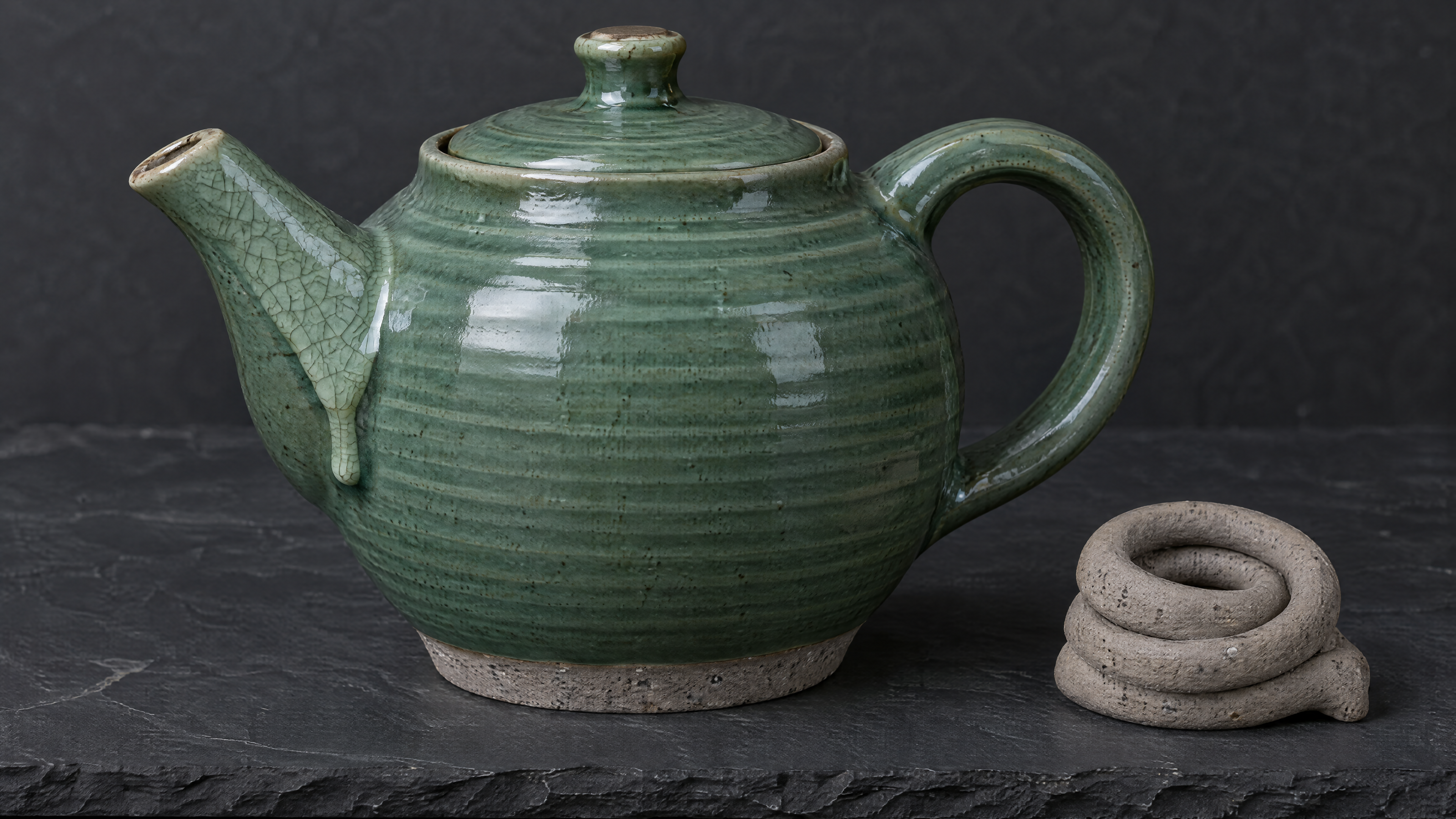
GPT Image 2.5 Flare is OpenAI's default ChatGPT Images 2.5 model, exposed on Segmind for text-to-image generation and reference-guided image editing through a single endpoint. It produces higher-quality images than GPT Image 2 with more natural lighting, richer textures, and sharper detail, while cutting generation latency by up to 50% versus the previous generation. Send a text prompt to generate from scratch, or pass one or more images in image_urls to switch to edit mode and change only what you ask. Flare is tuned for fast, high-quality everyday work: social and creator content, product and packaging shots, marketing creative, app mockups, and high-volume image generation.
Key Features
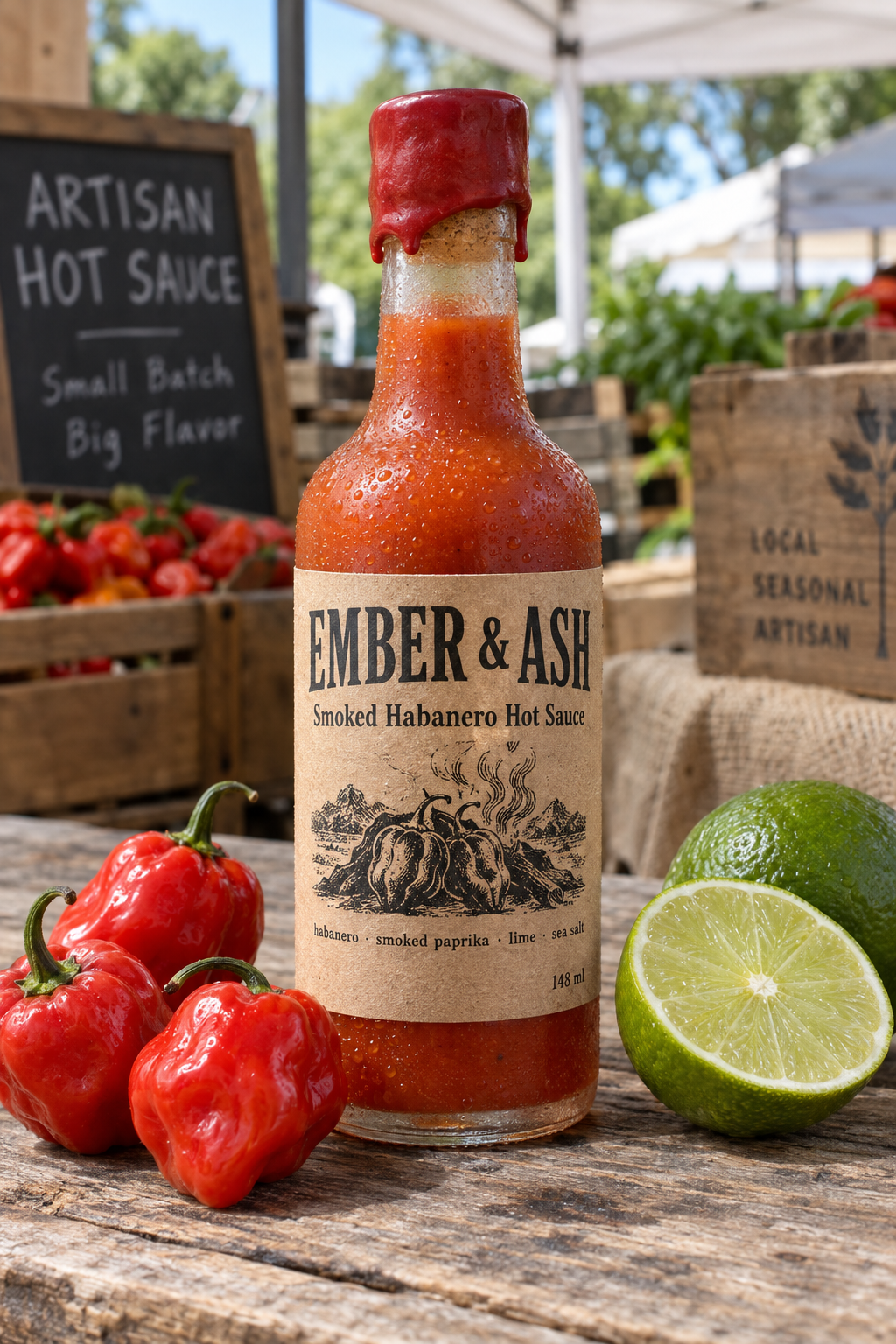
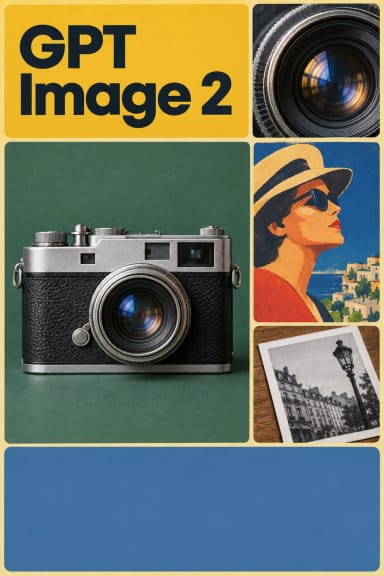
- In-image typography across scripts — renders correctly spelled, legible text, including small print and non-Latin characters, for posters, labels, and UI copy.
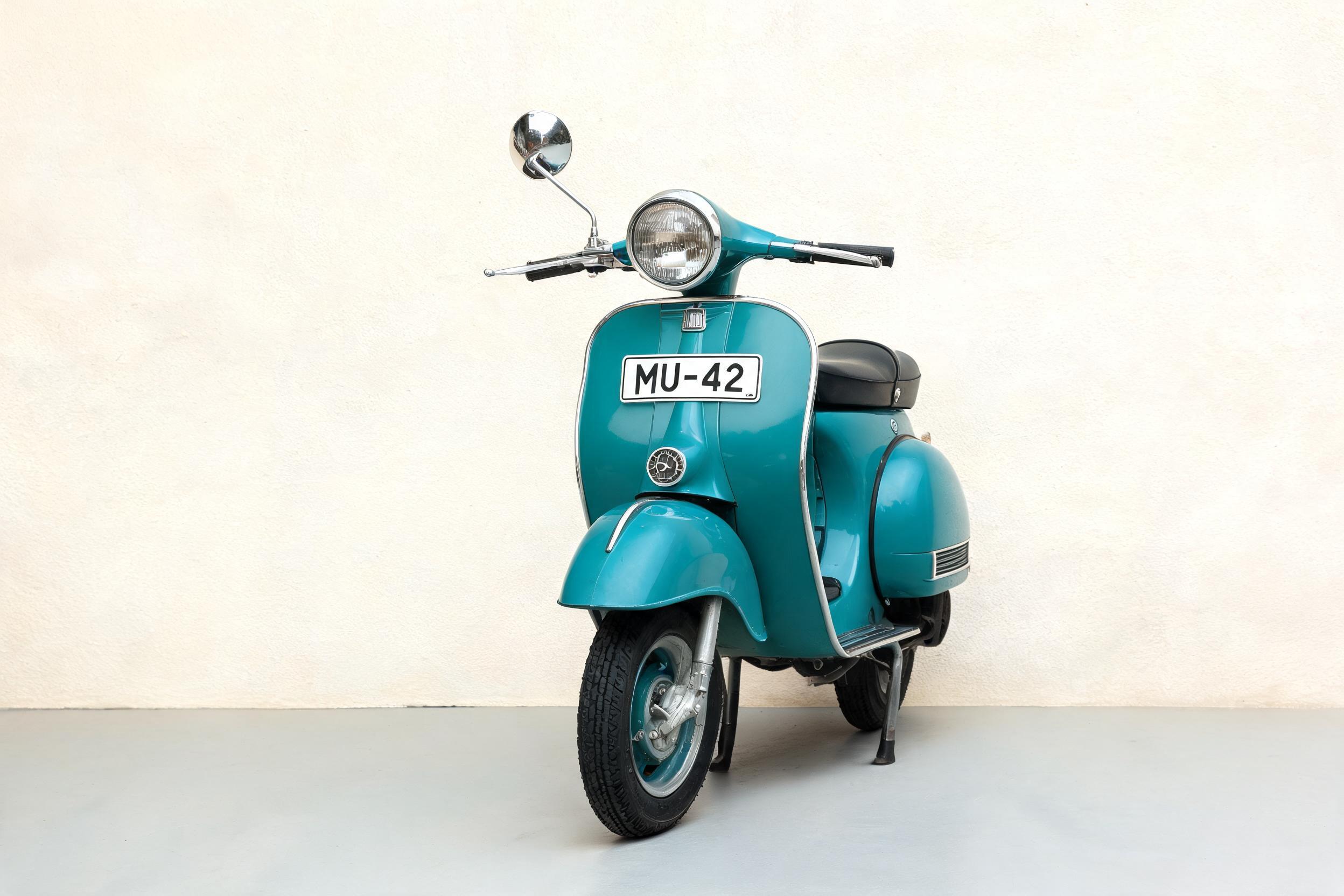
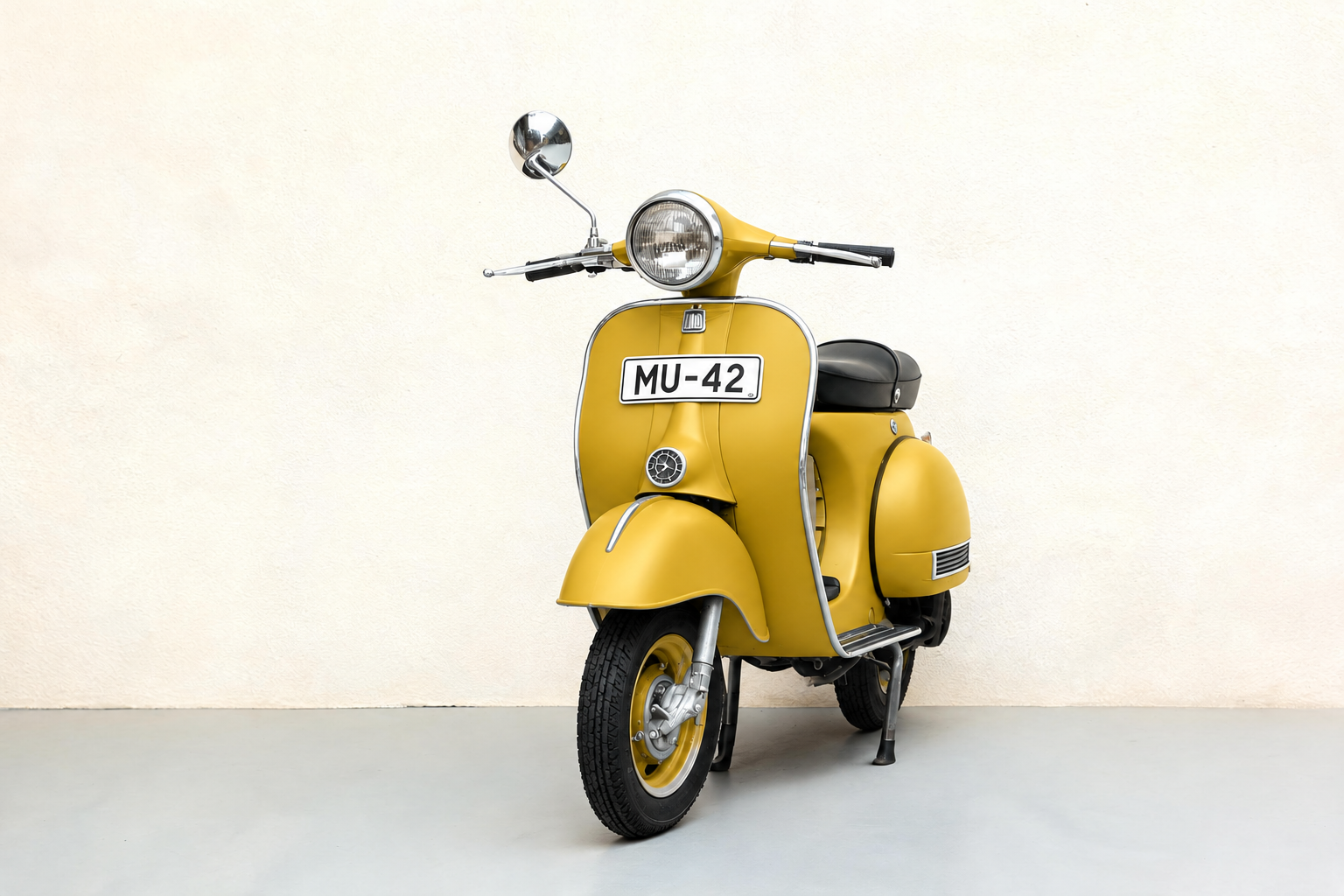
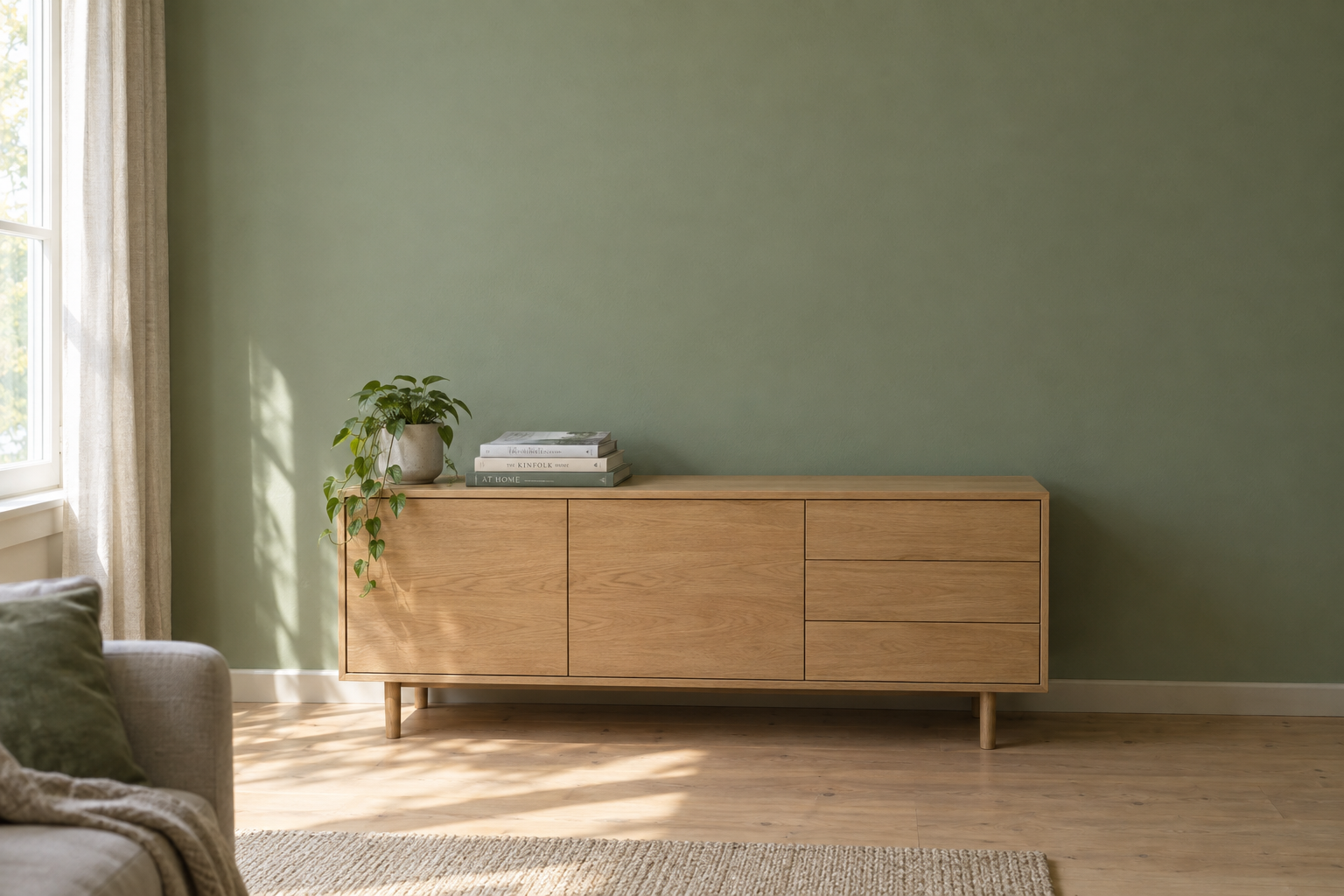
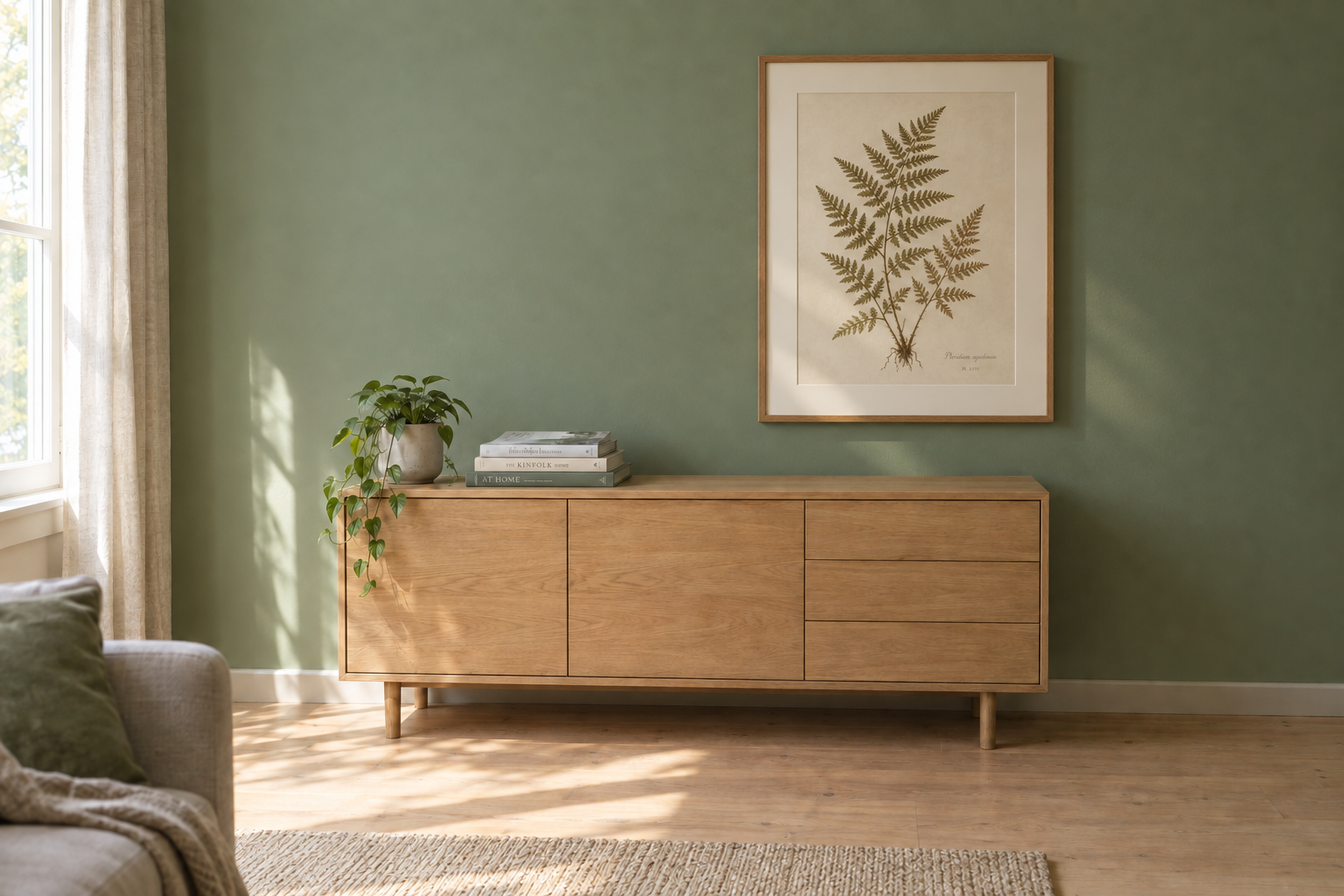
- Precise, reference-guided editing — edit only the element you name while keeping subject, composition, and background pixel-stable, even in complex scenes.
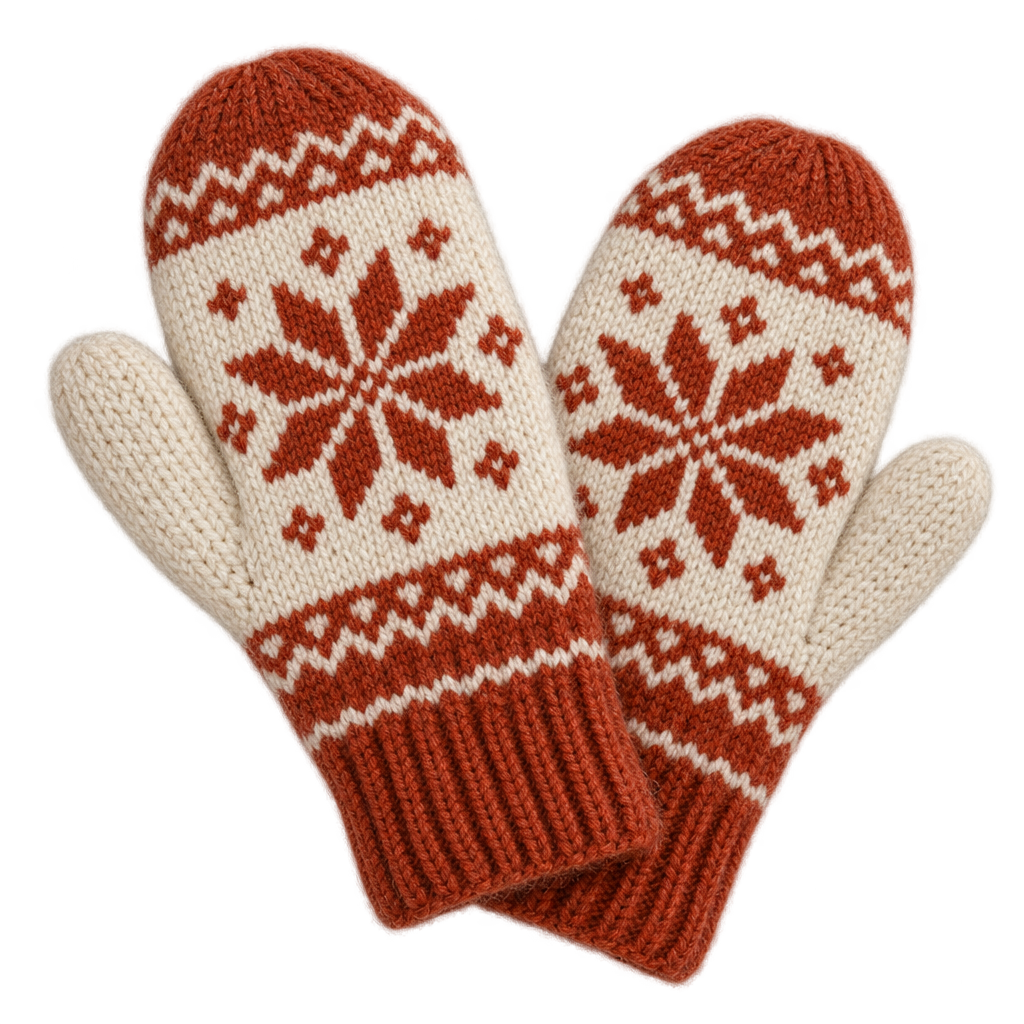
- Transparent backgrounds — return a real alpha-channel PNG or WEBP for logos, stickers, and UI assets.
- High resolution up to 3840×2160 (4K) with quality tiers (low, medium, high, auto).
- Flexible output — PNG, JPEG, or WEBP with adjustable compression, plus optional PNG-alpha masking for surgical inpainting.
Best Use Cases
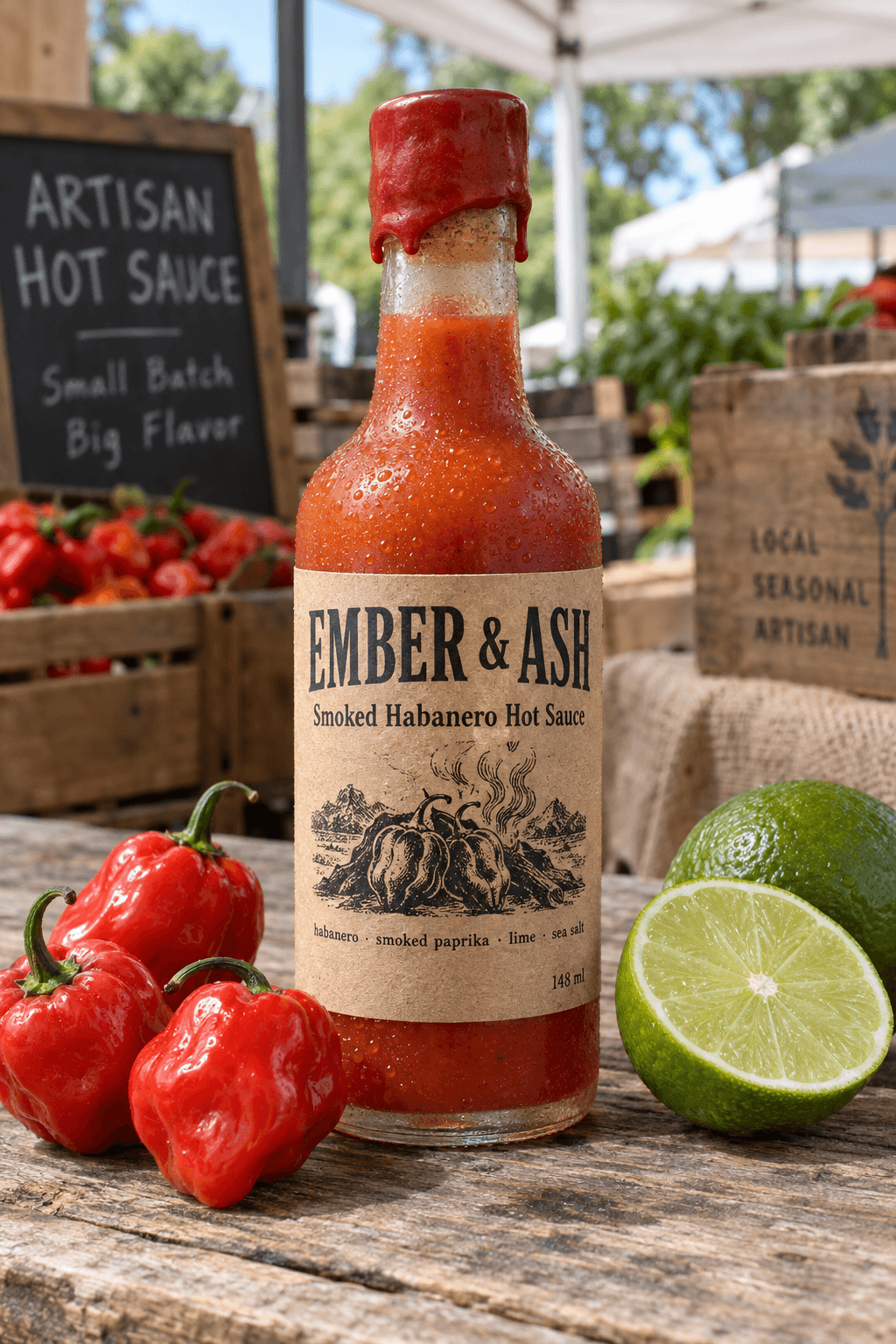
In testing, Flare rendered a product bottle with a fully legible multi-line label in one pass, so it is a strong fit for packaging mockups, ecommerce and ad creative, and localized visuals with on-image copy. Its edit mode recolored only a scooter's body while preserving chrome, number plate, wall, and shadow, making it ideal for targeted product, background, or copy swaps that must protect brand treatment. Transparent-background output produces clean die-cut assets for logos and app UI, and 4K generation keeps edges and type crisp for print and campaign crops. Reference-photo fidelity also makes it dependable for moving a known subject into new settings and styles.
Prompt Tips and Output Quality
Lead with the subject, then style and lighting, and place any in-image text in quotes. Keep quality at high and output_format at png so small type stays sharp. Use size for aspect and resolution — 1024×1536 or 1536×1024 for everyday shots, 3840×2160 for 4K. To edit, pass reference images in image_urls and name exactly what must not change; add a PNG-alpha mask_image_url for surgical inpainting. Set background to transparent for assets that need an alpha channel.