GPT Image 2.5 Sunburst: Precision AI Image Generation and Editing
What is GPT Image 2.5 Sunburst?
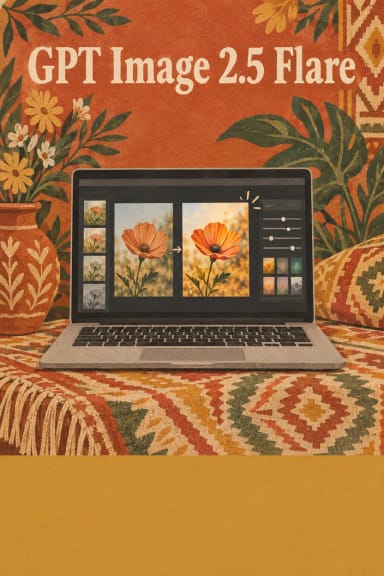
GPT Image 2.5 Sunburst is the precision tier of OpenAI's ChatGPT Images 2.5 family, available on Segmind for text-to-image generation and reference-guided image editing. Where the sibling Flare optimizes for speed and high-volume work, Sunburst is tuned for demanding creative briefs — production-ready campaign creative and polished product imagery — trading longer generation time for tighter control. Send a prompt to generate an image, or add reference images to switch into edit mode and change only what you specify.
Key Features
- Precision editing that changes only what you ask while preserving composition, subject, and brand treatment.
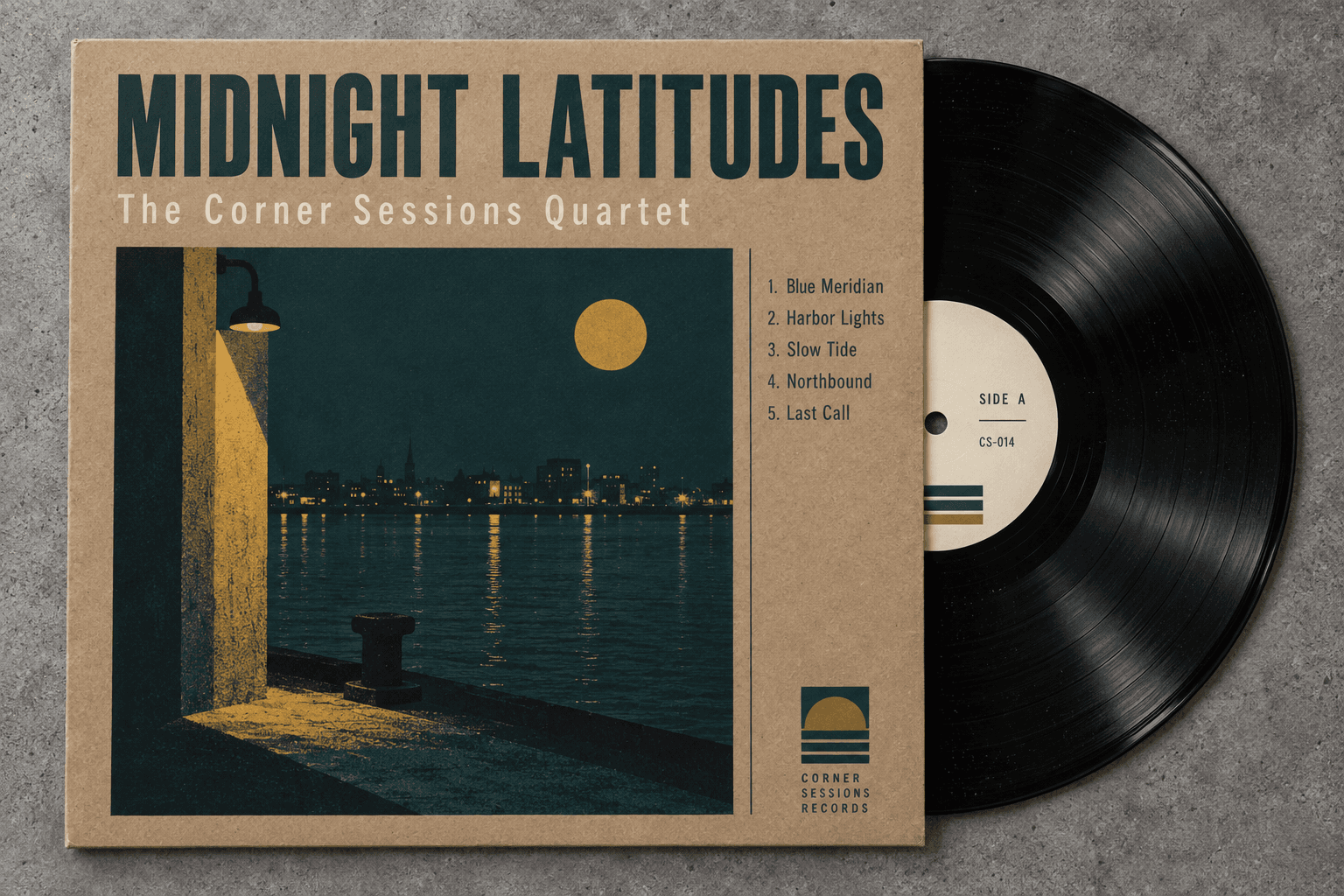
- Legible in-image typography across scripts and complex, layout-driven compositions.
- Strong reference-photo fidelity: transform a familiar subject into new settings and styles while distinctive features carry through.
- High-resolution output up to 3840x2160 (4K), with optional custom width and height.
- Transparent-background generation for logos, UI assets, and product cutouts.
- Alpha-PNG masking for surgical inpainting of a single region.
Best Use Cases
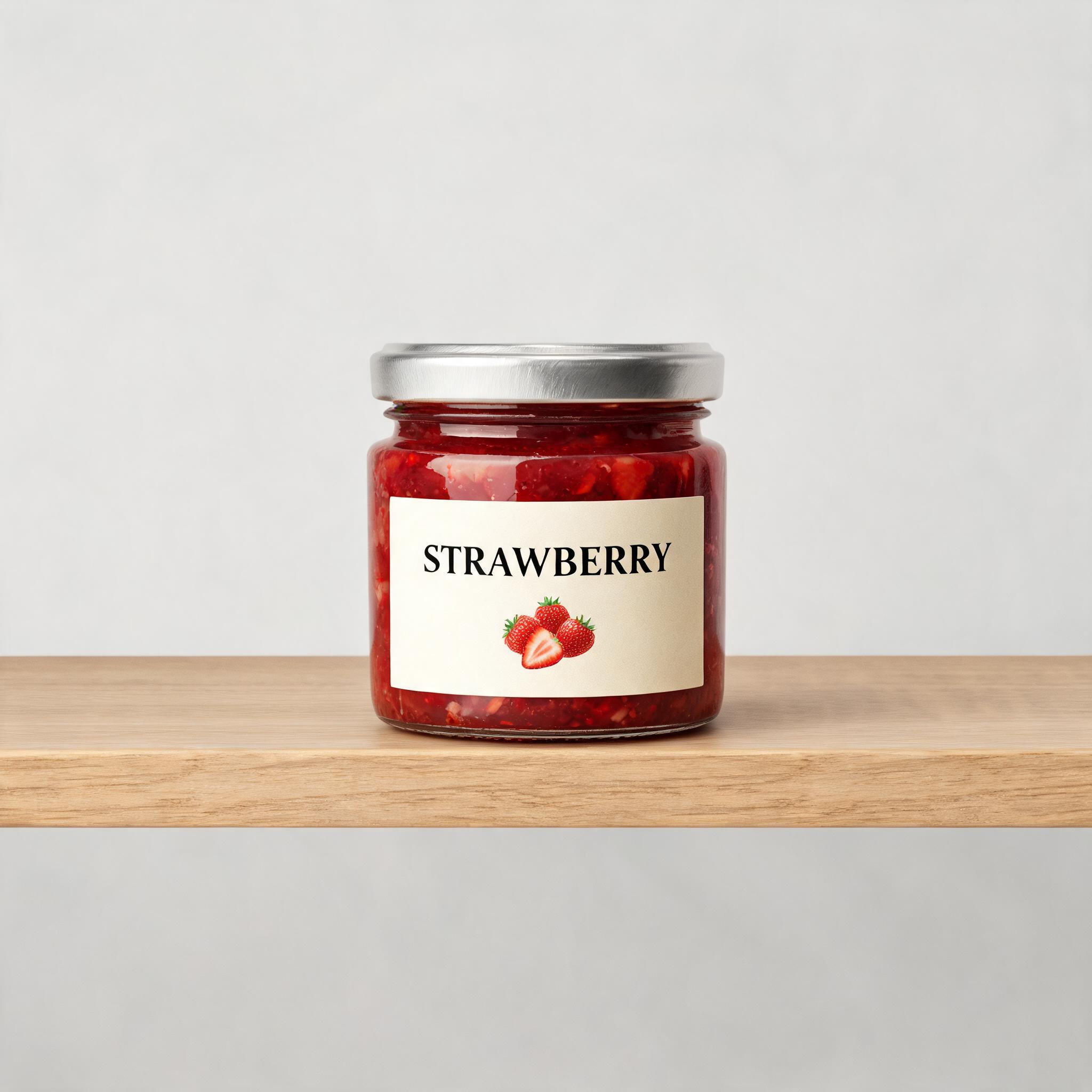
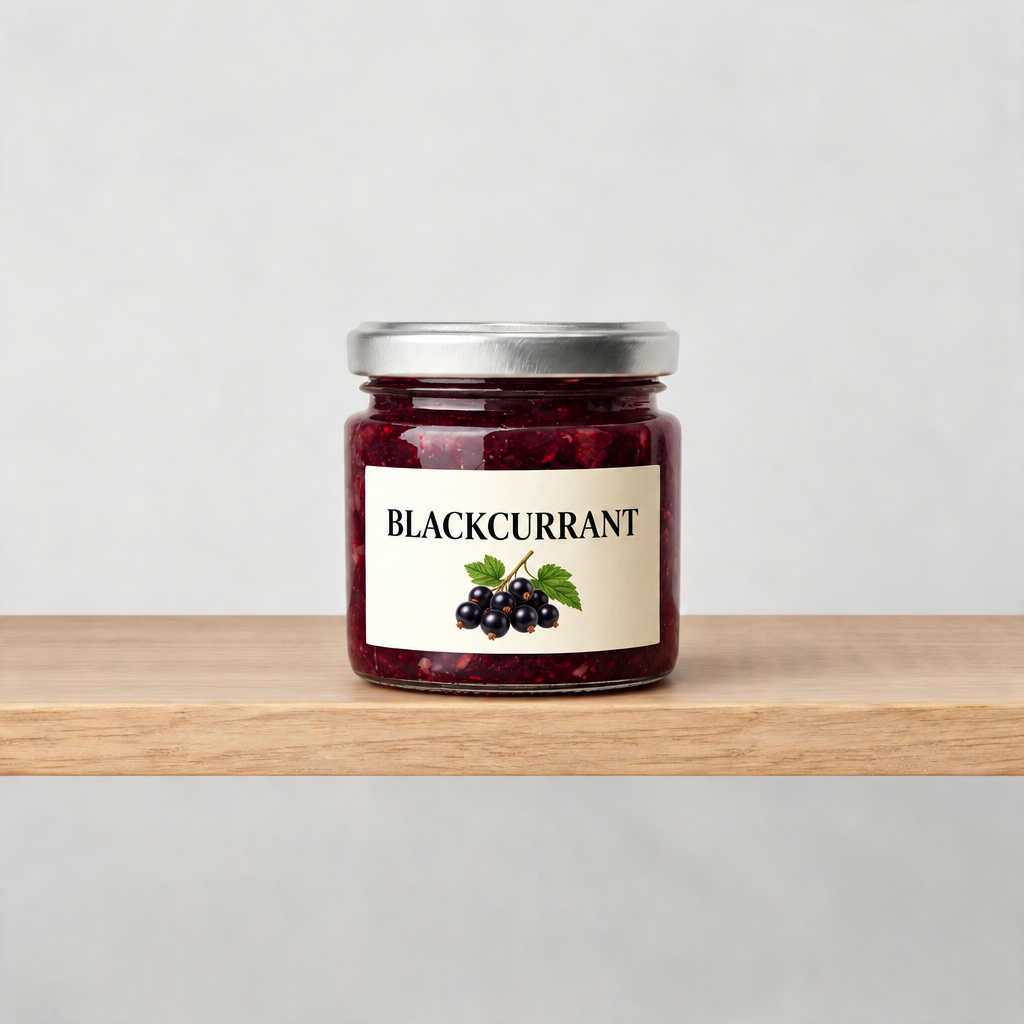
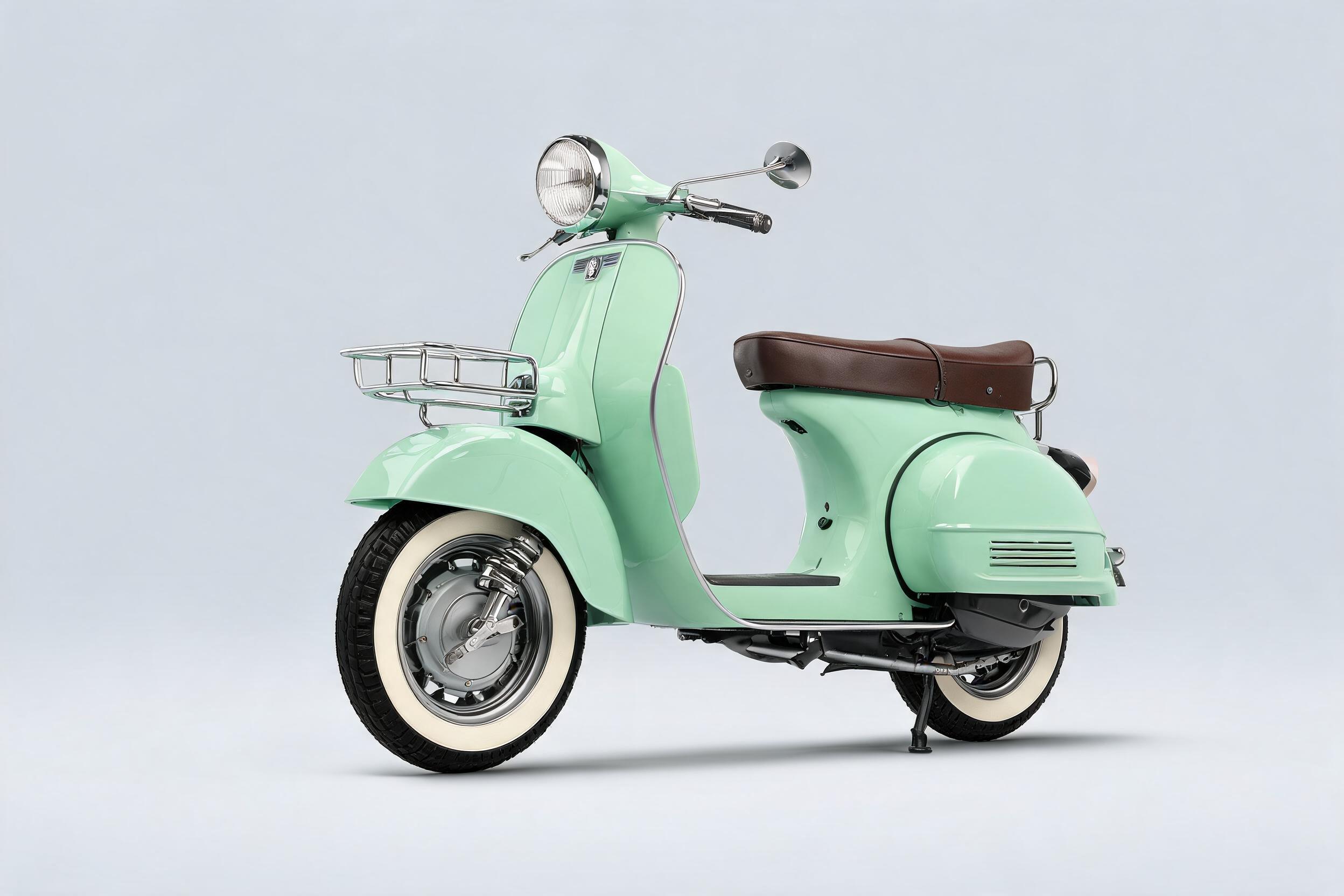
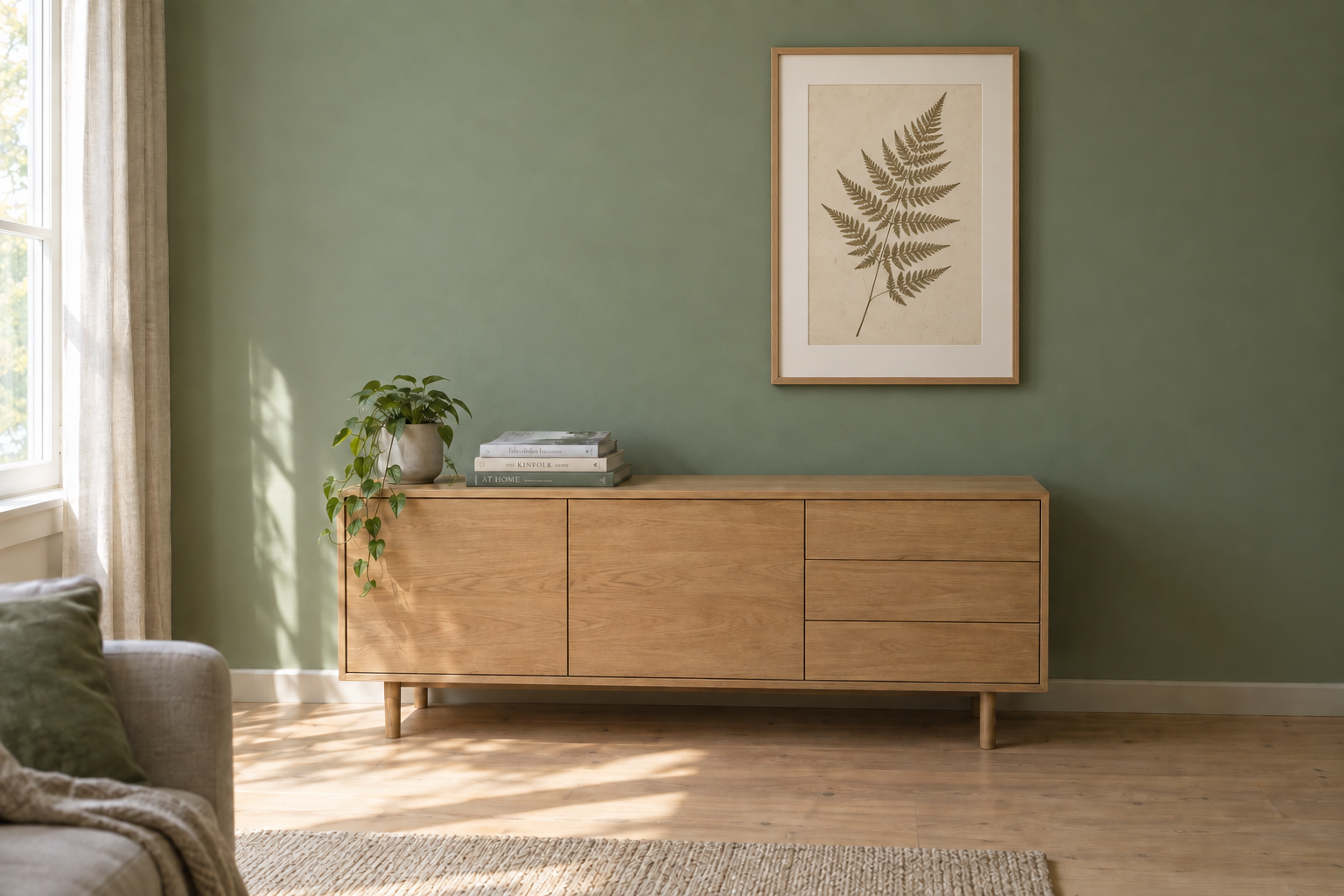
Reach for Sunburst when correctness and control matter more than raw speed: campaign hero images, on-brand asset series, product and packaging shots, posters, invitations, and presentation visuals that carry legible text. Its scoped editing suits production pipelines that must update one element — a product, a background, or a line of copy — without rebuilding the rest of the asset. In testing, a strawberry jam label was swapped to blackcurrant while the jar, shelf, and lighting stayed pixel-consistent, and a mint-green scooter kept its identity across a full change of scene.
Prompt Tips and Output Quality
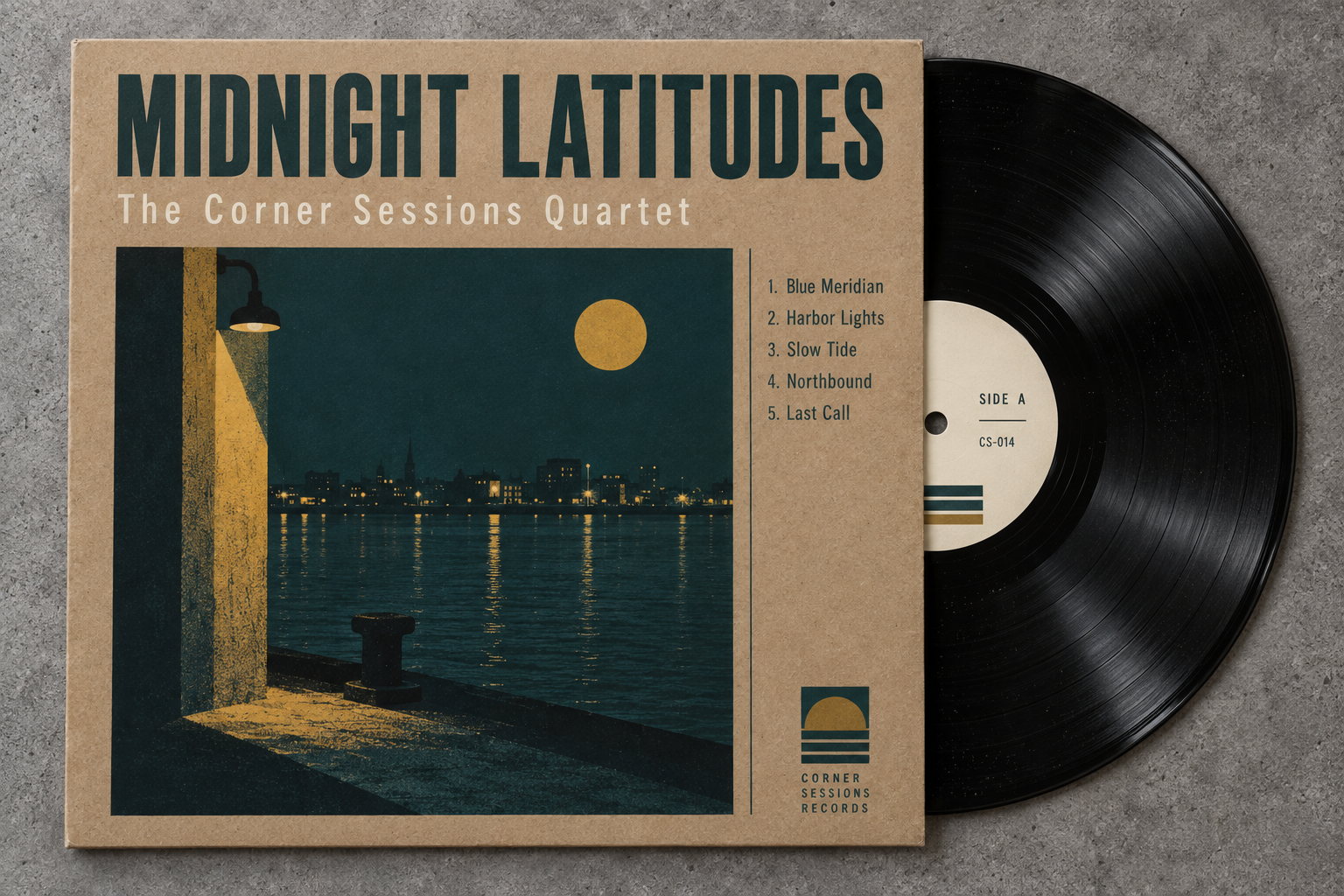
Lead with the subject, then name the style, materials, and any text you want rendered, placed in quotes. Keep quality set to high for crisp typography and drop it only for previews. For edits, name the element to change and instruct the model to keep everything else the same. In testing, a text-heavy album cover rendered a title, a five-track list, and a catalog number cleanly at high quality with distinct materials and no artifacts.