Pruna P Image Ideogram — Text-to-Image Generation
What is Pruna P Image Ideogram?
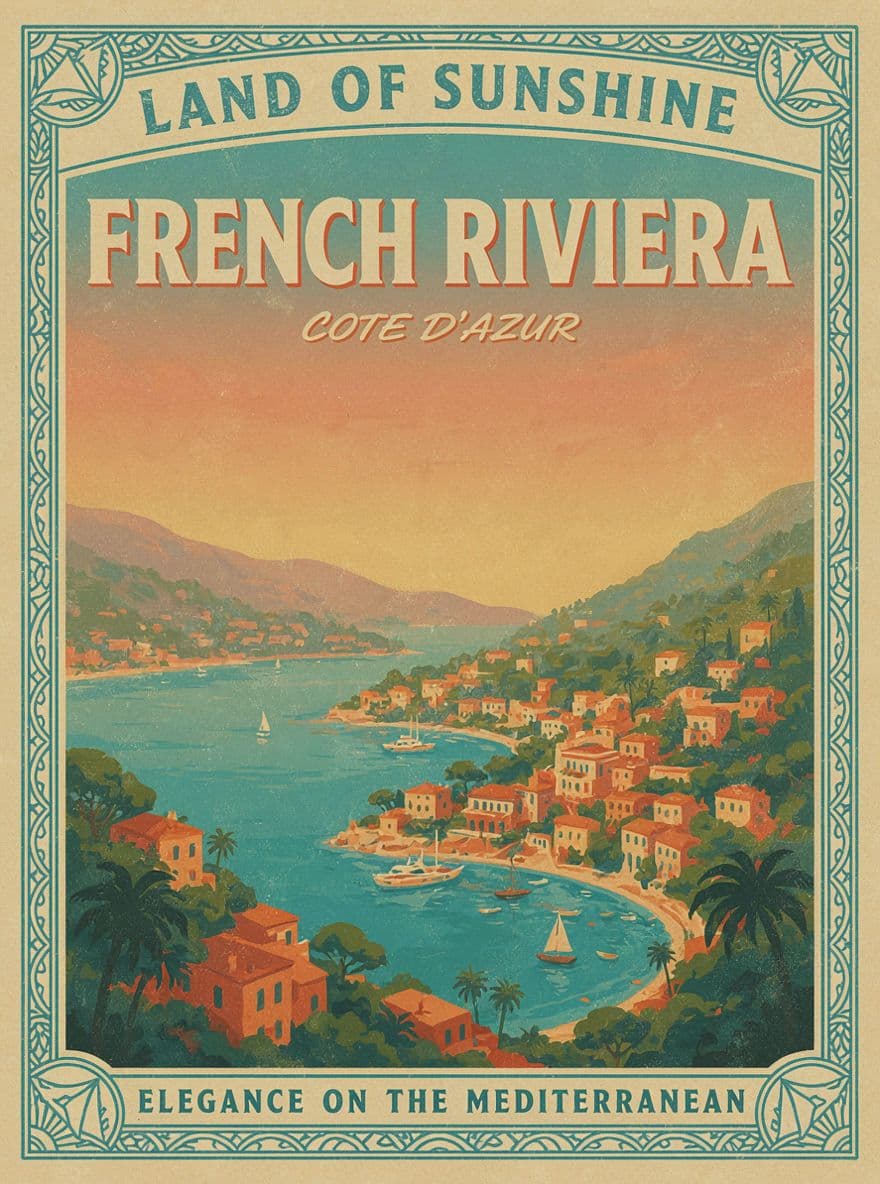
Pruna P Image Ideogram (P-Image-Ideogram) is a text-to-image model from Pruna AI, built in collaboration with Ideogram, that turns a text prompt into a high-quality image in under a second. Its signature feature is a single thinking control with four levels — very low, low, medium, and high — that lets you dial the exact trade-off between speed and quality from one endpoint. It inherits Ideogram's category-leading strength in rendering readable, correctly spelled text inside images, making it a practical choice for design-driven work rather than art alone.
Key Features
- Four
thinkingquality levels from one API, tuning speed versus detail. - Sub-second text-to-image generation, from roughly 0.4s at 1K.
- Strong photorealism on people, products, and lifestyle scenes.
- Reliable in-image typography — use
highat 2K for crisp text. - Natural-language and structured JSON prompts with hex colors and bounding boxes for exact text placement.
- 1K and 2K resolution, eight aspect-ratio presets, plus custom width and height.
Best Use Cases
P-Image-Ideogram fits fast, high-volume creative production. Use it for marketing graphics, paid social and ad creative, YouTube thumbnails, event posters, packaging and product mockups, lookbook covers, and editorial layouts where headlines and labels must be legible. Photorealism holds up for beauty, fashion, food and beverage, automotive, travel, and interior moodboards. Run very low or low for drafts and A/B testing, then switch to high at 2K for brand-critical final assets.
Prompt Tips and Output Quality
Put exact on-image text in quotes and keep it short — single words or 2 to 4 word phrases render most reliably. Match the level to the prompt: low for simple ideas, medium for everyday production, high for complex or text-heavy layouts. On vague prompts, high can add unrequested detail, so prefer low or medium there. For precise layouts, send a JSON prompt with high_level_description and bounding boxes. Keep prompt_upsampling on to enrich short prompts, or disable it to pass raw prompts unchanged.