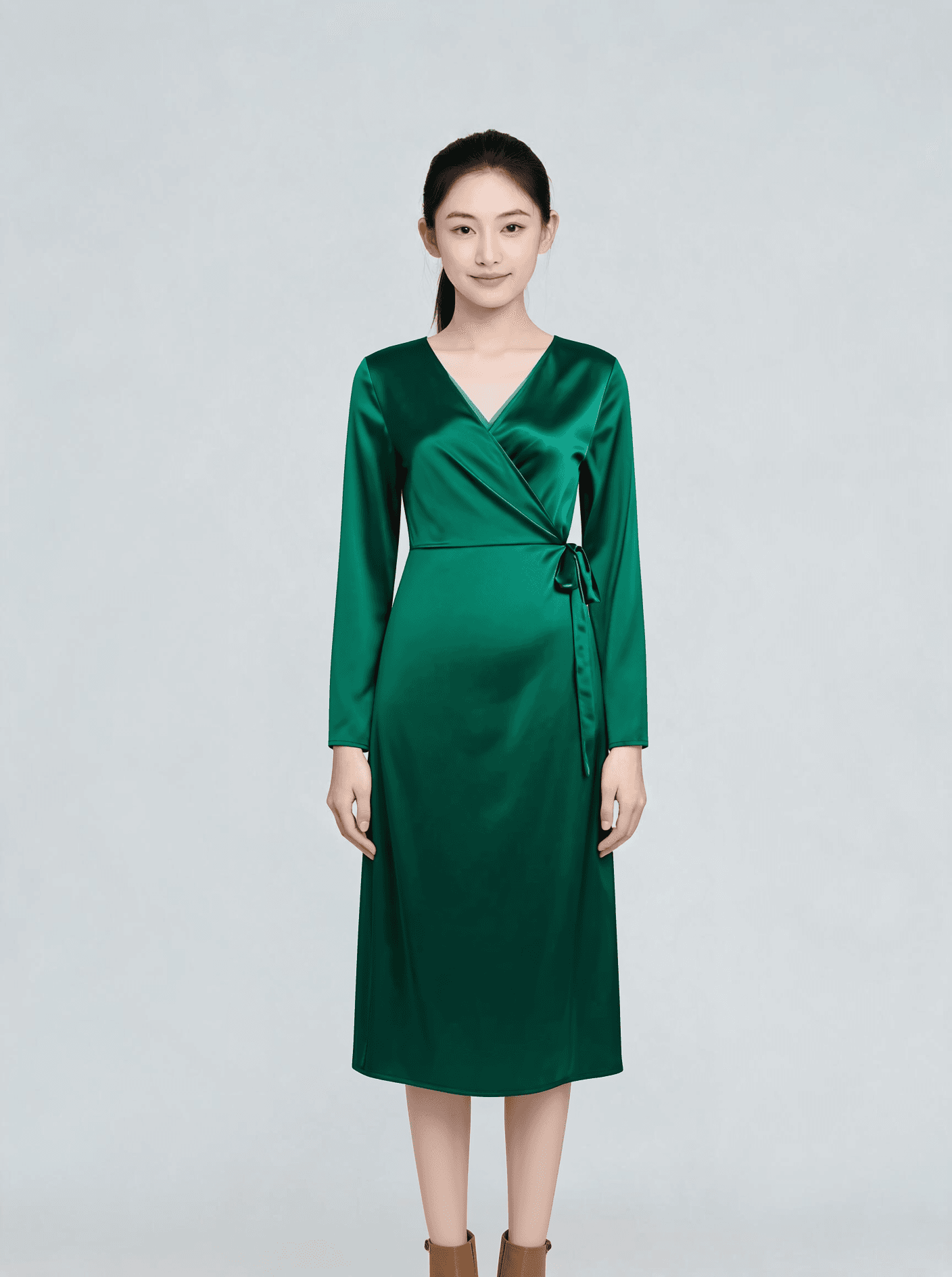
Pruna P Image Try-On — AI Virtual Try-On (Image-to-Image)
What is Pruna P Image Try-On?
Pruna P Image Try-On is an AI virtual try-on model that dresses a person photo in one or more garments through a single API call. You provide a person image and one or more garment reference images, and the model generates a photorealistic result of that person wearing the clothes while keeping their face, pose, and body intact. Built by Pruna AI as a performance-optimized endpoint, it is designed for fast, affordable, production-ready virtual try-on across fashion e-commerce and content workflows. The model accepts up to 11 garment reference images (up to 6 recommended), so you can compose full outfits — tops, bottoms, dresses, and outerwear — in one request.
Key Features
- •Multi-garment try-on: dress a person in several items at once, with up to 11 garment references supported.
- •Identity preservation: keeps the subject's face, pose, and body while swapping clothing.
- •Flatlay-friendly: works directly from flat product shots and packshots, no prompt required.
- •Optional prompt guidance for busy reference photos with multiple items.
- •Turbo mode for faster generation, plus experimental reference-pose reposing.
- •Flexible output: webp, jpg, or png, with quality control and original-resolution preservation.
Best Use Cases
Pruna P Image Try-On is built for fashion e-commerce and creative teams who need on-model imagery without a photoshoot. E-commerce sellers can turn flat-lay product photos into on-model listing visuals for Shopify, Amazon, and other marketplaces, then re-run garment after garment on the same model. Marketing and social teams can generate outfit variations for catalogs, lookbooks, and ad creatives in seconds. Designers can preview how garments drape and combine before committing to production samples. Because the same person image can be reused across many garments, it is practical for catalog spreads, A/B testing prints, and keeping listings current as inventory changes.
Prompt Tips and Output Quality
For flatlay garment images you usually do not need a prompt. When a reference photo contains more than one item, use the prompt to specify which garment to use — for example, "the green t-shirt from image 1 and the trousers from image 2." Solid colors and structured garments render most reliably; complex prints and sheer fabrics are harder and may need a review pass. Use clear, front-facing, full-body person photos with a neutral pose for the most natural results. Enable preserve_input_size to return the output at the original resolution, and try a different seed if a reference-pose run looks off.
FAQs
What inputs does Pruna P Image Try-On need? A person image URL plus one or more garment image URLs. Flatlay product shots work best.
How many garments can I apply at once? Up to 11 garment reference images are supported, with up to 6 recommended for best quality.
Does it keep the person's face and pose? Yes. The model preserves the subject's face, pose, and body while replacing the clothing.
When should I use the prompt field? Use it for busy reference photos with multiple items to indicate which garment from which image to apply.
What does turbo mode do? It runs faster with extra optimizations, but it is not recommended for more than four garments.
Which garment images give the best results? Clean, well-lit flat-lays or packshots with minimal background and clearly visible garment structure.