FLUX.2 Flex: Advanced Text-to-Image and Image Editing Model
Edited by Segmind Team on November 27, 2025.
What is FLUX.2 Flex?
FLUX.2 Flex by Black Forest Labs is a next-gen text-to-image model built for precise, consistent photorealistic creation and editing. It focuses on multi-reference image generation, ensuring the preservation of character identity, object details, and uniform style across extensive visual sets using reference inputs, placing it eons ahead of typical text-to-image systems. Furthermore, FLUX.2 Flex delivers outputs of up to 4MP resolution, making it an asset for high-stakes projects that need brand coherence or multi-asset workflows. It is a perfect option that can generate a multitude of professional-level visual assets, including marketing visuals, UI mockups, and product designs, while also adhering to advanced spatial reasoning and physics-aware generation.
Key Features FLUX.2 Flex
- •Multi-Reference Control: It can work with up to 10 reference images simultaneously for consistent characters, styles, and compositions across generations
- •4MP Photorealistic Output: It generates high-resolution images with precise detail and realistic textures.
- •Exact Color Matching: It can maintain brand colors and palettes with pixel-perfect accuracy.
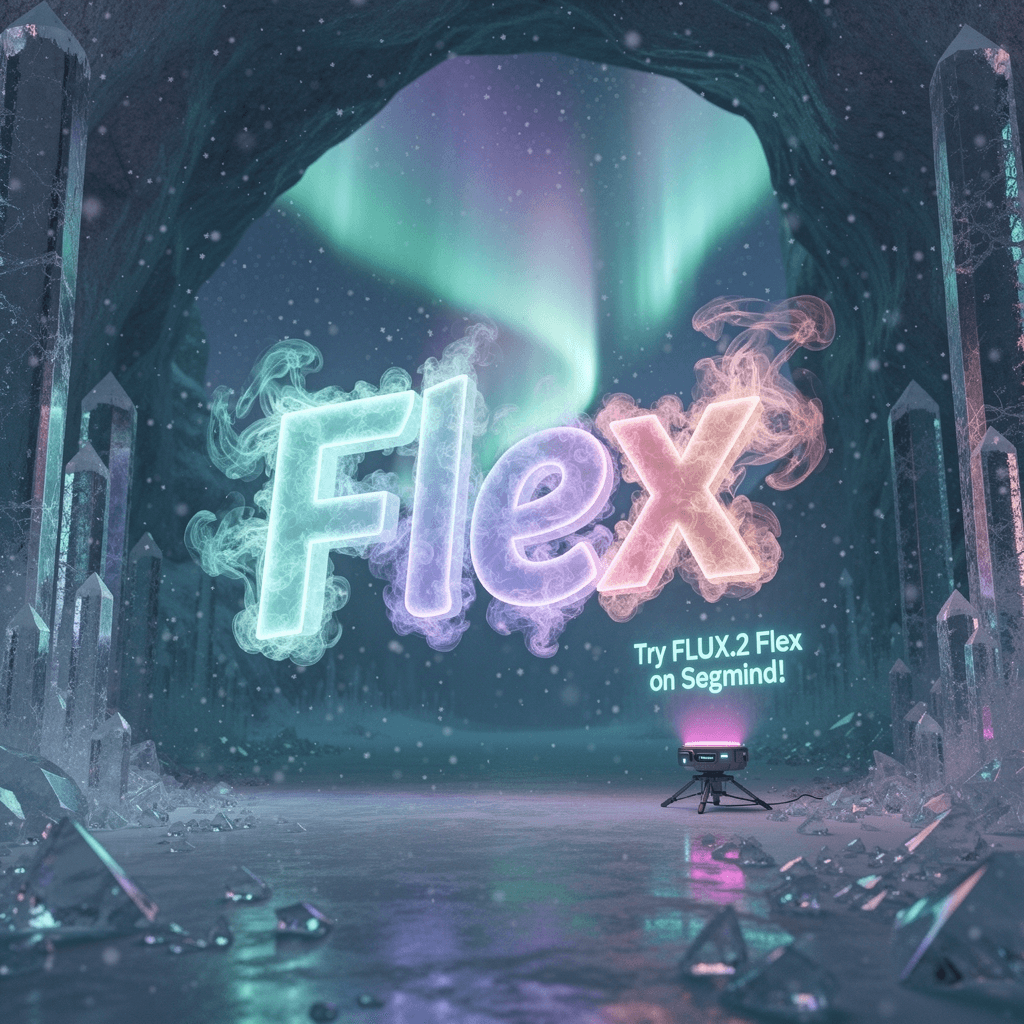
- •Advanced Typography: It supports production-ready text rendering for UI mockups, posters, and designs.
- •Spatial Intelligence: It generates visuals that are physics-aware, have accurate object positioning, and realistic lighting.
- •Flexible Resolution: It offers flexibility to customize dimensions from 64px minimum to 4MP output (default 1024×1024)
- •Prompt Upsampling: It can automatically enhance prompt detail for improved image clarity.
Best Use Cases
- •
Marketing & Branding: It is a go-to model to create consistent campaign visuals with precise color matching and character continuity across multiple assets.
- •
Product Visualization: It can generate photorealistic product shots with controlled lighting, positioning, and environmental context.
- •
UI/UX Design: It offers rapid prototype interfaces with production-ready typography and realistic mockup rendering.
- •
E-commerce: It is useful in producing high-quality product images with consistent styling and accurate color representation.
Entertainment & Creative Production: It can maintain character consistency across storyboards, concept art, and promotional materials.
Prompt Tips and Output Quality
Write Effective Prompts: Be specific about composition, lighting, and style, for example, instead of "a car," write "red sports car in urban parking garage, dramatic side lighting, photorealistic rendering", for a precise output.
Use Multi-Reference Images: Provide reference URLs via image_urls parameter to maintain style consistency. Also, the model can intelligently blend references for character features, color palettes, and compositional elements for professional-level visual outputs.
Optimizing Parameters:
- •Steps (1-50): Use '30' for quick iterations, '50' for maximum detail and texture refinement
- •Guidance (1.5-10): Set to '5-7' for balanced prompt adherence; lower values (3-4) allow more creative interpretation
- •Prompt Upsampling: 'Enable' for sharper, more detailed results, which is specifically effective for complex scenes
- •Seed: Lock a seed value for reproducible variations during iterative refinement
Resolution Strategy: Start with '1024×1024' for testing, then scale to higher resolutions (up to 4MP) for final renders; maintain aspect ratios that match your use case.