What is FLUX.1 Krea?
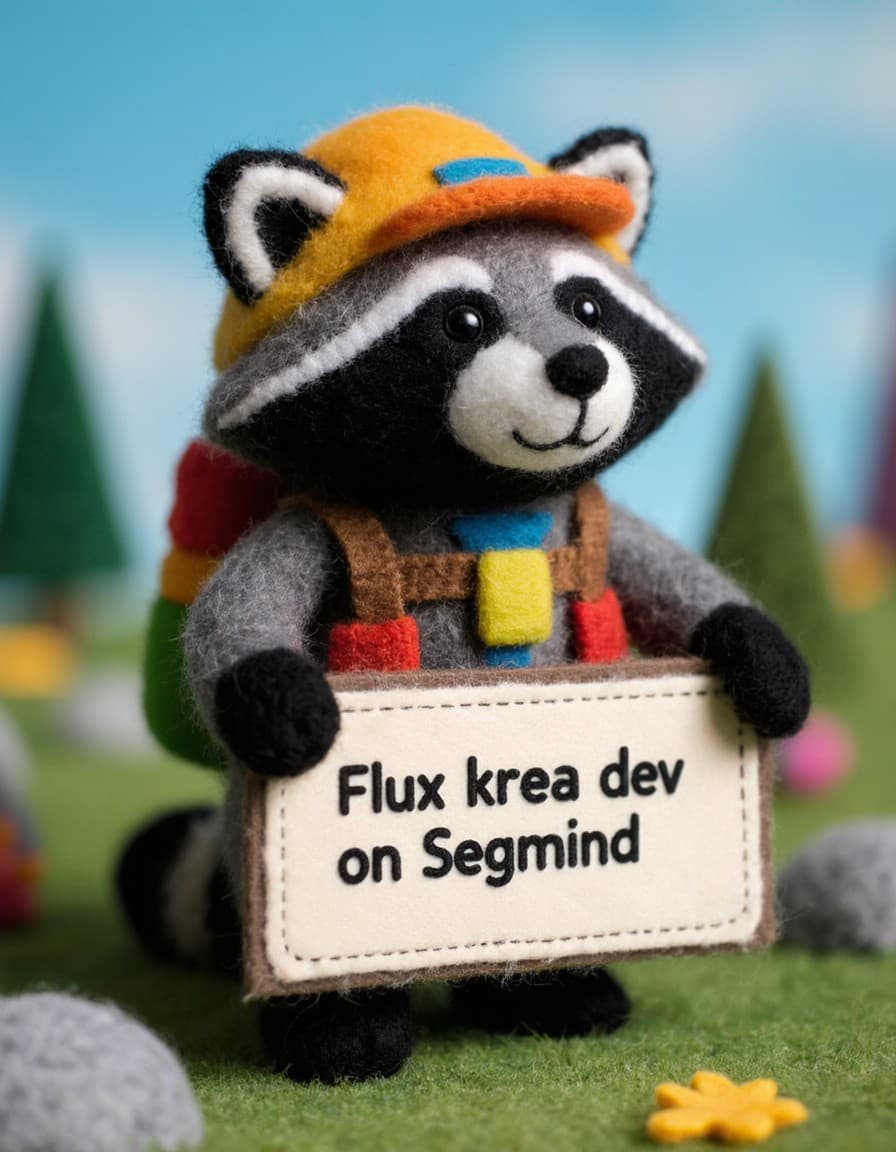
FLUX.1 Krea is an open-source, 12 billion-parameter generative AI model designed for photorealistic image synthesis with fine-grained aesthetic control. Developed in collaboration with Black Forest Labs, FLUX.1 Krea was trained in two stages: first on a diverse “flux-dev-raw” foundation, then refined via supervised fine-tuning on curated high-quality images, followed by reinforcement learning from human feedback (RLHF). The result is a model that avoids common “AI look” artifacts—such as blurred backgrounds or unnatural textures—while delivering coherent, visually compelling outputs aligned to your creative vision.
Key Features
• 12 B Parameter Foundation: Rich representation capacity for complex scenes and nuanced styles.
• Two-Stage Post-Training: Supervised fine-tuning on premium imagery plus RLHF to boost style fidelity and robustness.
• Aesthetic Control: Adjustable guidance scale (0–10) ensures you can trade off creativity for prompt adherence.
• Reproducibility: Use the seed parameter (default 42) to generate identical results across runs.
• Flexible Resolution: Choose megapixels (0.25 for speed, 1 for high-res) and aspect_ratio presets (e.g., 16:9, 1:1).
• Performance Modes: Toggle go_fast for quicker, less deterministic renders or disable for full-quality outputs.
• Safety Checker: Optionally disable content filtering to maximize creative freedom (disable_safety_checker=false by default).
Best Use Cases
• Concept Art & Illustration: Rapidly explore styles and compositions for storyboards, comics, and books.
• Product & Packaging Mockups: Generate photorealistic renders to visualize prototypes without a camera.
• Marketing & Advertising Assets: Craft cohesive imagery for campaigns, social media, and landing pages.
• Architectural & Interior Visualization: Produce lifelike room layouts and exterior shots aligned to design specs.
• UI/UX Backgrounds & Assets: Create seamless textures, patterns, and environment renders for digital products.
Prompt Tips and Output Quality
- Craft concise yet evocative prompts: “A sleek Tesla-inspired electric vehicle parked by a neon-lit cyberpunk cityscape.”
- Guidance Scale: Start at around 7 for balanced creativity and accuracy; increase toward 10 for strict adherence.
- Inference Steps: 40 steps (default) strikes a good quality/speed balance; raise up to 50 for maximum detail.
- Seed Consistency: Lock the
seedparameter to reproduce results; omit or randomize for novel variations. - Megapixels & Aspect Ratio: Use
1MP for high fidelity or0.25MP to speed up; setaspect_ratioto match your layout. - Image Conditioning: Supply an initial
imageURI for img2img workflows; adjustprompt_strength(0–1) to control transformation.