GPT Image 2.6 Flare: Text-to-Image and Animated GIF
What is GPT Image 2.6 Flare?
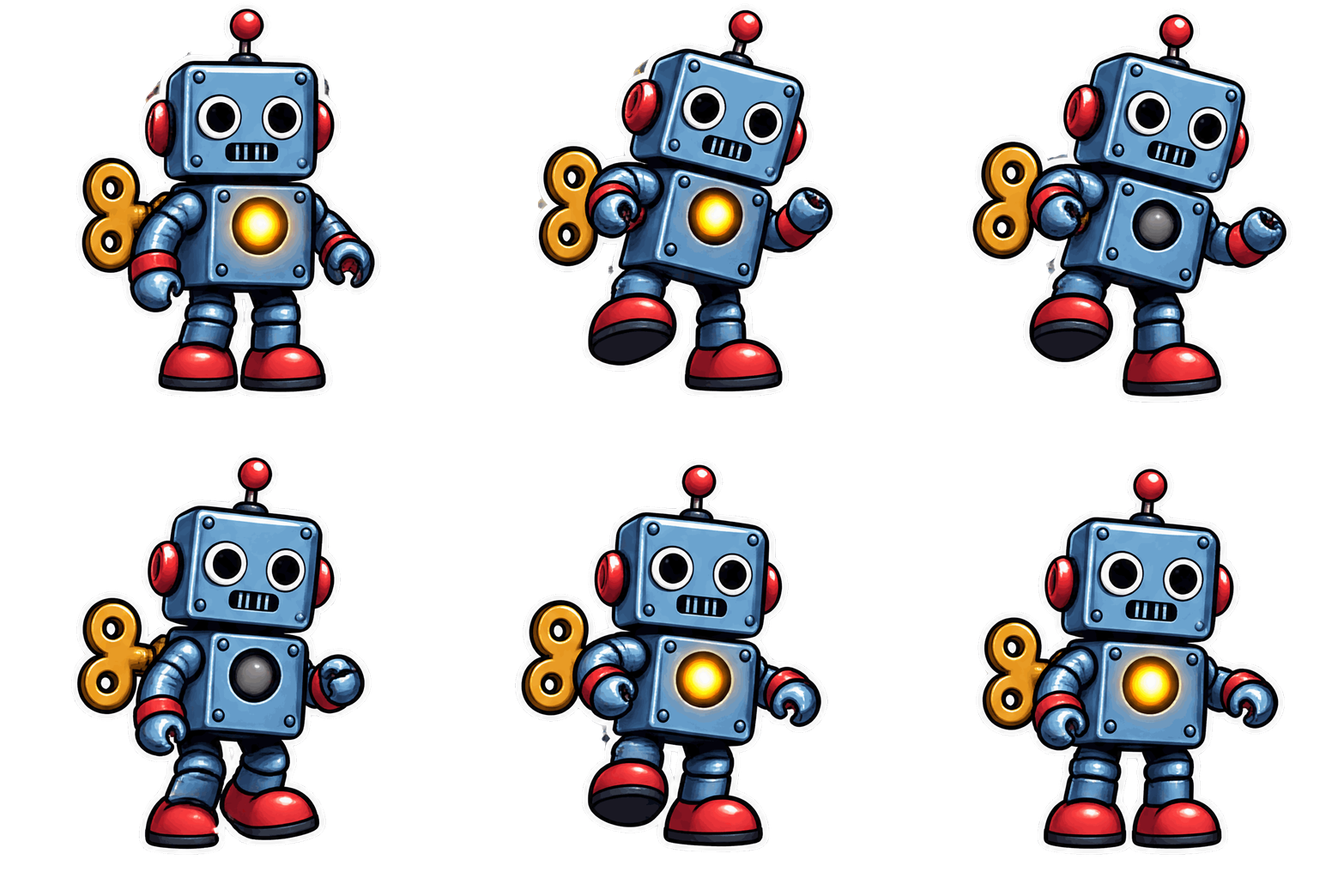
GPT Image 2.6 Flare is OpenAI's speed-first model in the GPT Image 2.6 family, served on Segmind as one endpoint for text-to-image generation, reference-guided editing, and native animated GIF output. Describe a scene and Flare returns a PNG, JPEG or WEBP still; switch the output format to GIF and the same request renders a looping animation, with no separate video model and no frame stitching. Flare is the route tuned for speed and big, sweeping motion, so it is the natural default for iterating on animated social and ad creative.
Key Features
- Native animated GIF: 2 to 16 frames (9 by default), adjustable frame duration, and a loop that plays forever.
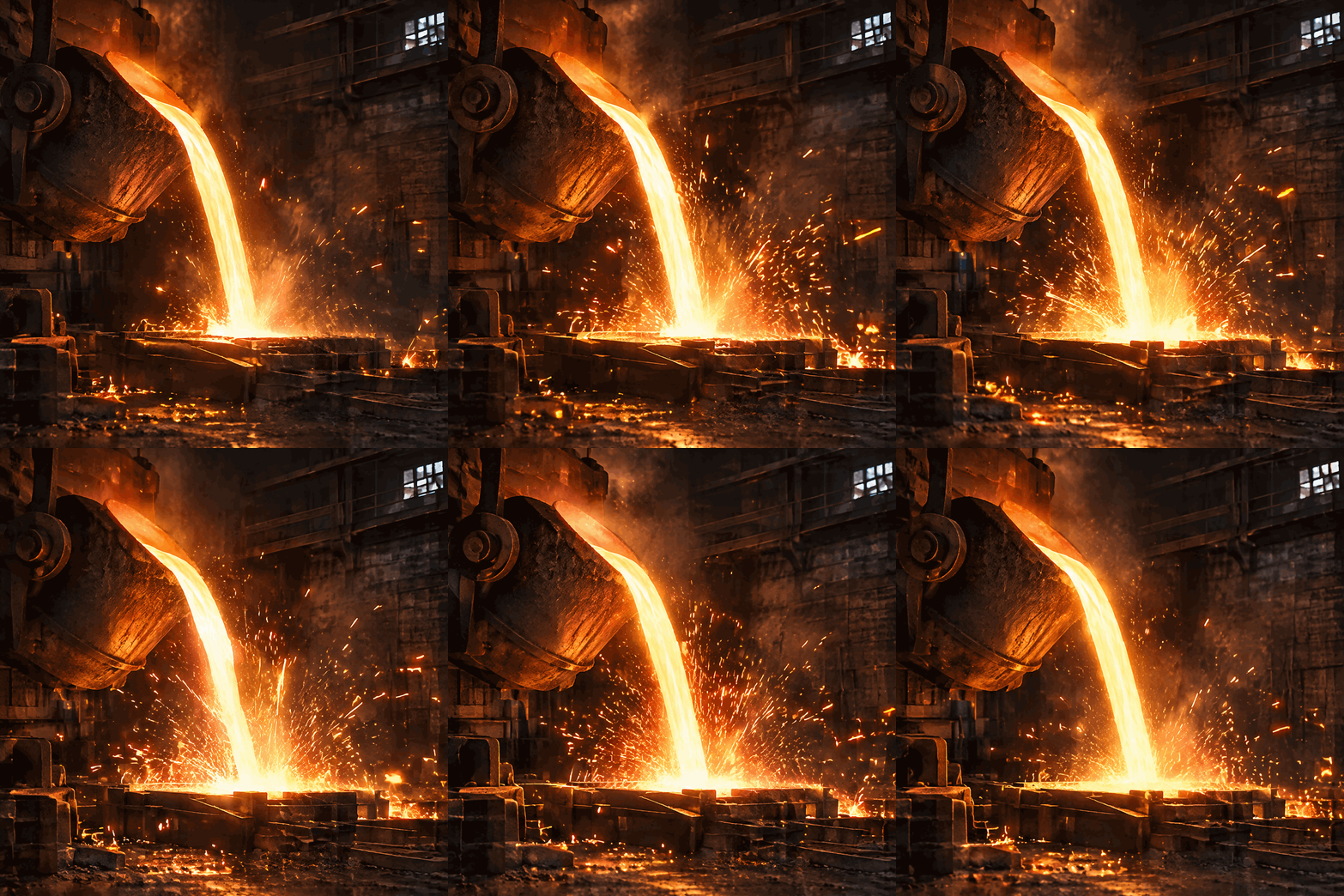
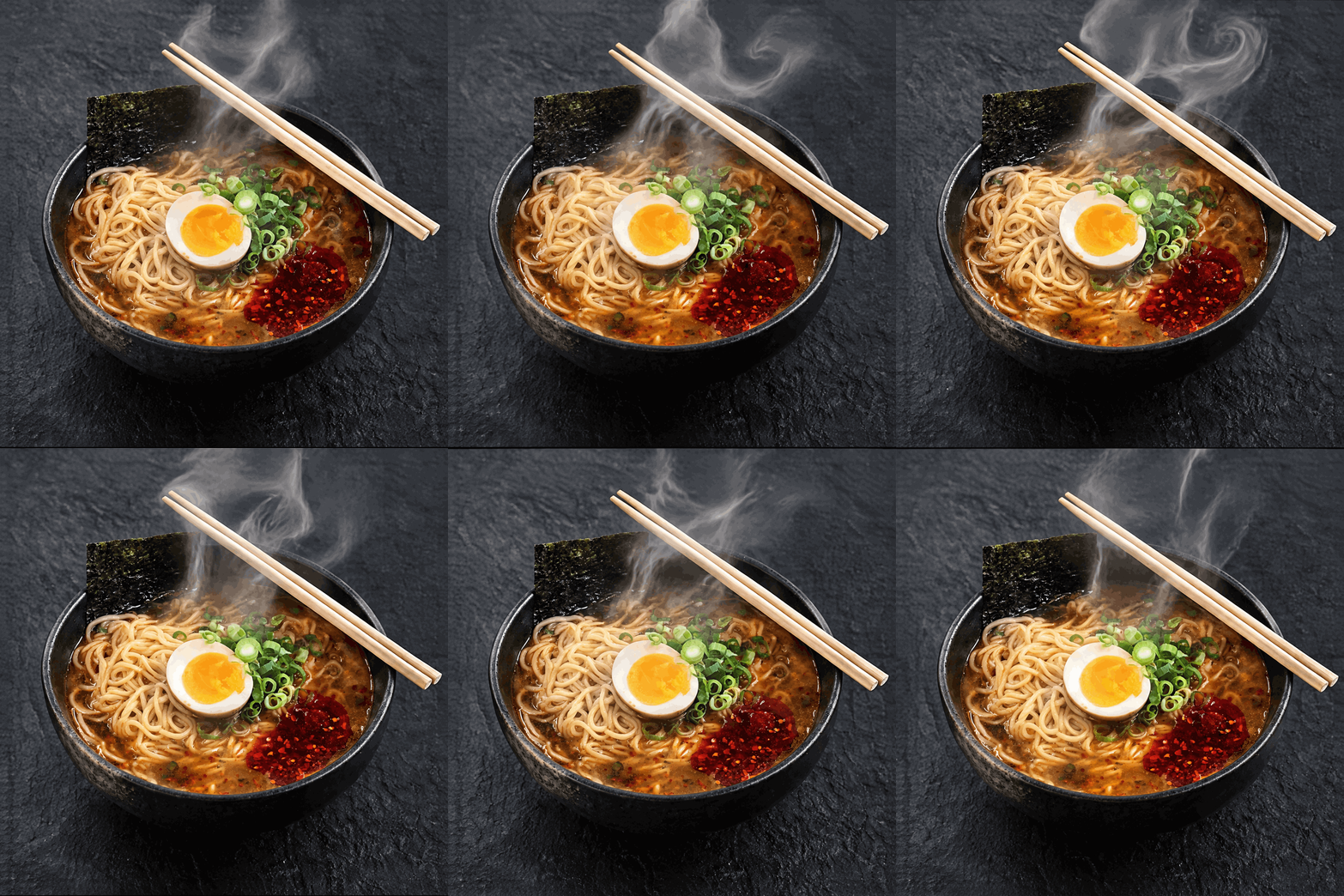
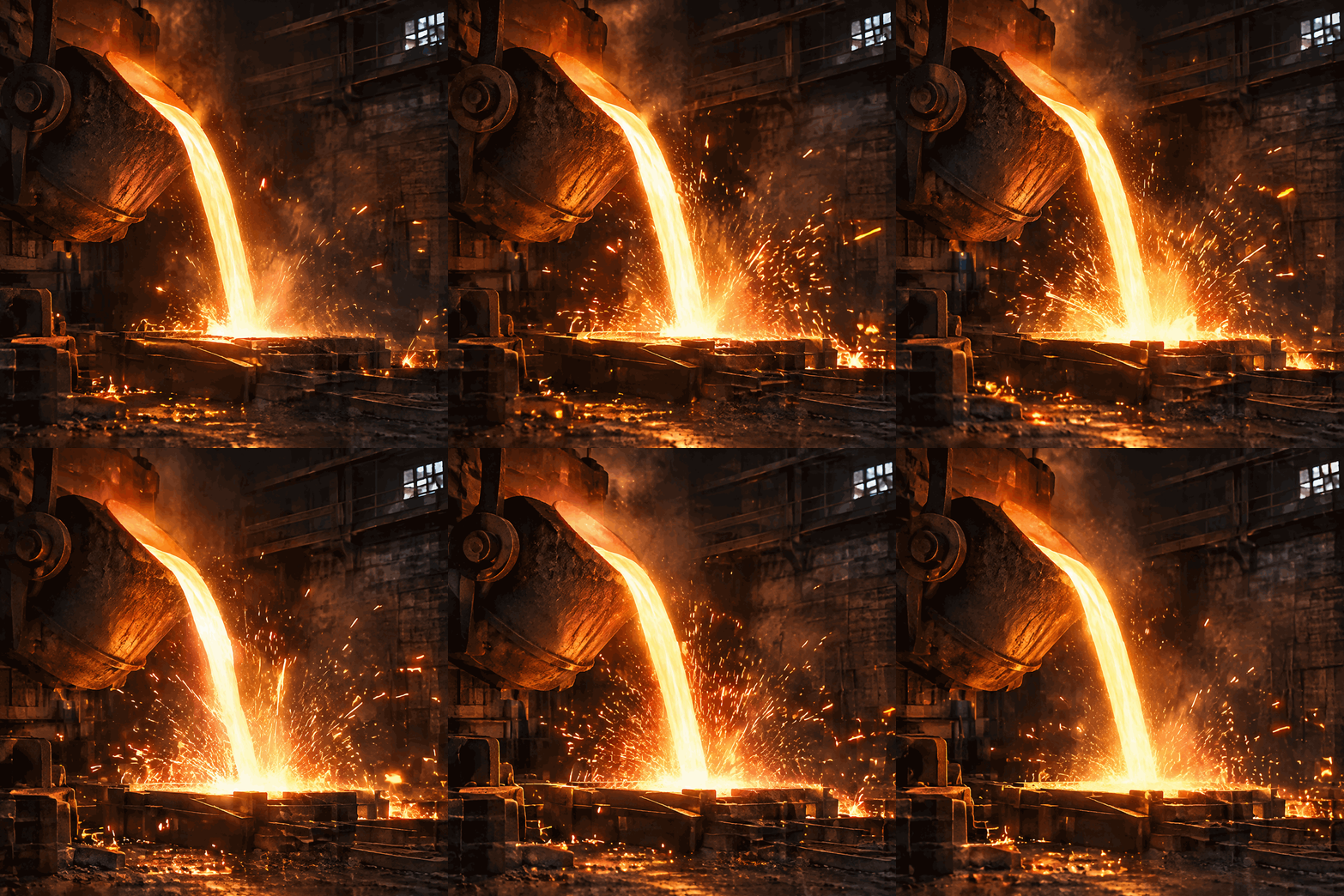
- Big-motion cinemagraphs: crashing surf, billowing smoke, swaying trees, flames and pours.
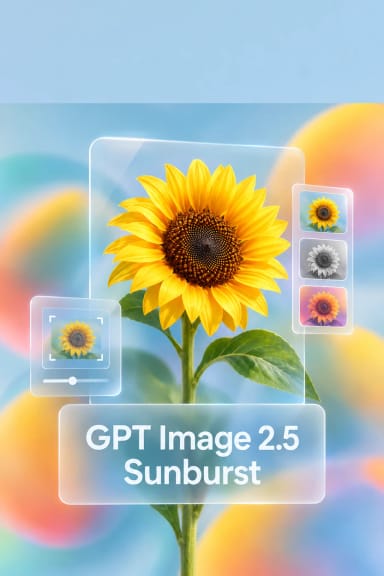
- Fast turnaround: about twice as quick as GPT Image 2.6 Sunburst on matched requests.
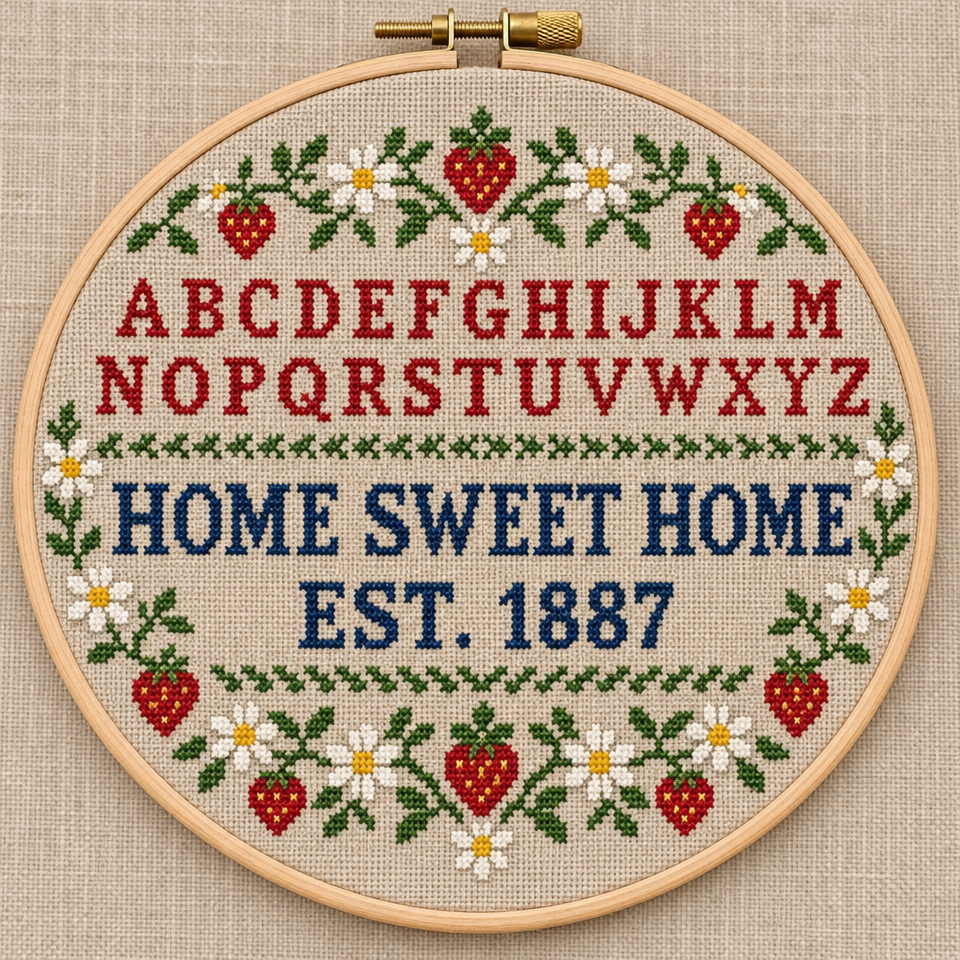
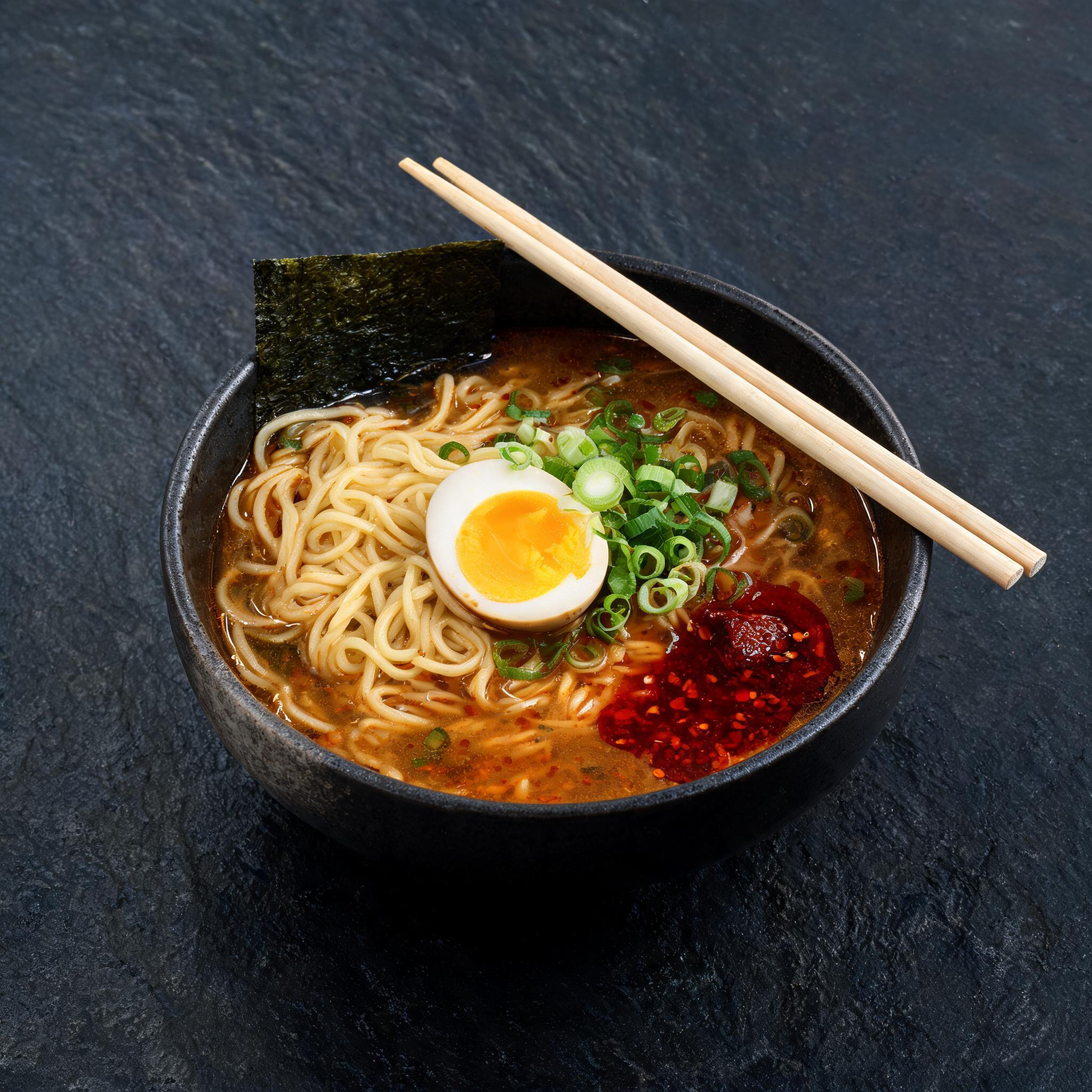
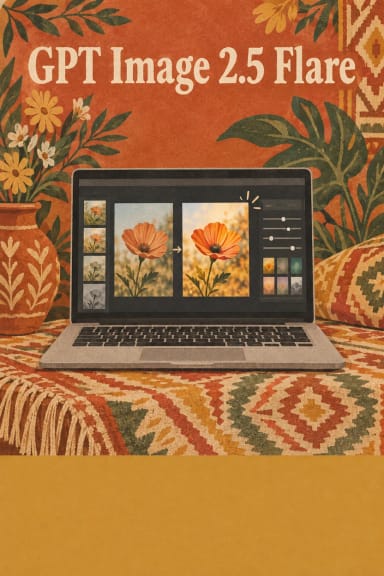
- Legible in-image text for posters, labels and UI copy, plus edit mode to restyle or animate a reference photo.
- Transparent backgrounds with PNG, WEBP or GIF, and quality and complexity controls that trade planning effort for speed.
Best Use Cases
- Social and ad creative: feed loops, display banners and email headers, where GIF plays almost everywhere.
- Cinemagraphs: one dramatic moving element such as flames, rain, surf or a molten pour.
- Rapid motion concepting: try many ideas at low quality, then re-render the winner at high.
- Stills and stickers: product shots, posters and mockups with crisp typography, or reactions on transparent backgrounds.
Prompt Tips and Output Quality
Write a GIF prompt in three parts: the subject, the motion, and how the loop closes ("the last frame flows back into the first"). Big, continuous actions read best at thumbnail size. For a GIF, size sets one frame; 960x960 and 1280x720 both hold 9 frames reliably, while very small 16:9 frames can be rejected, so lower the frame count or pick a larger frame if that happens. Loop length is frame count times frame duration, so 9 frames at 200 ms is a 1.8-second loop. Draft at low quality and finish at high.