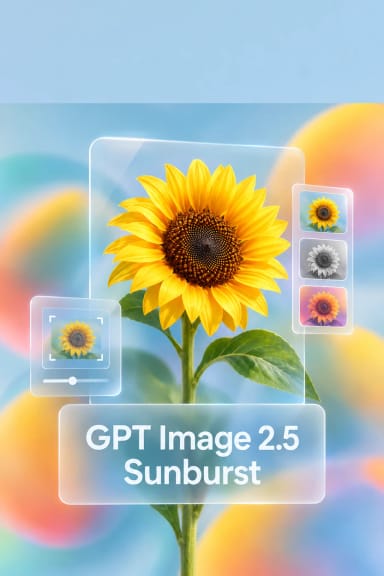
GPT Image 2.6 Sunburst (Text-to-Image & Animated GIF)
What is GPT Image 2.6 Sunburst?
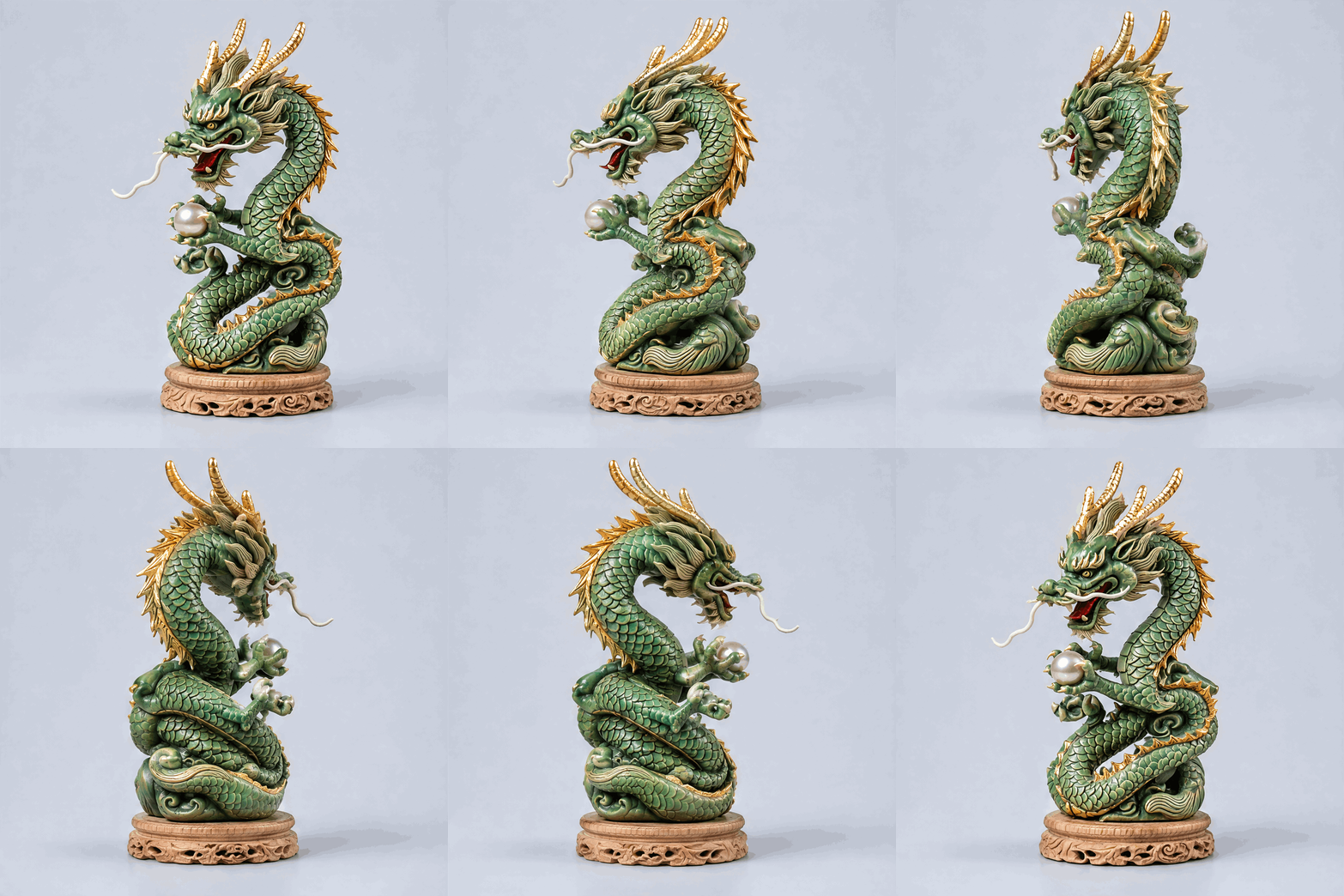
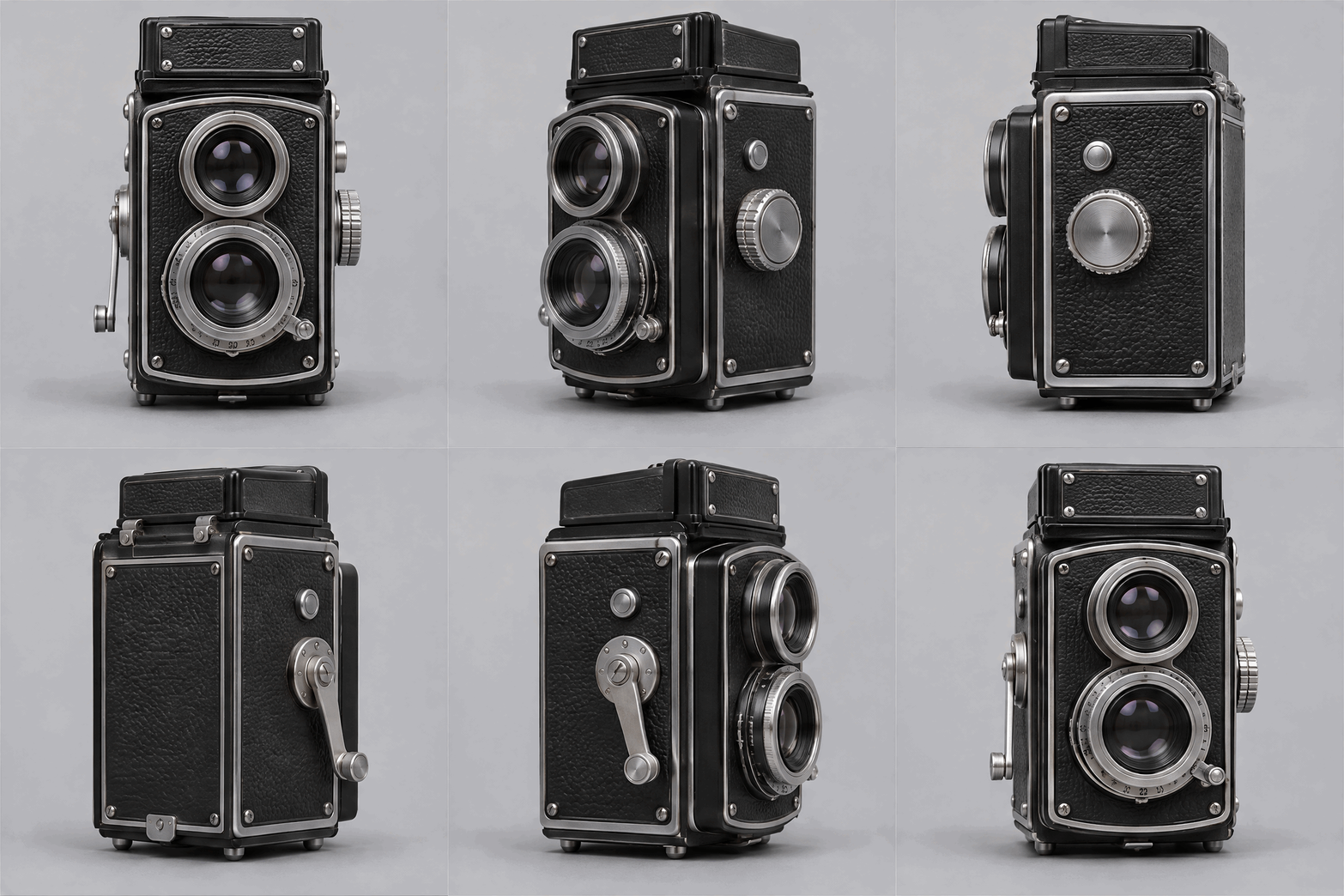
GPT Image 2.6 Sunburst is OpenAI's detail-first image model on Segmind. One endpoint handles text-to-image, reference-guided editing and native animated GIF output. Its signature capability is the animated GIF turntable: give it one clean product photo and it returns a seamless 360-degree spin whose fine detail — patterns, materials and proportions — stays consistent from frame to frame, with no 3D model and no video pipeline. Sunburst is the precision route in the GPT Image 2.6 family: it takes longer per request than the Flare route and spends that time holding detail steady as the subject turns.
Key Features
- Native animated GIF, 2 to 16 frames, with frame-duration control and a seamless loop.
- Frame-to-frame consistency: pattern, colour, geometry and lighting hold as the subject rotates.
- Image-to-GIF: animate a reference photo while keeping the object recognisably the same.
- Detailed stills with legible in-image text, at sizes up to 3840x2160.
- Targeted edits with an optional alpha-channel mask, and transparent backgrounds with png, webp or gif.
Best Use Cases
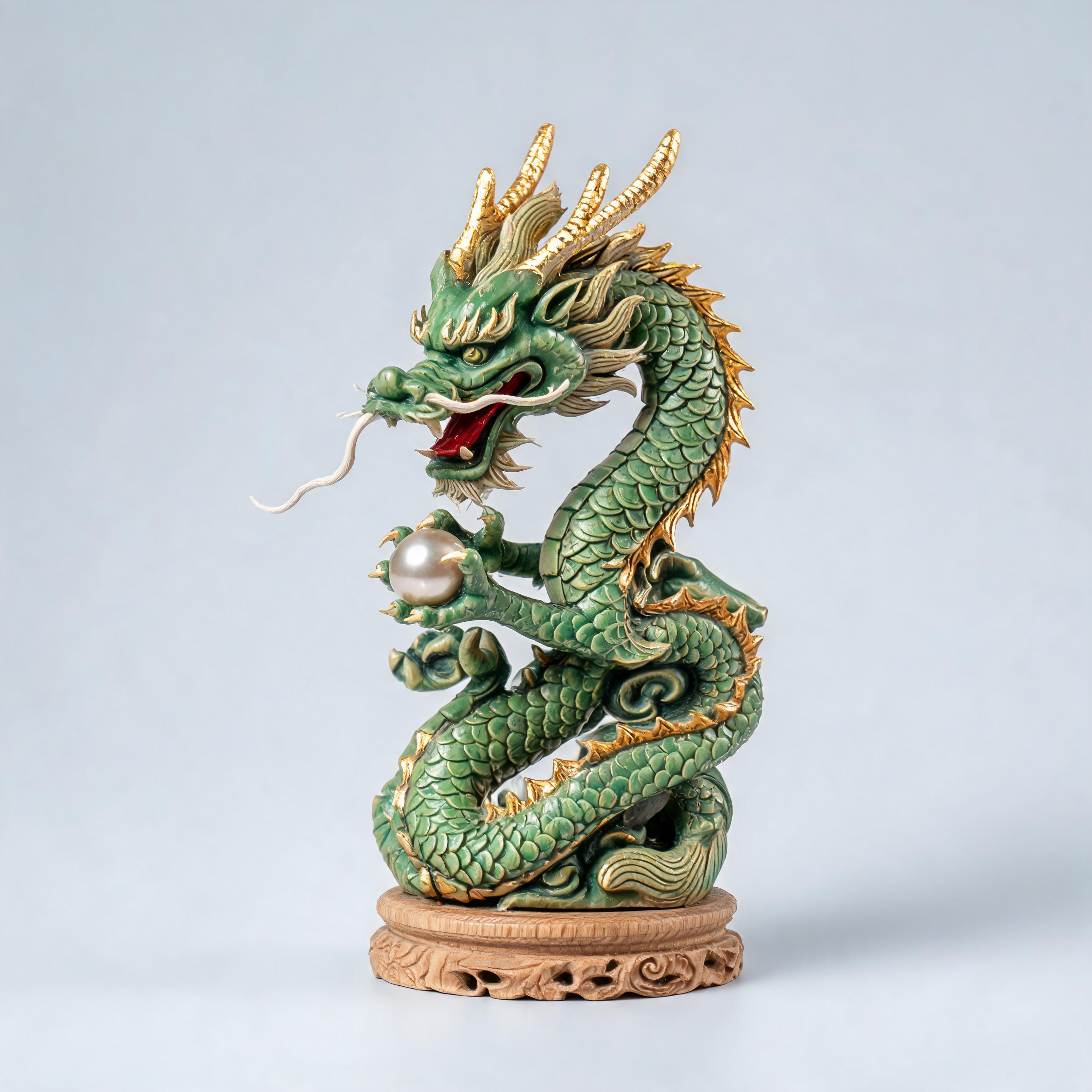
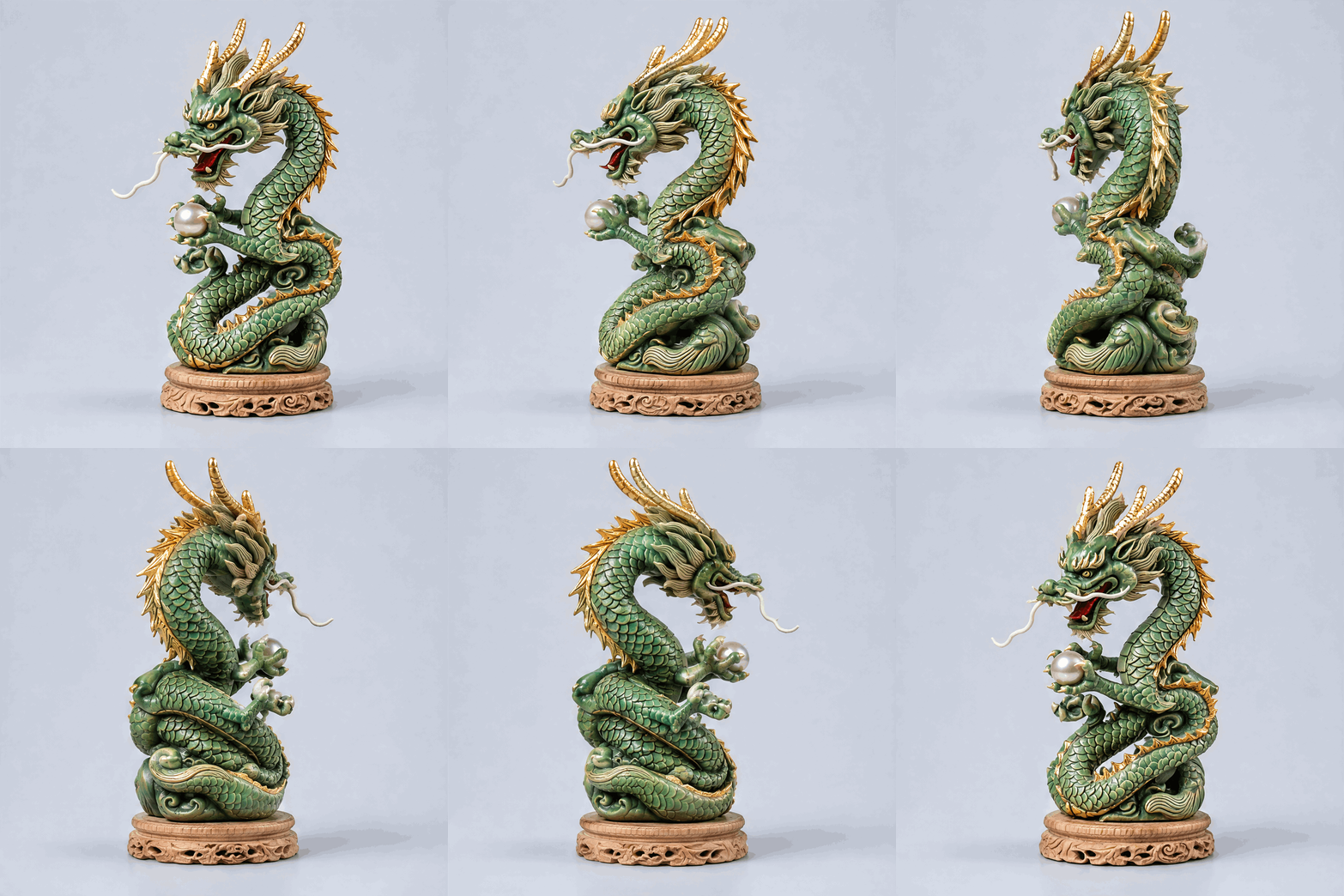
Sunburst is built for product spins: rotate ceramics, watches, packaging or collectibles for a store listing, a marketplace preview or an email that loops in place. It also suits design reviews and concept art you want to inspect from every angle, and detail-heavy stills — packaging, posters and editorial illustration with dense, readable text. In testing, a single carved-figurine photo became a clean 9-frame 960x960 turntable whose scales, gold edging and proportions matched across every frame.
Prompt Tips and Output Quality
Start from one clean subject on a plain backdrop with even light. State the motion exactly — "one full revolution around the vertical axis, fixed camera, no zoom" — and name what must stay constant: pattern, colour, proportions, lighting. Use 960x960 with 9 frames for crisp turntables, or Auto with up to 16 frames for a smoother spin. Keep quality high for finals; if a large frame size combined with many frames is rejected, lower one.