

Labelled steps
Each step gets a box, a simple icon and a label of up to three words.
Describe a process and get a 10-second animated flow diagram explainer with labelled steps, a moving token and narration. Made with Gemini Omni 1.2 Flash.
Your generated content will appear here
Example
One run from three sentences about scanning a QR code, the banks, NPCI and the shop’s app.
Explainer Video
About this Pixelflow
Animated Flow Diagram Explainer Video turns a process you describe in a few sentences into a 10-second motion-graphics video. Your steps become labelled boxes joined by arrows, a token travels through them with a tick at each stop, a banner shows the result and a narrator explains it. Made with Gemini 3.8 Flash and Gemini Omni 1.2 Flash.
Write the steps in plain sentences, in order, with the names your audience knows.
Gemini 3.8 Flash turns it into three to five labelled boxes, a moving token, a result banner and a short narration.
Gemini Omni 1.2 Flash draws the diagram in flat 2D motion graphics and returns a landscape video with sound.
Each part of the diagram has one job, so the video reads at a glance.
Each step gets a box, a simple icon and a label of up to three words.
A coin, document or parcel moves along the arrows, and each box ticks as it passes.
The video ends on one line that says what happened.
One or two sentences that explain the flow in plain words.
One clip per run, with narration and sound.
Landscape 16:9 MP4 with sound.
10 seconds.
720p.
Flat 2D motion graphics on white, in a two-colour palette chosen for the subject.
Gemini Omni 1.2 Flash makes the video and Gemini 3.8 Flash writes the prompt.
Show how a payment, an order or a sign-up moves from step to step.
Turn a process document into a short clip for new hires or partners.
Drop a moving diagram into a LinkedIn post, a product demo or a slide.
Building with it? Read the Animated Flow Diagram Explainer Video API docs.
Three to five boxes read well in 10 seconds. A longer process is grouped into five steps or fewer.
Labels are kept to three words in capitals and passed to the video model exactly. In our tests every label and amount came out as written.
Yes. A calm narrator says one or two short sentences written from your description, in an accent that suits the subject.
Yes. It runs through the Pixelflow API with the same inputs: submit a run, then poll for the result.
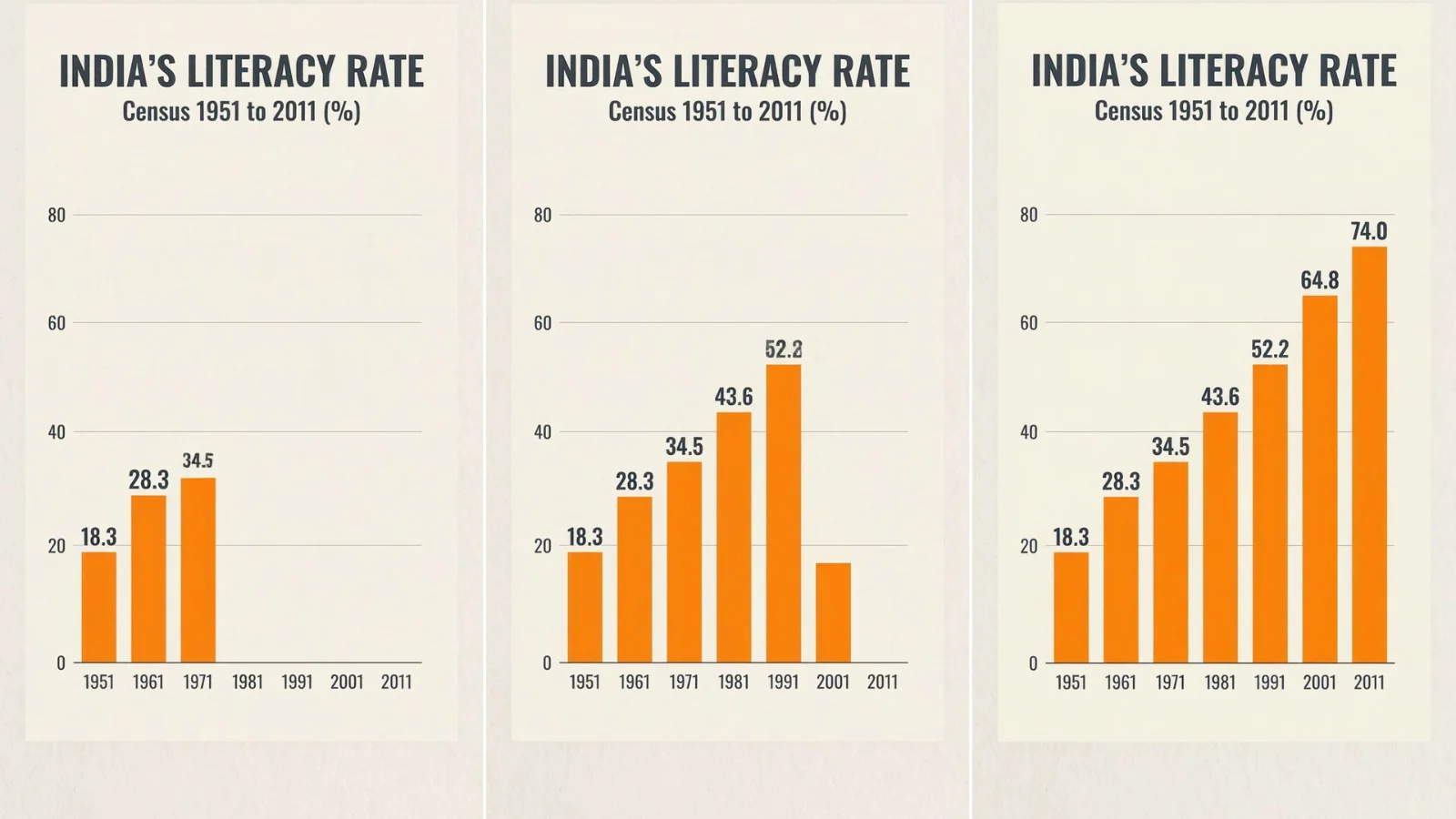 Animated Chart Video from Your Numbers
 15-Second Watercolour How-To Explainer
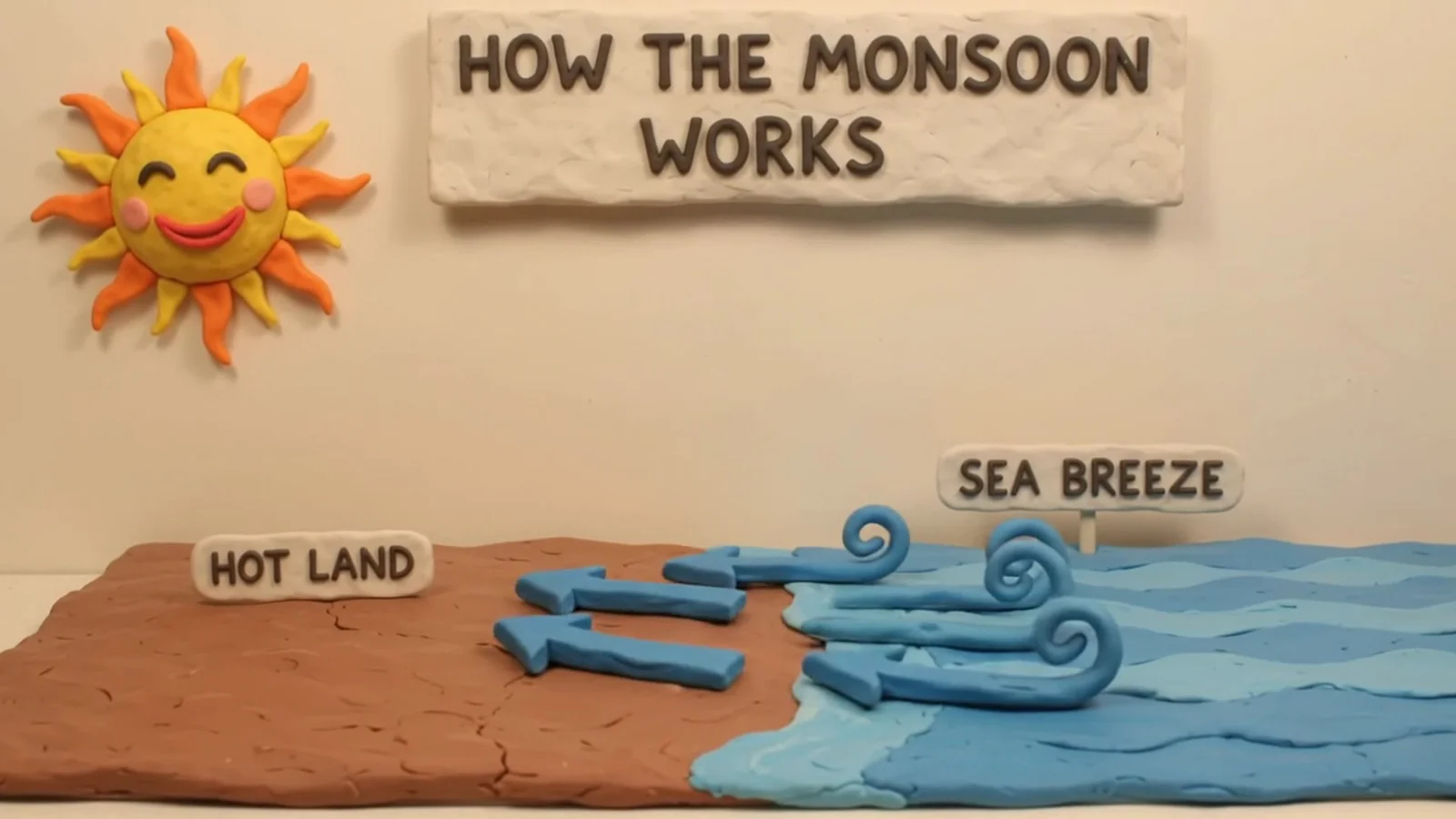 Claymation Explainer Video from a Topic
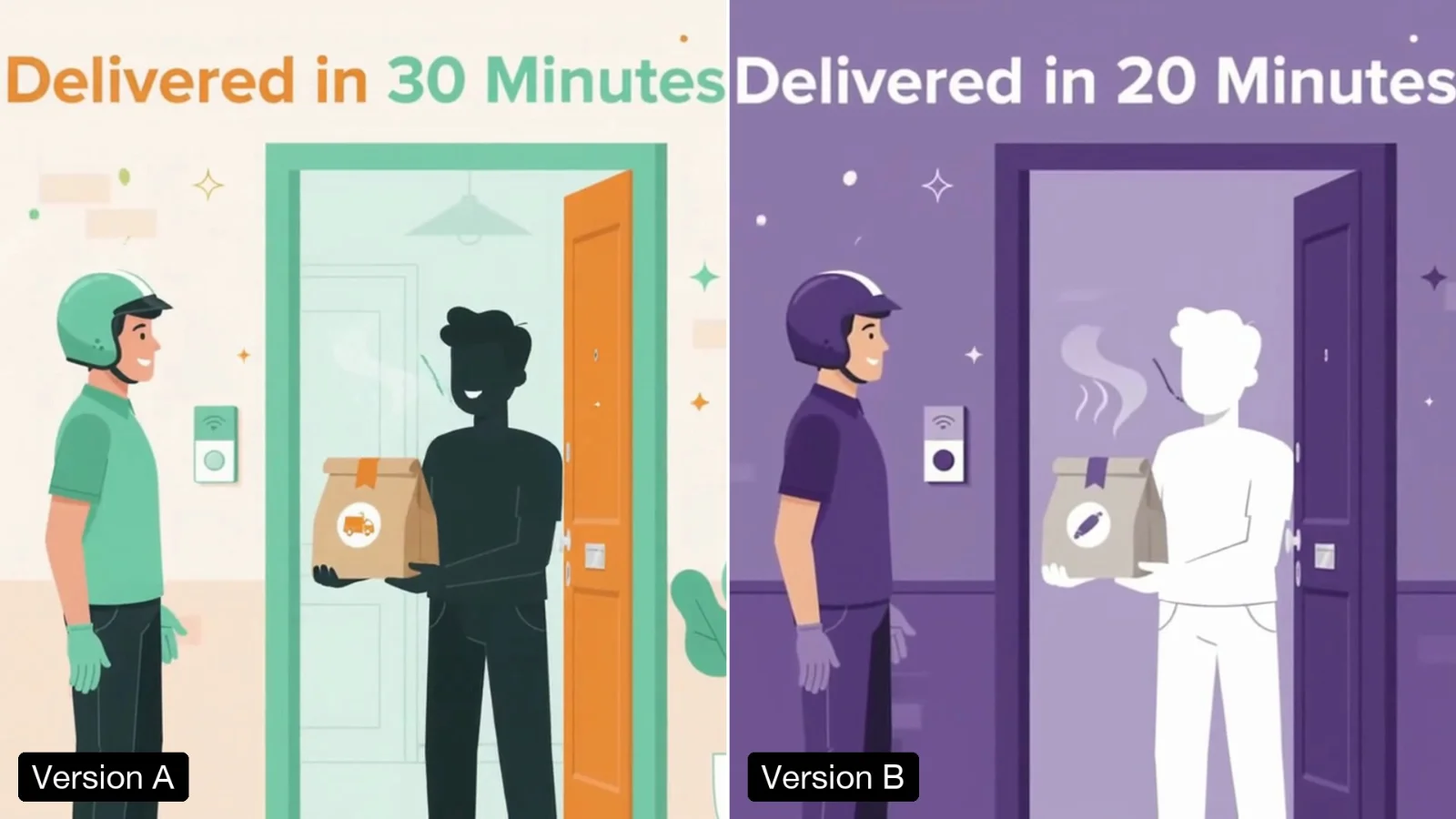 Make Two Versions of a Video for A/B Tests
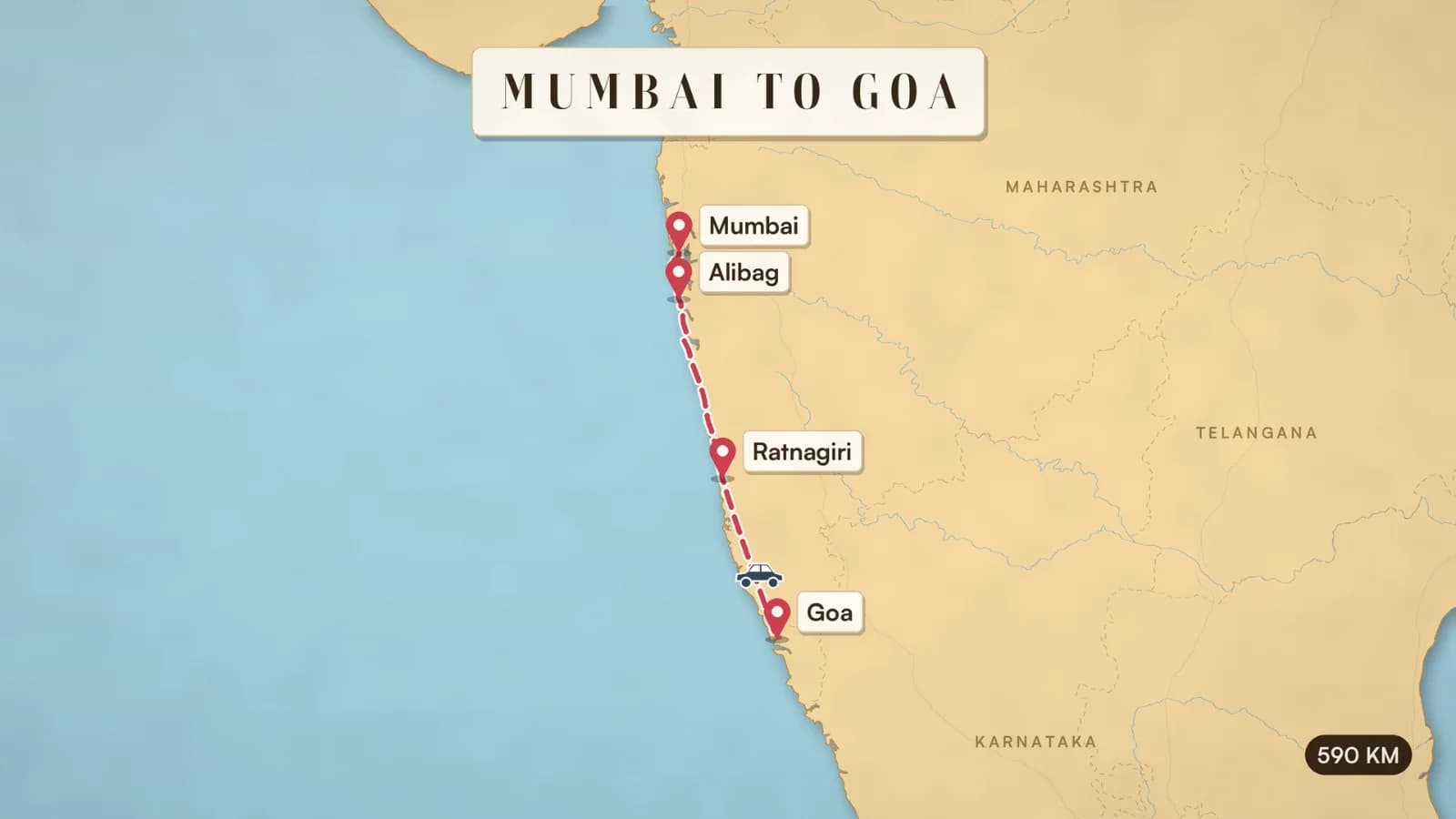 Animated Travel Route Map Video
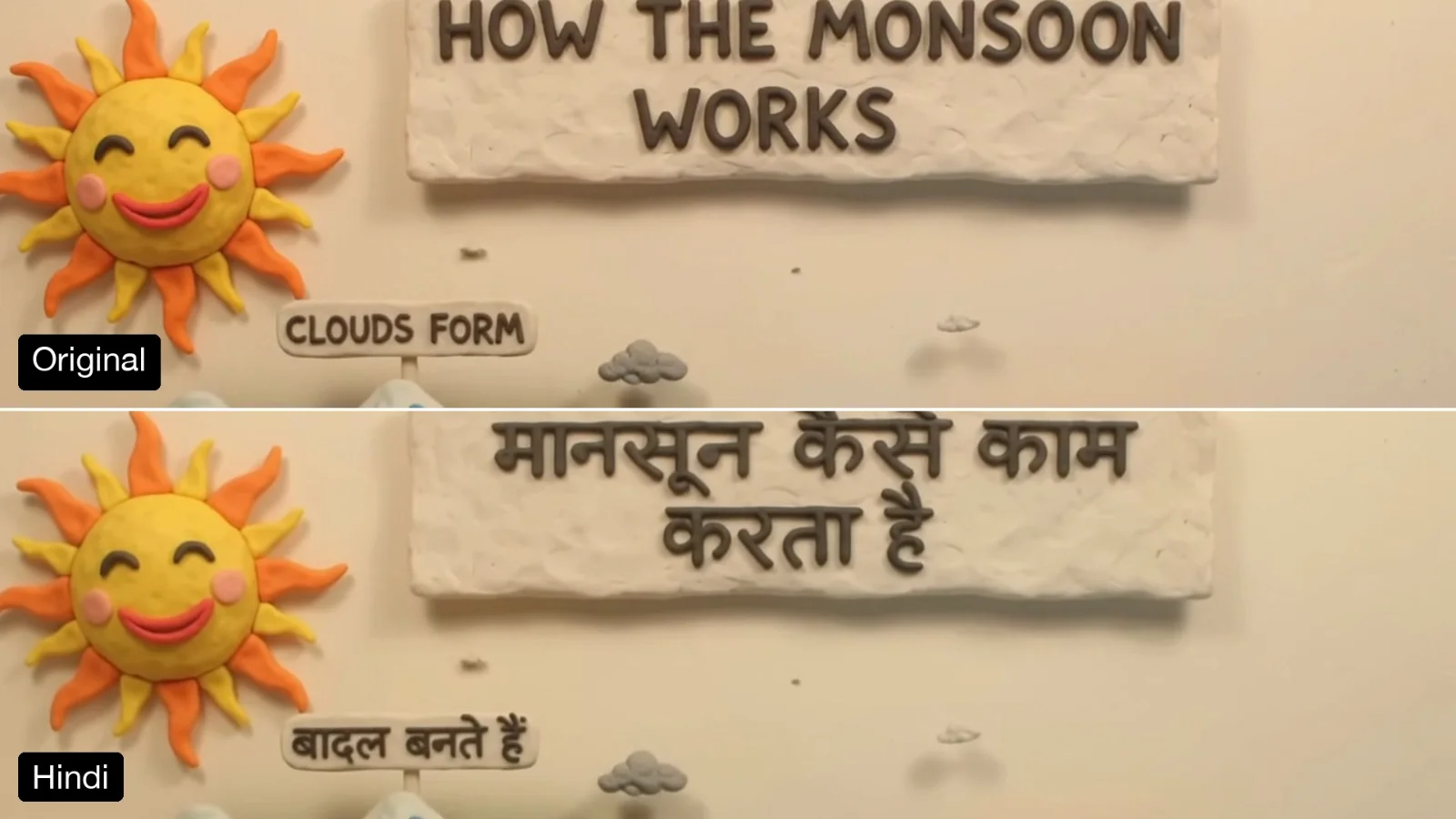 Translate the On-Screen Text in a Video
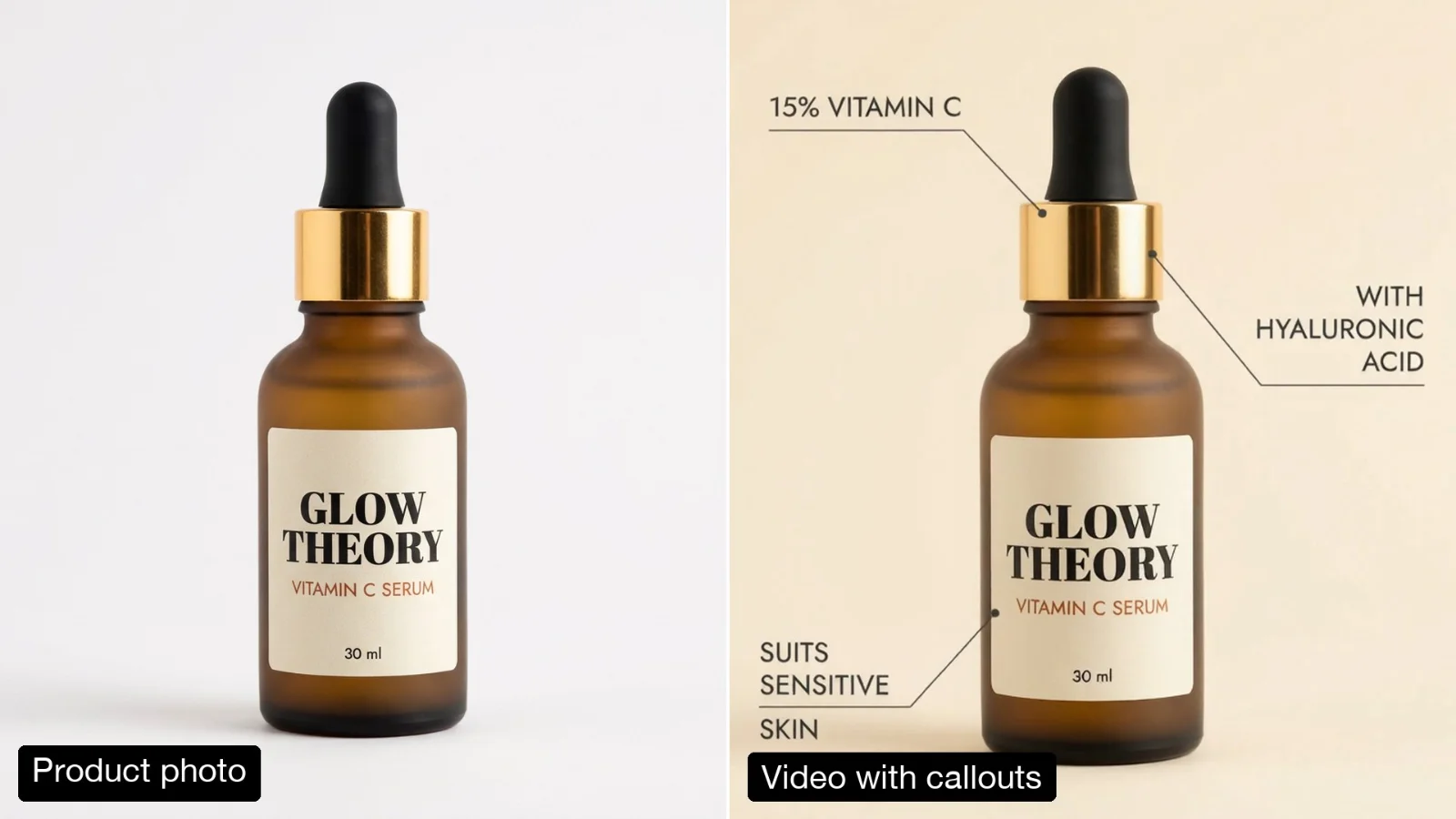 Product Video with Animated Feature Callouts
 Tamil and Bengali Greeting Video with Animated Lettering
Call it from your code with the same inputs you used here, or talk to us about running it at volume. Segmind is an authorised channel partner of ElevenLabs, Google, ByteDance, Alibaba, OpenAI, Kling and 40+ more AI providers.