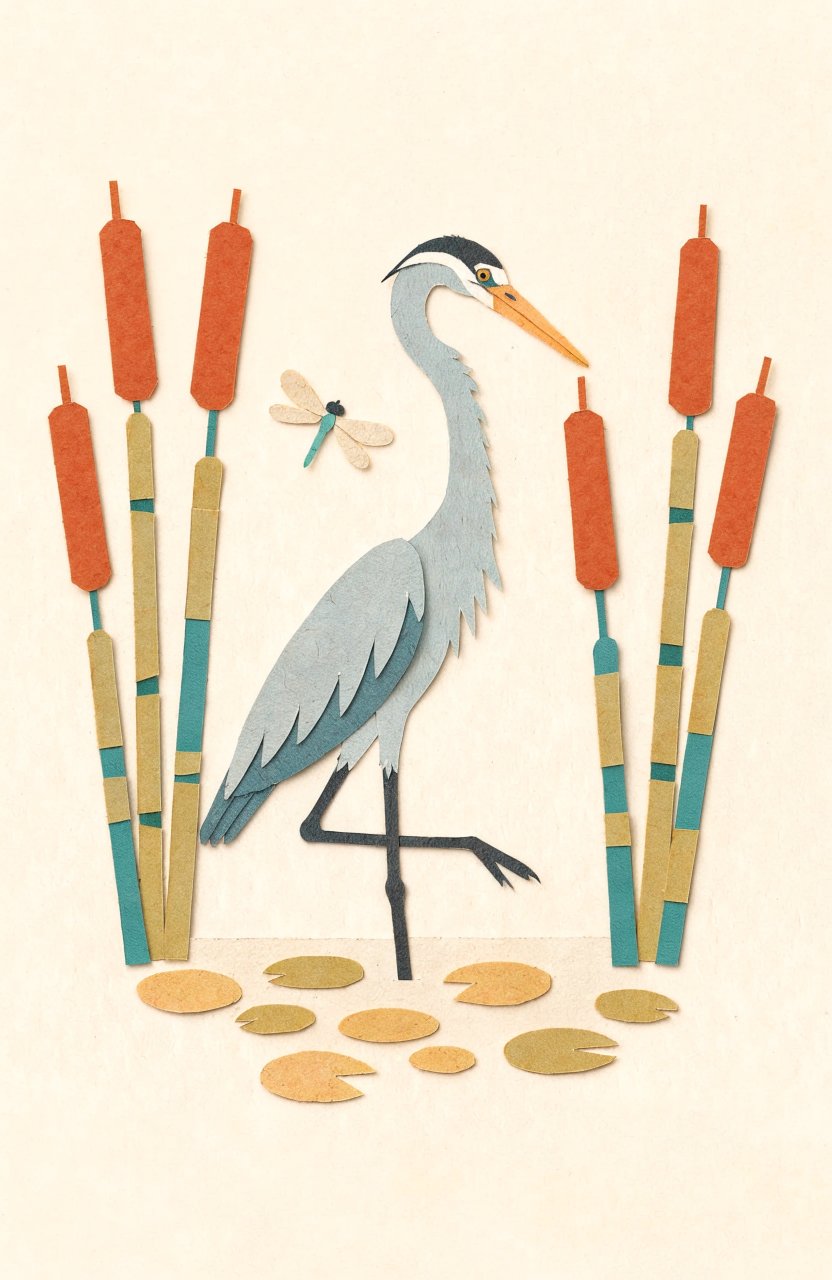
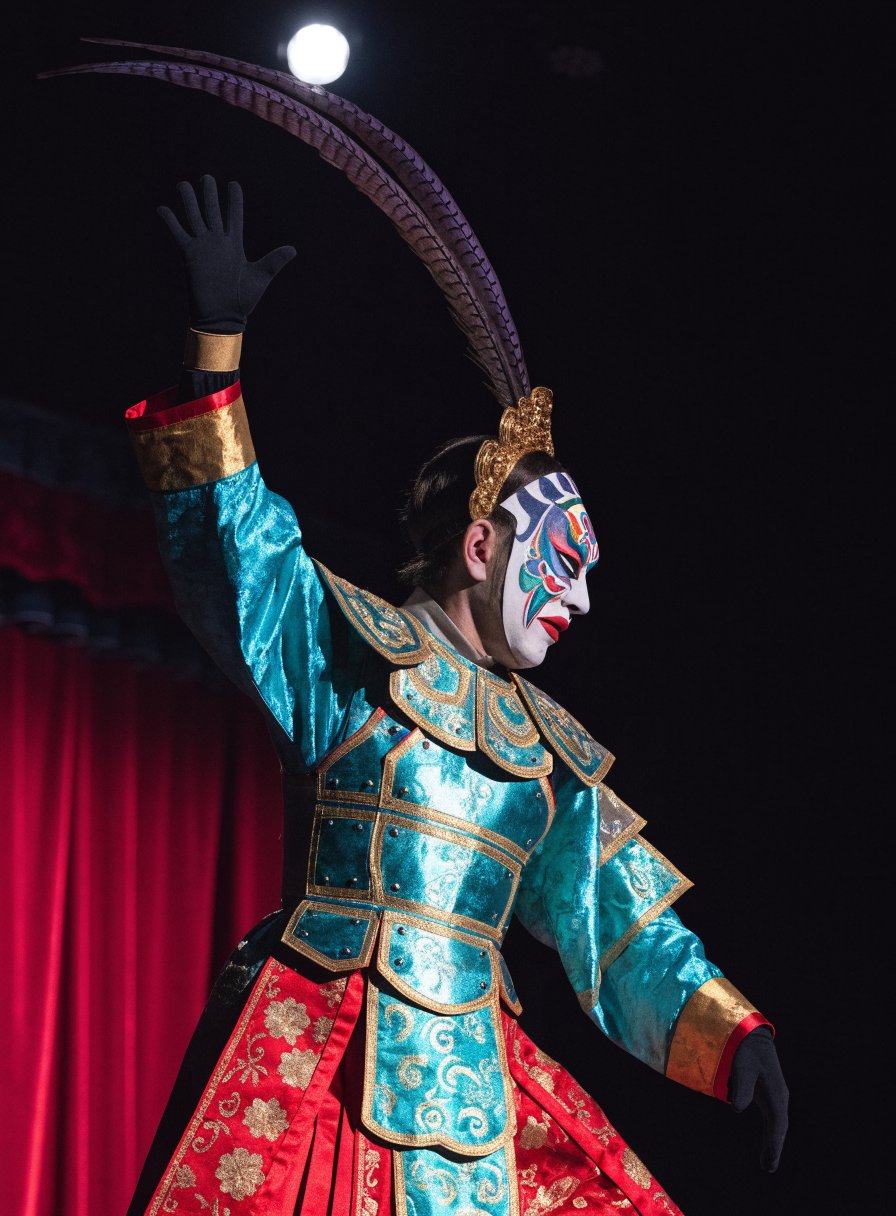
Recraft V4.1 on Segmind: photoreal images and editable SVG vectors from text
Recraft V4.1 turns one text prompt into a polished photograph or an editable SVG vector, with strong prompt following and legible in-image text. Switch to 2K for print detail, the Utility look for flat mockups, or add style references to hold a brand look.
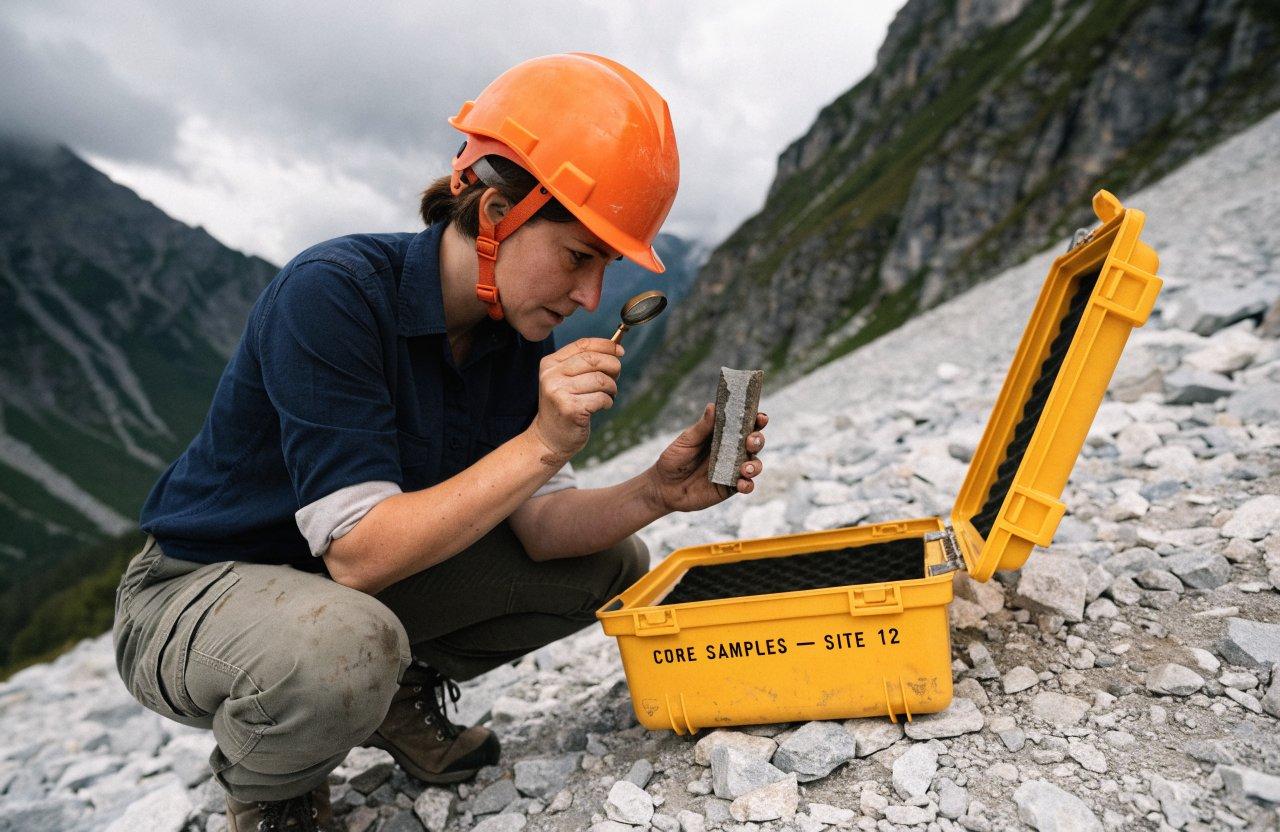
Recraft V4.1 is Recraft's default text-to-image model. From a single prompt it returns a polished photograph or an editable SVG vector, with strong prompt following and text rendered cleanly into the image. It refines the photorealism and prompt following of Recraft V4 and adds a Utility look for flat, front-facing mockups. One slug covers the V4.1 and Utility lines: parameters move you to the Pro (2K), Vector (SVG) and Utility rows.
 ModelRecraft V4.1Photorealistic text-to-image with editable SVG vectors and legible text.
What it does well
Natural photorealism and prompt following
Recraft V4.1 is tuned for photorealism that reads as a real photo, not an over-processed render. It follows the prompt closely, so the named elements of a scene turn up and land where you asked. It also renders legible text straight into the image, which makes it practical for labels, signage and posters. The example below asked for a specific field scene and a stencilled label, and both came back clean.
A field geologist in an orange hard hat crouches on grey mountain scree, holding a split grey rock core up to a brass hand lens; an open yellow hard-shell equipment case beside her is stencilled 'CORE SAMPLES — SITE 12' in black, overcast daylight
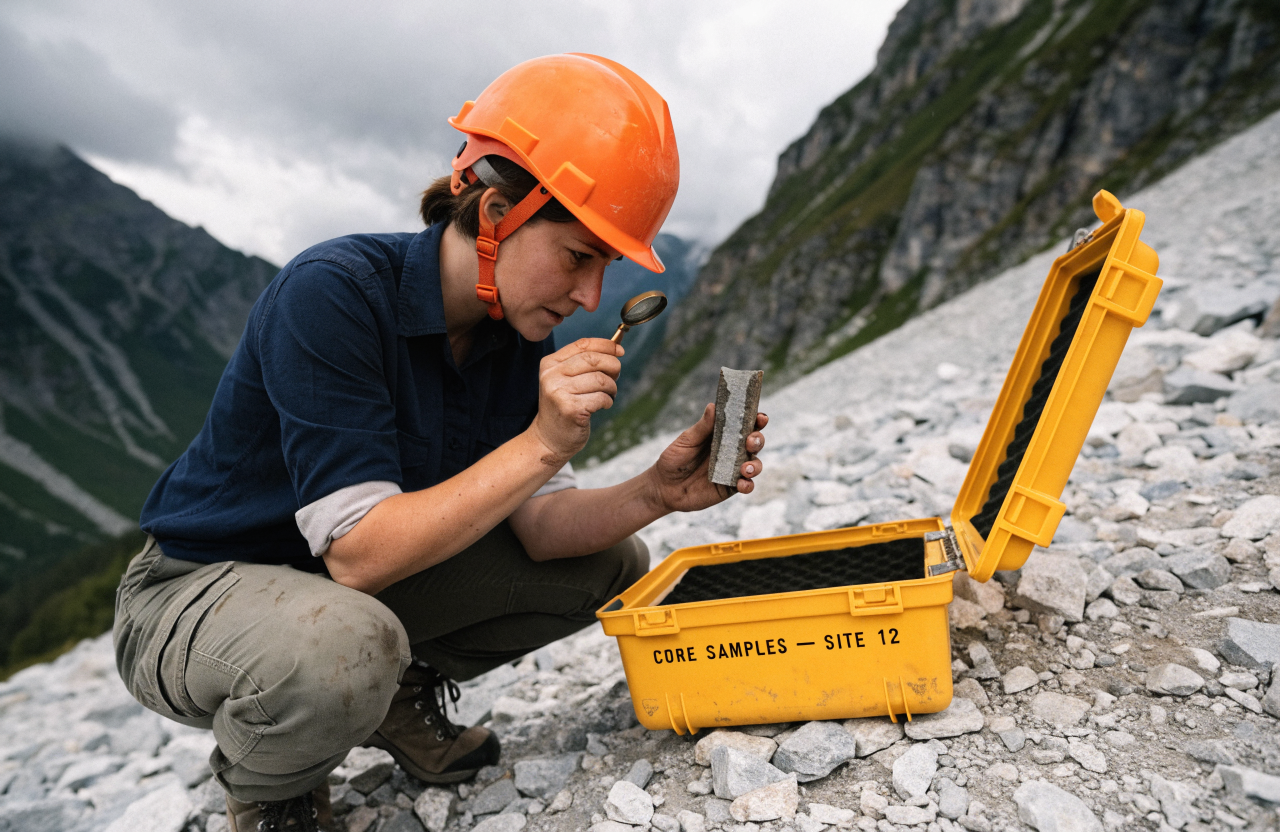
The lowest-change row — just a prompt — returns a believable overcast photo with the stencilled 'CORE SAMPLES — SITE 12' label legible, so quote any text you want rendered.
Editable SVG vectors
Set output_format to svg and Recraft V4.1 returns a true vector file instead of a raster. Logos, icons and typographic illustration come back as clean, scalable shapes you can open and edit. The wordmark stays sharp at any size, so the asset is ready for print or screen.
A flat two-color vector emblem logo for an artisan chocolatier: a stylised cacao pod split open to reveal three beans, set inside a hexagon outline, the curved words 'CACAO & CO' arched across the top and 'SINGLE ORIGIN BEAN TO BAR' along the bottom, clean flat shapes, deep brown and cream
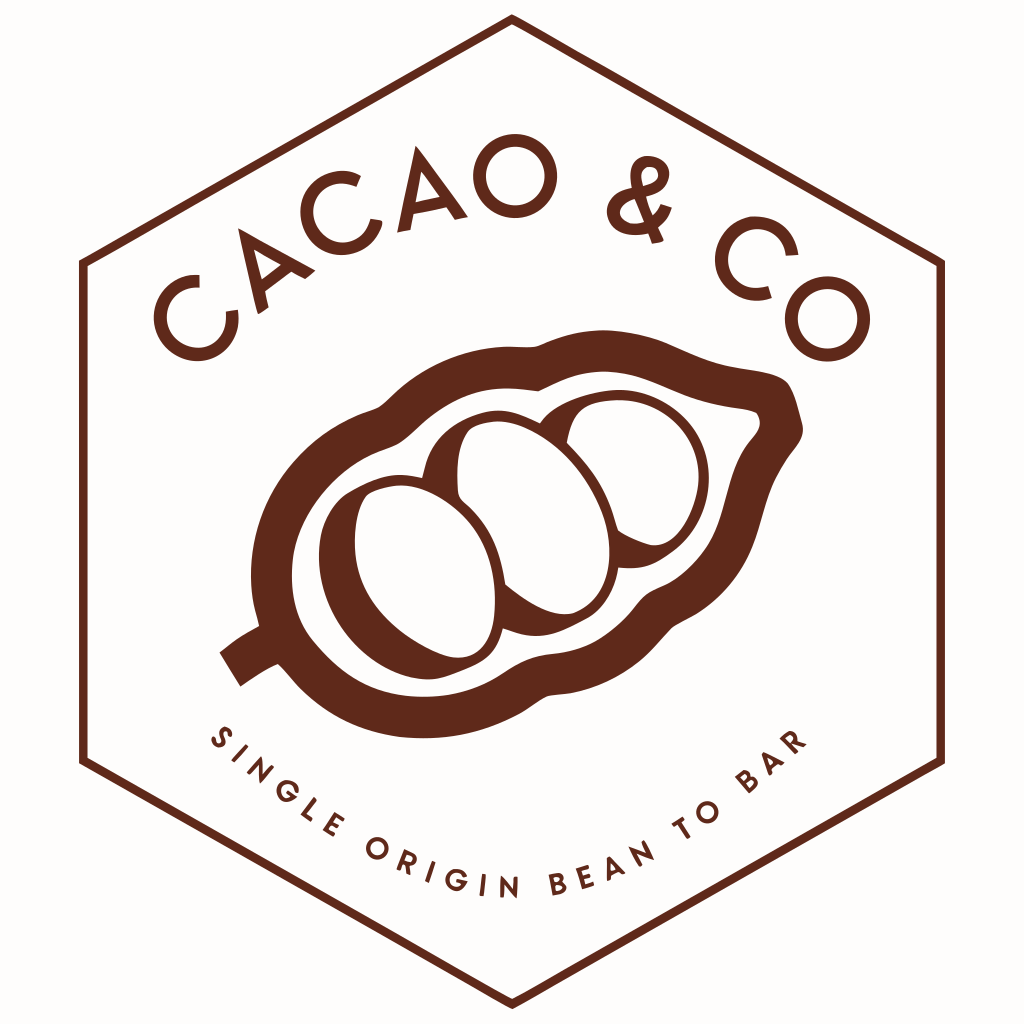
The output shown here is a PNG preview of the SVG: the 'CACAO & CO' wordmark reads cleanly and the flat two-color shapes stay crisp, and shorter rendered text holds up best.
2K detail and the Utility look
Choose 2K resolution for finer detail on print-ready and large-format assets. Turn utility on to trade the model's artistic point of view for flat lighting, straight-on framing and a plain scene — the look catalog and product-listing photos need. Used together they give a sharp, predictable mockup.
A hand-bound leather journal standing upright on a plain white surface, front-facing, its tan cover embossed with a compass rose and closed with a waxed-cotton cord wound around a small wooden toggle; visible leather grain and neat saddle-stitching along the spine
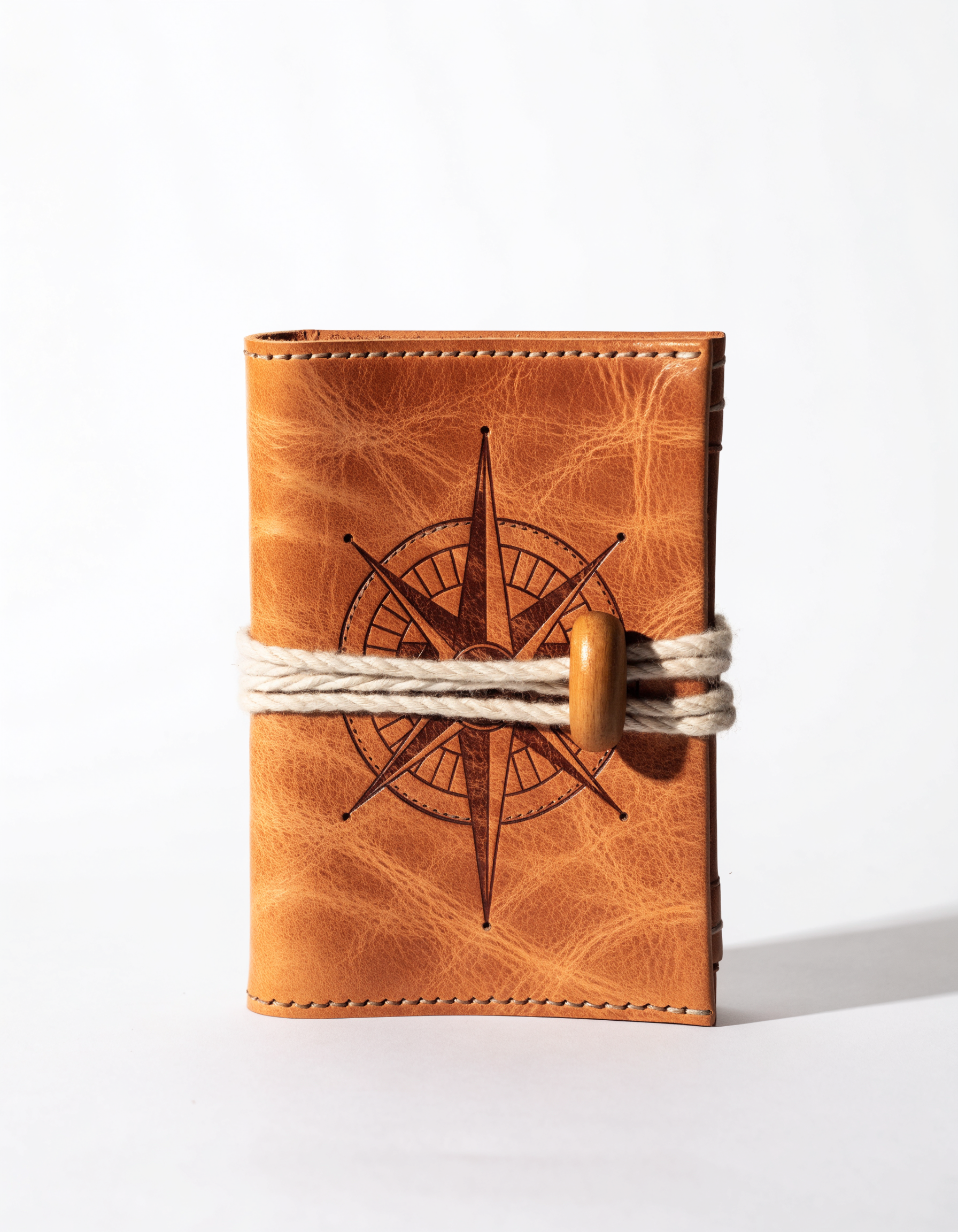
At 2K with utility true you get a flat, front-facing product mockup where the leather grain and saddle-stitching stay sharp, and a plain background_color keeps catalog assets clean.
Examples to try
Reference-guided style
Attach one to ten reference images — PNG, JPG or WEBP — to style_reference_urls, and Recraft V4.1 picks up their palette, texture and finish. Set style_match to precise to hold the reference closely, or flexible for a looser match. Here a single papercut reference steered a new subject.
A red panda climbing a bamboo stalk, reaching up toward a cluster of leaves, flat cut-paper illustration with clean layered shapes
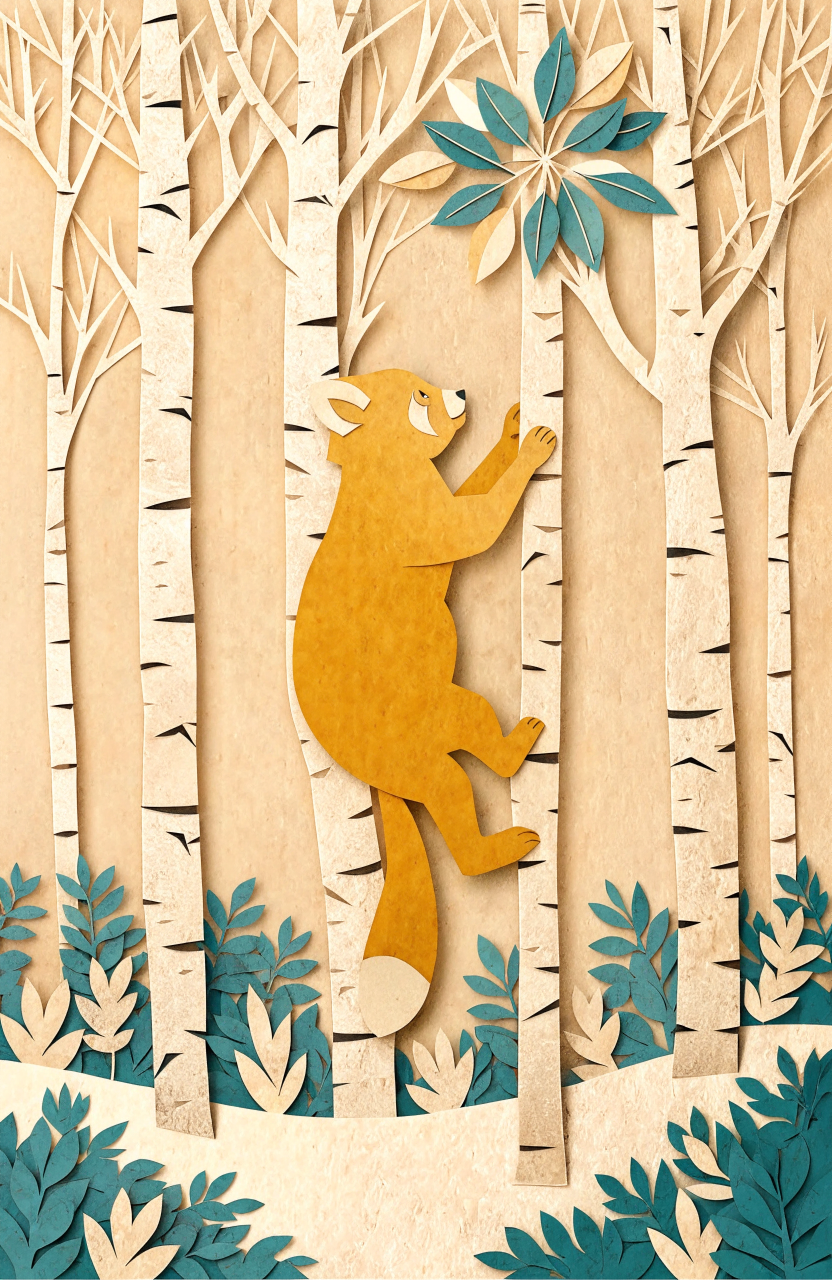
With one papercut reference and style_match precise, the red panda takes on the reference's layered cut-paper finish and limited palette; one reference is enough, or use flexible for a looser match.
Recommended settings
Only the prompt is required. These settings shape the output and the tier, so change one at a time from the defaults.
| Setting | Value | When to use |
|---|---|---|
output_format | png / svg | PNG for photos and raster art; SVG for logos, icons and typographic illustration you need to edit. |
resolution | 1K / 2K | 1K is standard; choose 2K (Pro) for print-ready or large-format detail. |
utility | false / true | Off for art-directed images; on for flat, front-facing mockups and product-listing photos. |
style_reference_urls | 1–10 images | Attach PNG, JPG or WEBP to match a reference palette, texture and finish. |
style_match | flexible / precise | With references, flexible matches the vibe and precise holds every detail. |
aspect_ratio | auto / named ratio | auto reads the shape from the prompt; set a ratio such as 16:9 for a fixed layout. |
seed | -1 / integer | -1 is random; fix a seed to reproduce a result. |
Good to know
- Only
promptis required; the default row is 1K, PNG, Utility off and no style references. Change a parameter to reach the Pro (2K), Vector (SVG) or Utility rows. - You set image shape by aspect ratio (
autoor a named ratio such as 16:9), not by exact pixel sizes, and each request returns one image as PNG or SVG. - There is no negative prompt, curated styles or precise text-layout placement here, and it is not an image editor or inpainter. Recraft points to its V3 line for those controls; you steer the look with style references.
- Related Recraft models:
recraft-v4is the previous generation,recraft-v4.1-flash-v2does raster 1K PNG only, andrecraft-v4-stylesis built to hold one consistent style.
Use it from the API
Send the same request from the API. This is the default 1K PNG example, with only the prompt set.
# pip install "segmind>=1.1.0"
# export SEGMIND_API_KEY="YOUR_API_KEY"
import segmind

result = segmind.run(
    "recraft-v4.1",
    prompt="A field geologist in an orange hard hat crouches on grey mountain scree, holding a split grey rock core up to a brass hand lens; an open yellow hard-shell equipment case beside her is stencilled 'CORE SAMPLES — SITE 12' in black, overcast daylight",
    style_reference_urls=[],
    aspect_ratio="auto",
    resolution="1K",
    output_format="png",
    utility=False,
    style_match="flexible",
    colors=[],
    background_color=None,
    seed=-1,
)
print(result.get("output"))
# 1. Submit the request; the reply carries its request_id
REQUEST_ID=$(curl -s -X POST "https://api.segmind.com/v2/recraft-v4.1" \
-H "x-api-key: YOUR_API_KEY" \
-H "Content-Type: application/json" \
-d '{
"prompt": "A field geologist in an orange hard hat crouches on grey mountain scree, holding a split grey rock core up to a brass hand lens; an open yellow hard-shell equipment case beside her is stencilled '\''CORE SAMPLES — SITE 12'\'' in black, overcast daylight",
"style_reference_urls": [],
"aspect_ratio": "auto",
"resolution": "1K",
"output_format": "png",
"utility": false,
"style_match": "flexible",
"colors": [],
"background_color": null,
"seed": -1
}' | jq -r .request_id)
# 2. Check its status until it is COMPLETED
curl -s "https://api.segmind.com/v2/requests/$REQUEST_ID/status" \
-H "x-api-key: YOUR_API_KEY"
# 3. Fetch the result
curl -s "https://api.segmind.com/v2/requests/$REQUEST_ID" \
-H "x-api-key: YOUR_API_KEY"Resources
- Try Recraft V4.1 on Segmind
- API reference
- Recraft V4.1 — model documentation — parameters, the Pro, Vector and Utility variants, capabilities and worked request examples
- Recraft V4.1 Release: More Beautiful by Nature — what V4.1 improves over V4: quieter photorealism, sharper illustration and prompt following
- Recraft API models overview — the full model lineup and how a model name encodes raster, vector, Pro, Utility and Flash variants
- Recraft styles and style references — how to steer the look with style references, and the flexible vs precise style match
- #text-to-image
- #recraft
- #model-launch
- #svg
- #photorealism