Orbit
Circle your subject a quarter turn or more while it holds its pose.
Pro AI Tool
Turn one photo into a shot with the camera move you choose: orbit, push in, rise, track, dolly zoom and more, with the amount and pace you set, or Auto to let Segmind Orbiton pick. For filmmakers, brands and creators. Up to 1080p.
About 5m 51s a run
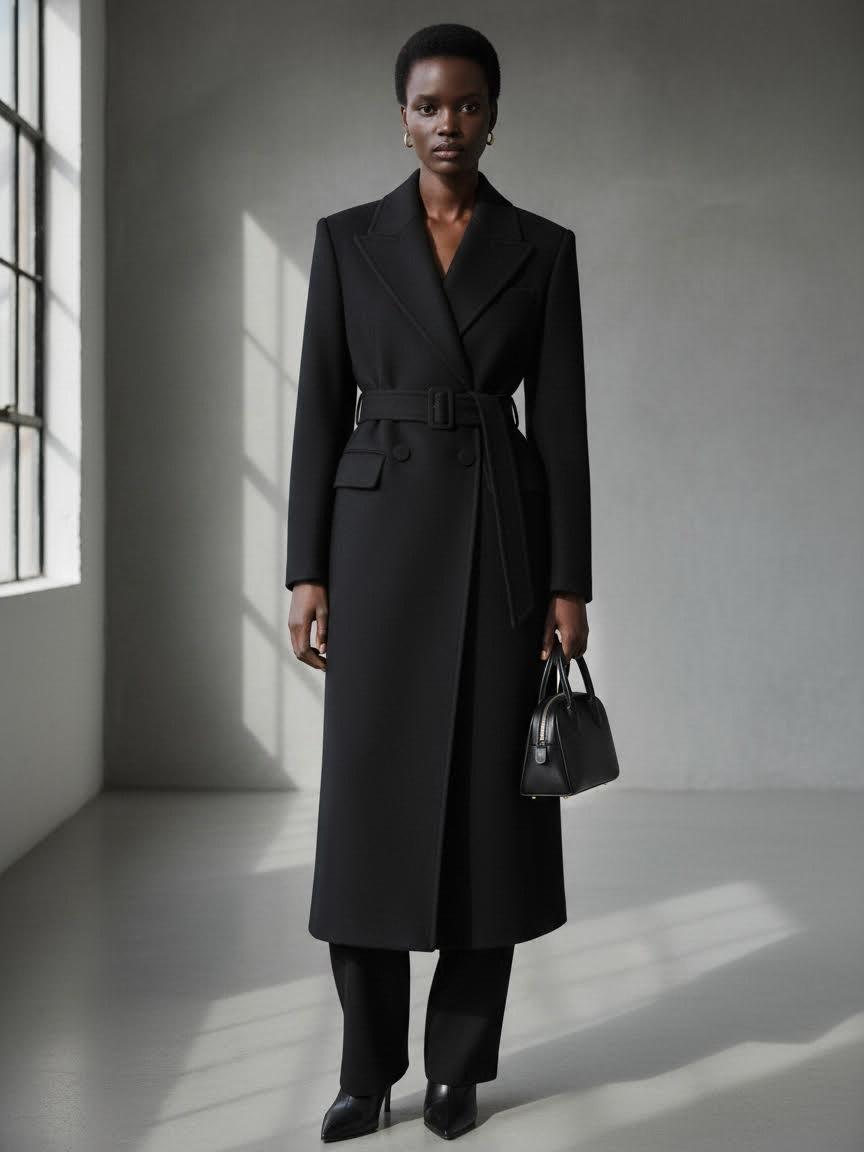
“Orbit right”
Your photo
Shot notes (optional)
~5m 51s~$2.78for an average run
Example
Left, the photo that was uploaded. Right, one run with Orbit right and everything else on Auto. The model and studio are generated.
Photo
Orbiton Shot
Camera Preview
More examples, and what makes a good run, in the guide.
Guide to Segmind OrbitonAbout this Pixelflow
Segmind Orbiton turns one photo into a shot with the exact camera move you choose: an orbit around your subject, a push in, a rise, a sideways track, a dolly zoom and more. Set the move, how far it goes and its pace, or leave it on Auto and Orbiton picks the move that suits the picture.
A person, a product, a room or a landscape. It sets the subject, the setting and the light of the shot.
Choose the move, its amount and its pace, and an optional second move. On Auto, Orbiton reads the photo and chooses for you.
Orbiton plans the exact camera path first, then renders the shot along it. The camera preview shows the path it followed.
You give
The workflow behind it
Which models run, and how, opens on the Business plan and above.
You get
Orbiton plans the move before it renders, so the camera goes where you asked and no further.
Circle your subject a quarter turn or more while it holds its pose.
Move closer for emphasis, or pull back to reveal the whole scene.
Lift the camera over a product or slide it across a room, with real depth between near and far.
A sudden zoom onto the subject, or the classic zoom where the subject stays put and the background closes in.
Your subject, their pose and clothes, the setting and the light all come from your photo. Only the camera moves, and nobody new is added to the shot.
Push in on a bottle, then rise over it, for an ad, a product page or a launch reel.
Circle a model a quarter turn to show the cut of a coat from the front to the side.
Try a camera move on a concept frame before the shoot, with the distance and pace set.
Building with it? Read the Segmind Orbiton API docs.
Orbit left or right, push in, pull out, rise, descend, track left or right, a small arc, pan, tilt, zoom, crash zoom, dolly zoom, or a locked-off camera. Pick one, or two in a row.
Orbiton reads your photo and picks the move a camera operator would: an orbit around a person seen full length, a slow push in on a face, a push in and rise over a product, a track across a room or a landscape.
For every move except an orbit, the shot opens on your photo. An orbit opens on a frame very close to it, because the camera goes on to show sides the photo never had.
Yes. The same inputs run through the async API: submit a request, then poll until it completes.
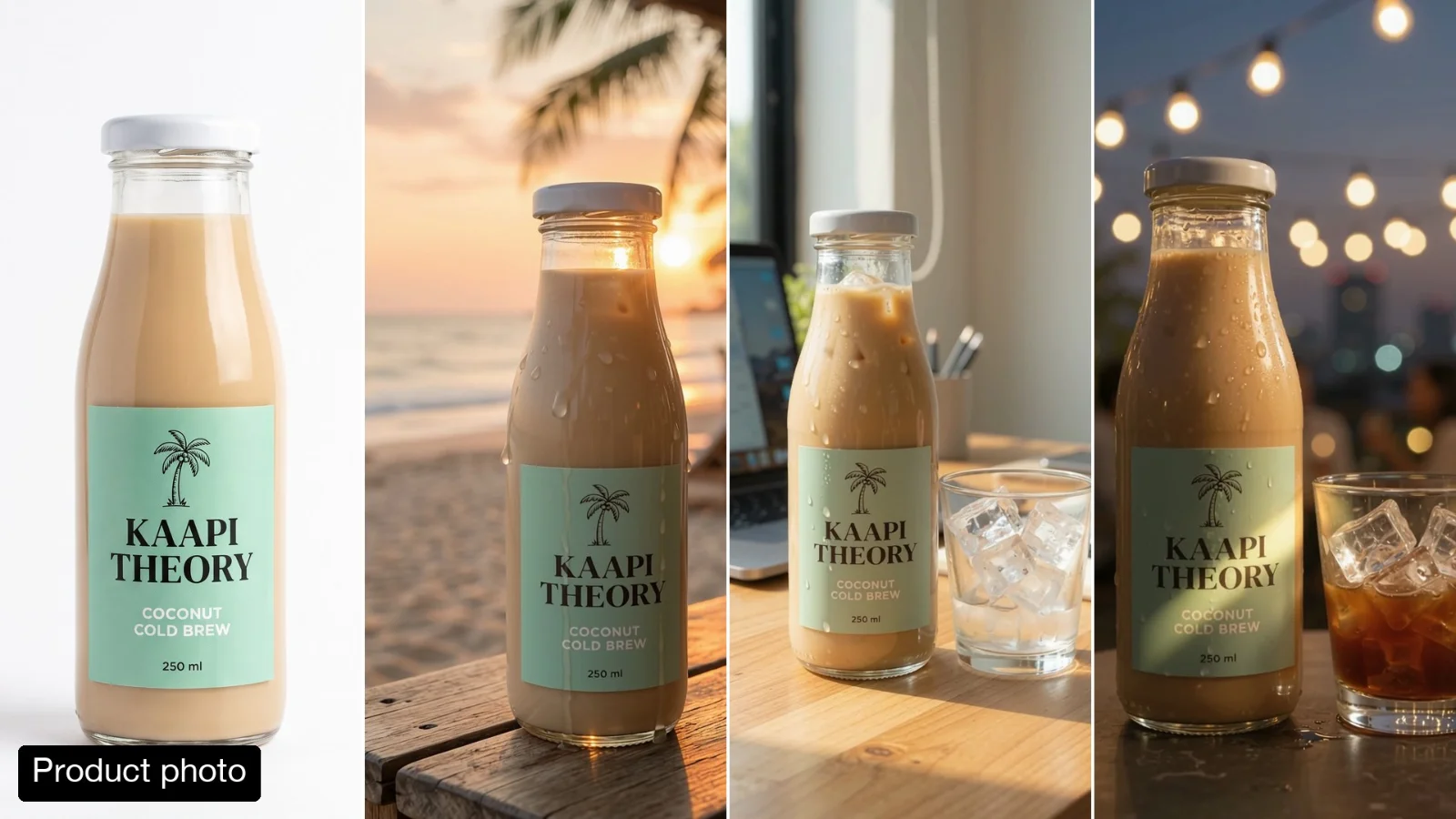 15-Second Product Story Video from One Photo
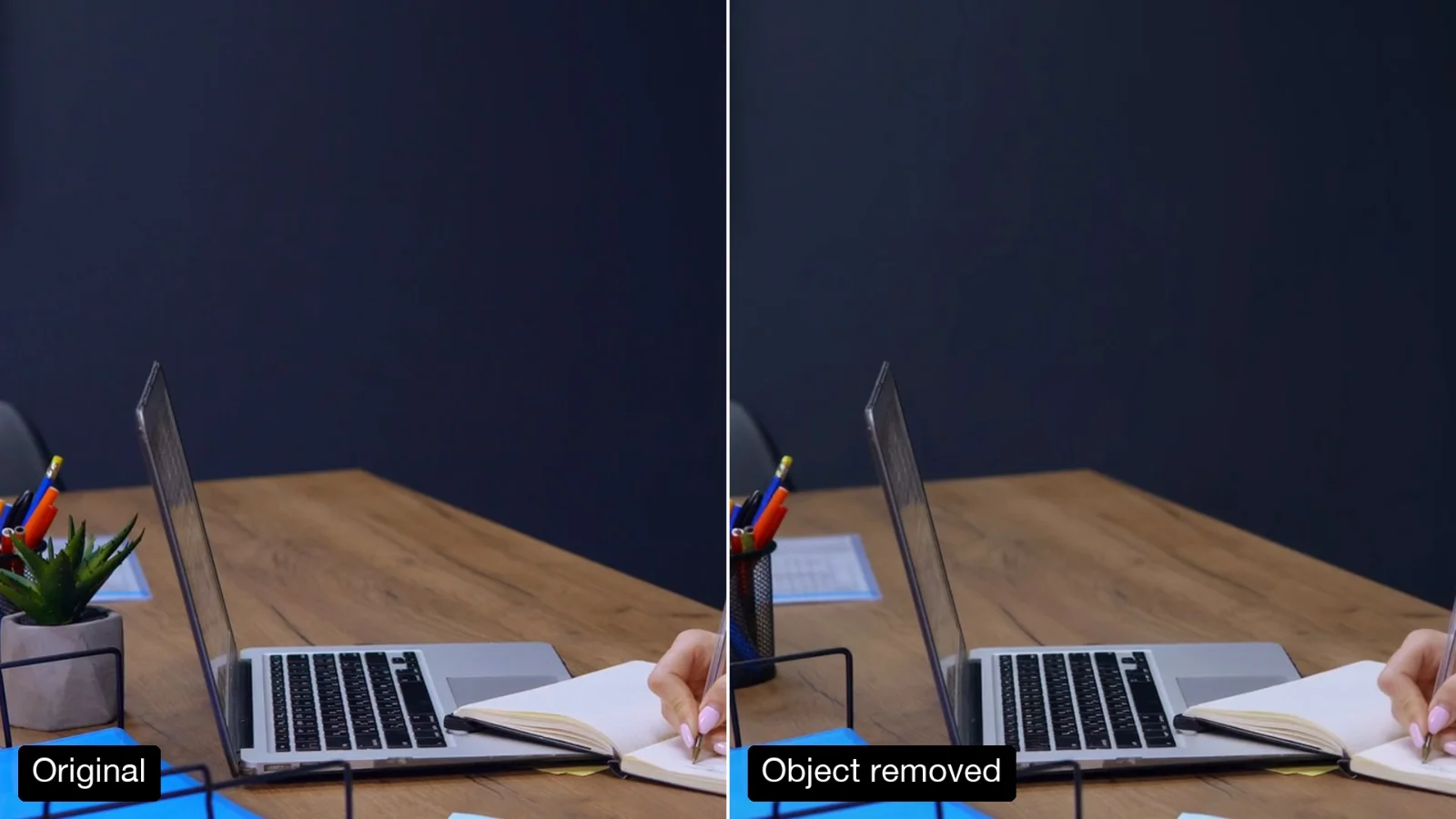 Remove an Object from a Video
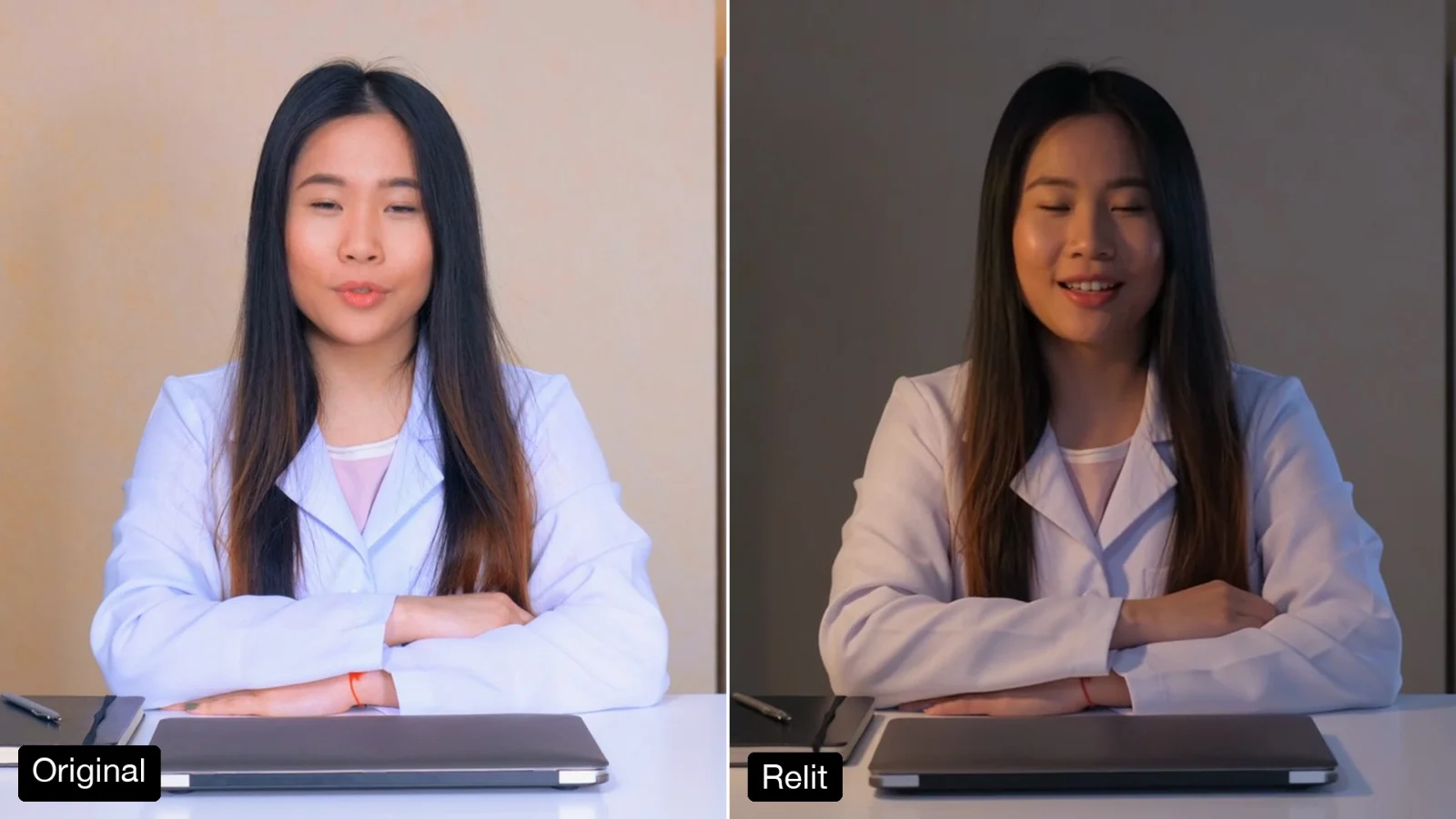 Relight a Video to Evening or Golden Hour
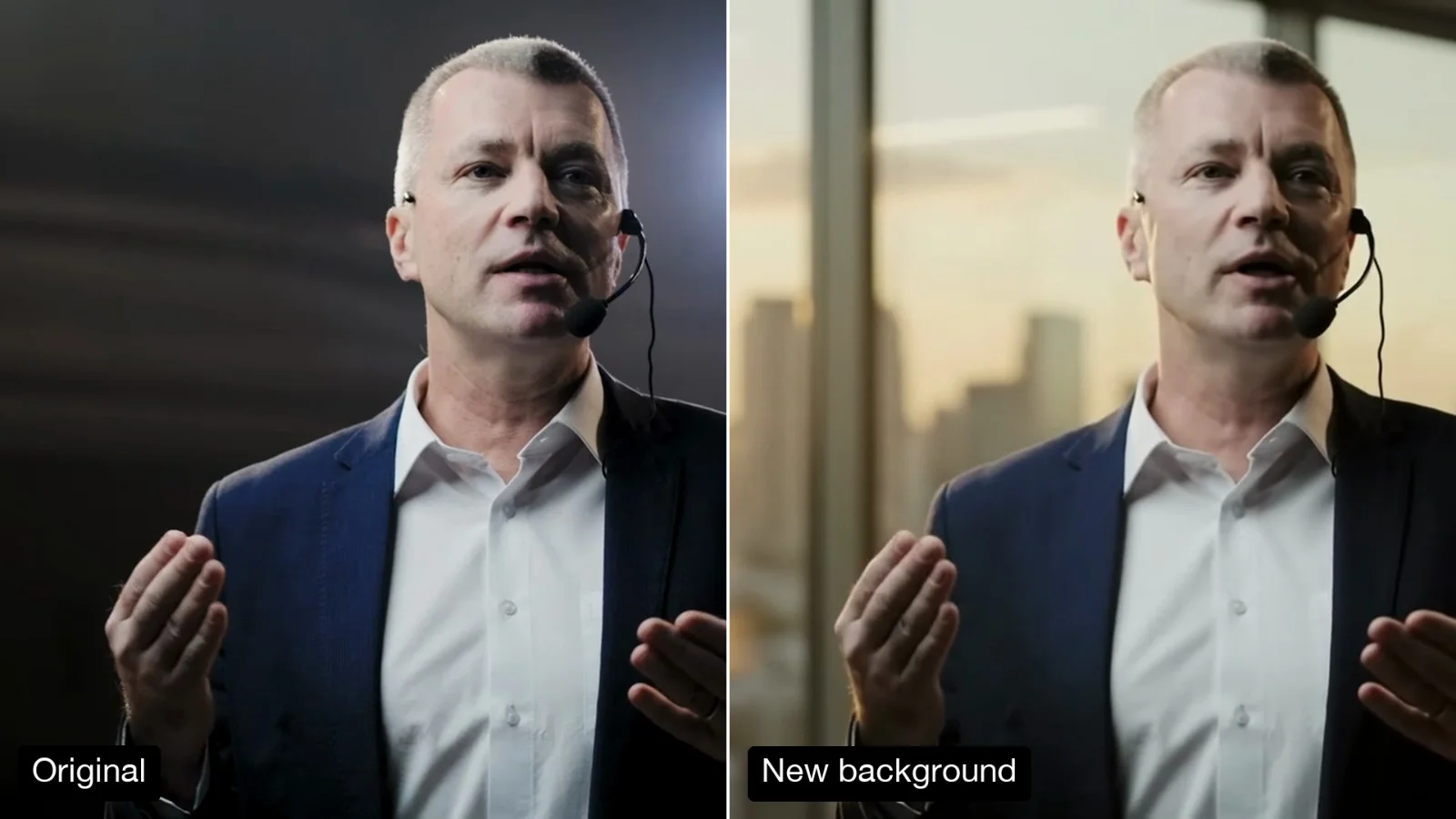 Change the Background of a Video
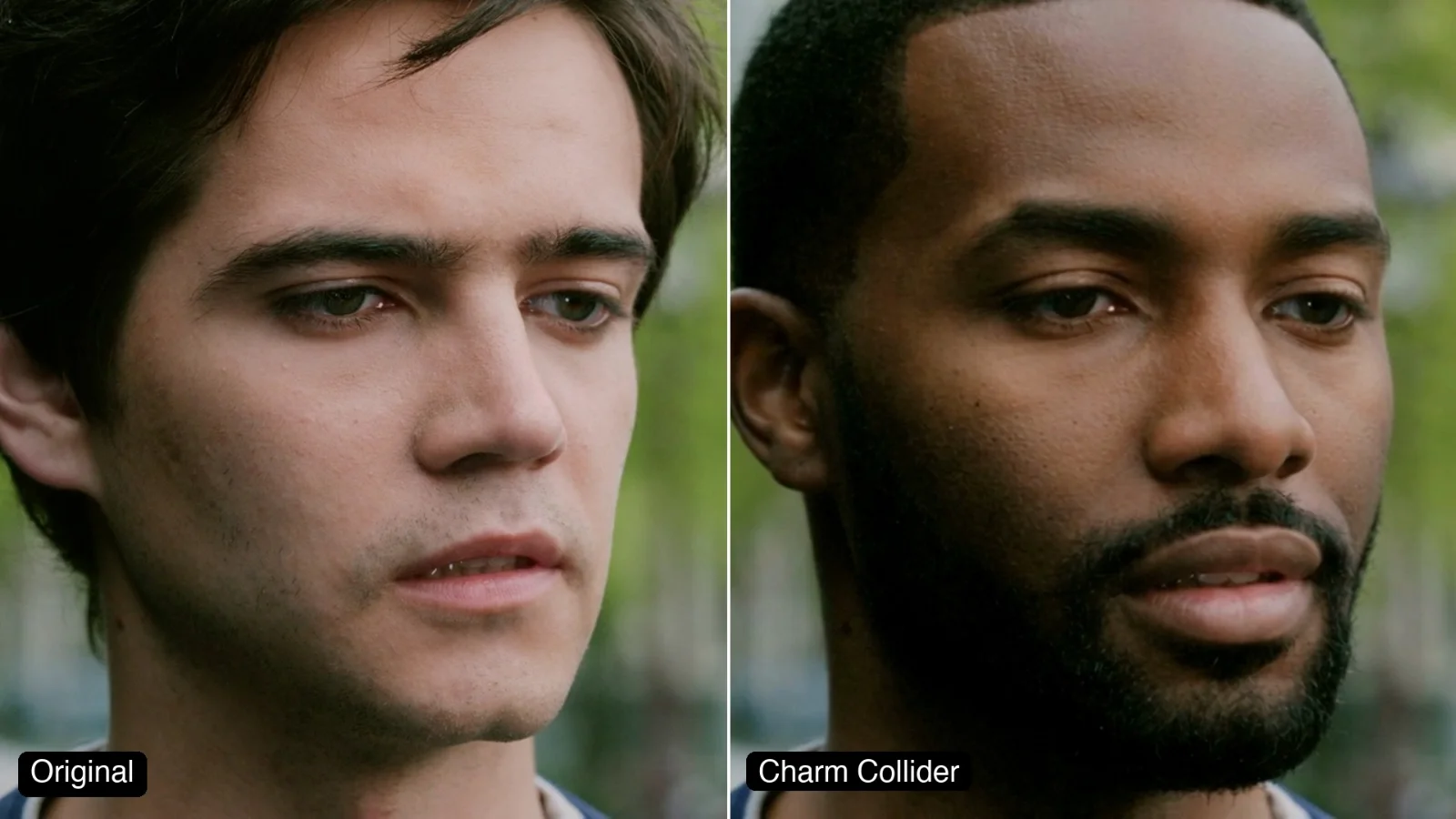 Segmind Charm Collider
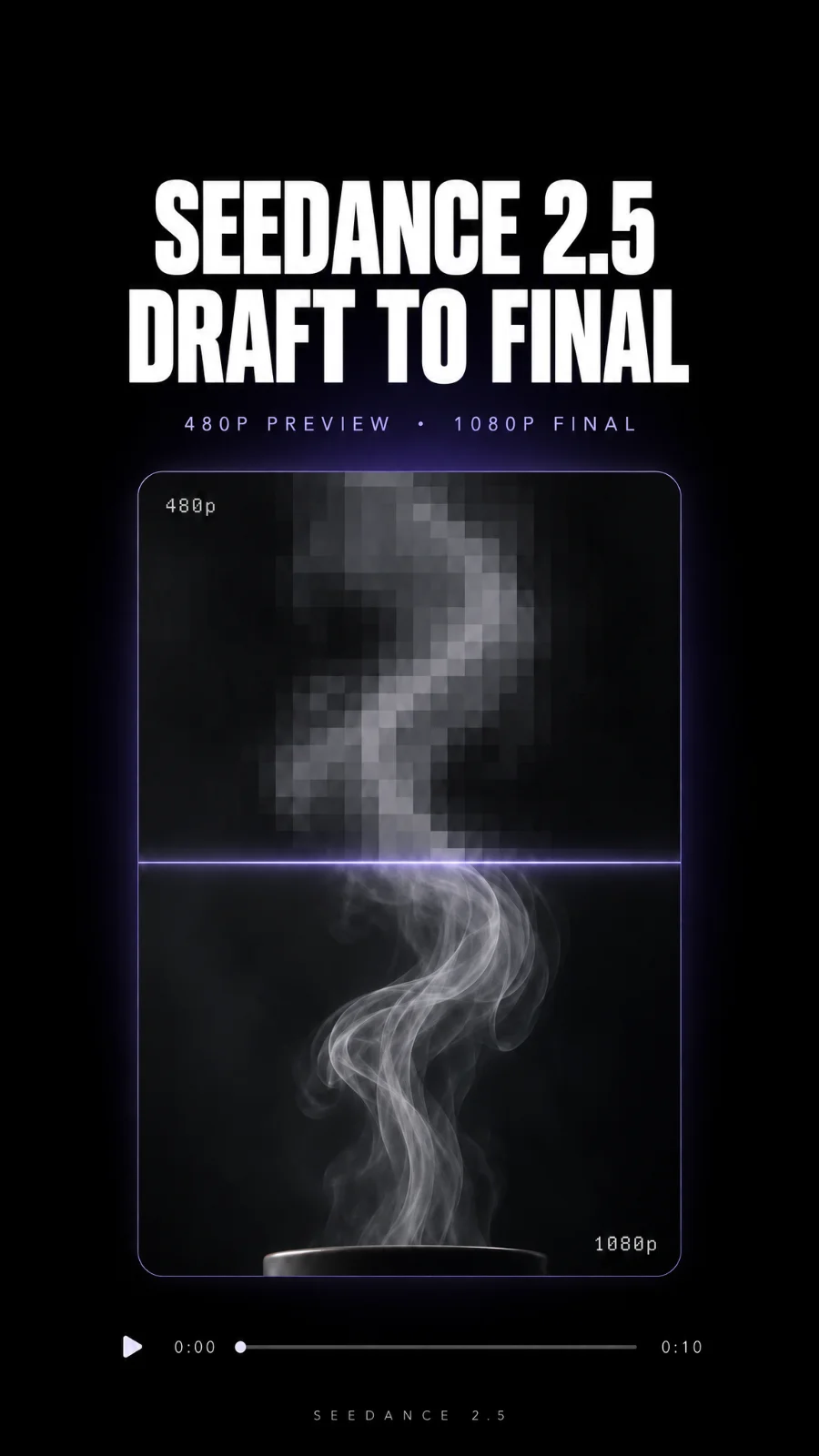 Seedance 2.5 Draft to Full Quality Video
 Story Idea to Consistent Cinematic Shot
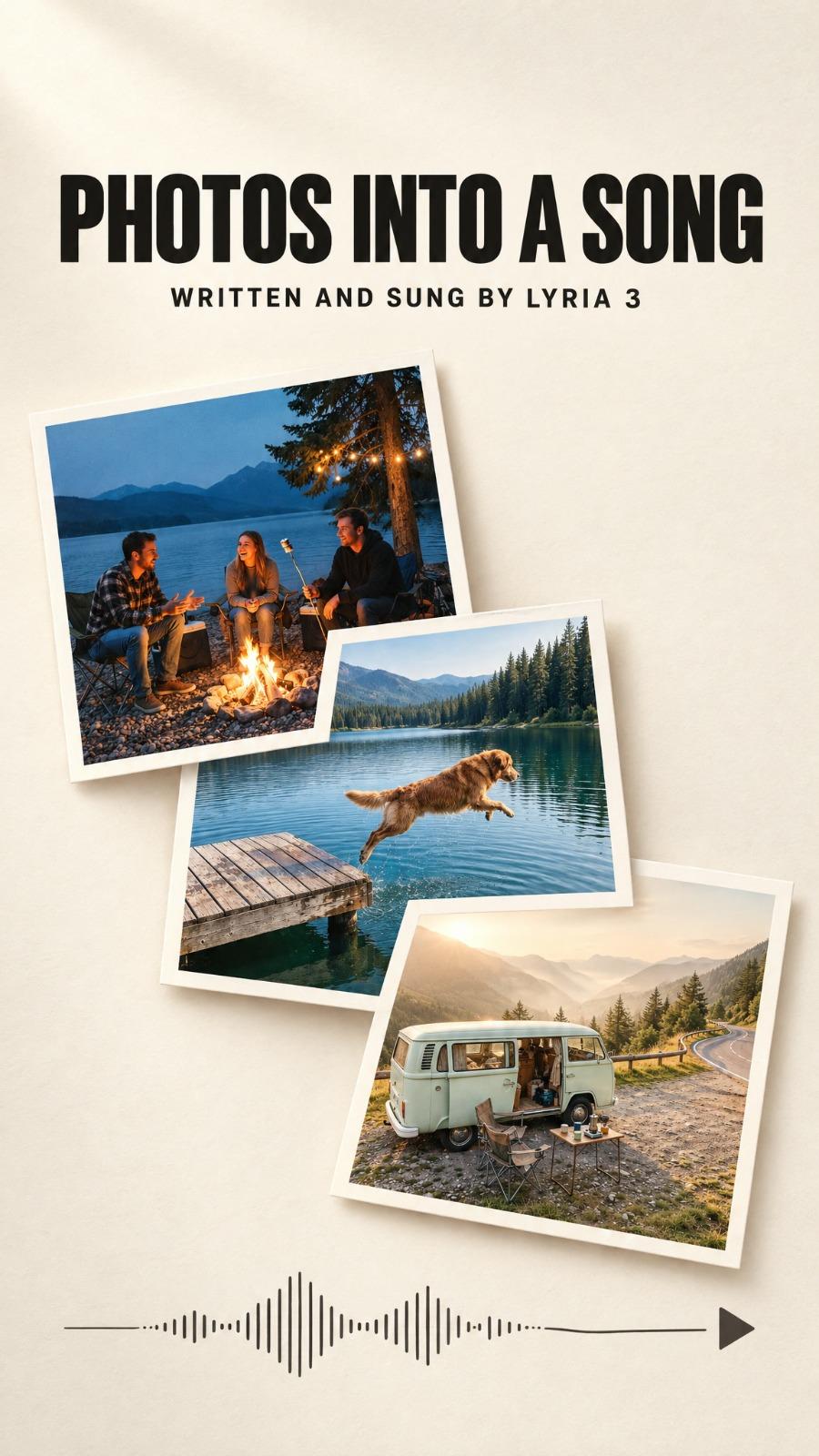 Lyria 3 Song Generator: Turn Your Photos Into a Music Video
Call it from your code with the same inputs you used here, or talk to us about running it at volume. Segmind is an authorised channel partner of ElevenLabs, Google, ByteDance, Alibaba, OpenAI, Kling and 40+ more AI providers.