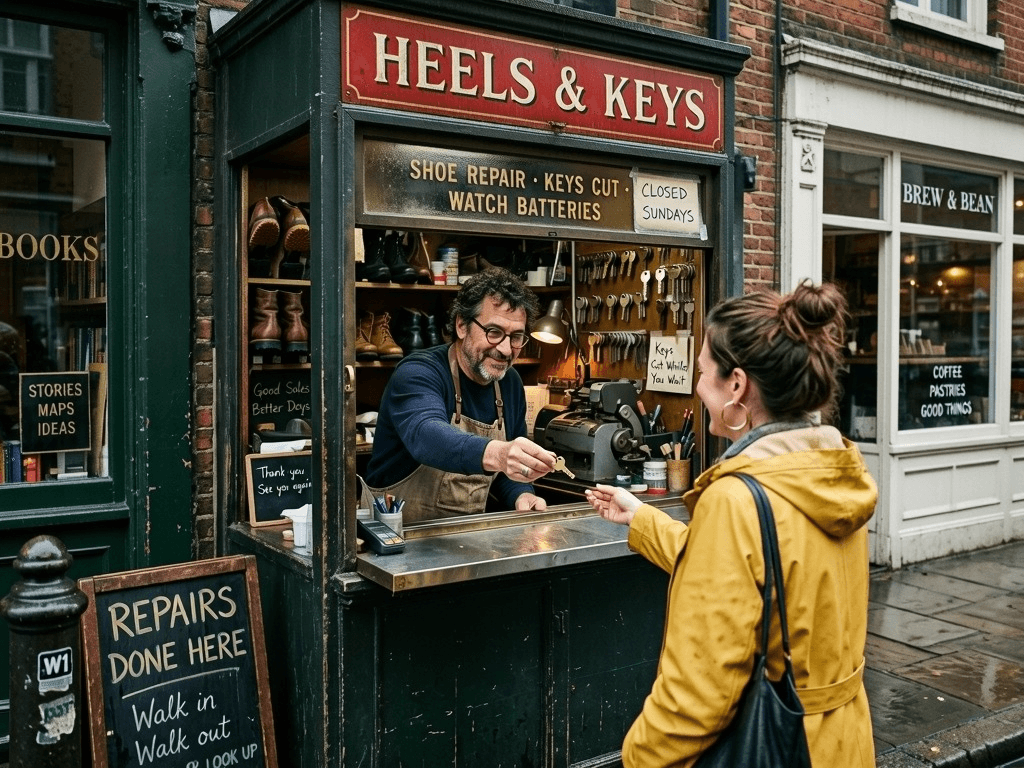
MAI Image 2.7 Text to Image: Text-to-Image Model with Legible Lettering
What is MAI Image 2.7 Text to Image?
MAI Image 2.7 is Microsoft AI's image generation model, built for design-ready, commercial output. This text-to-image version turns a plain-language prompt into one image at 1K or 2K, in seven aspect ratios, as PNG, JPEG or WebP. Its standout skill is text inside the picture: signs, labels, posters and packaging come out spelled as written and sit in the scene's perspective and light.
Key Features
- Accurate in-image text: quoted words render legibly on signs, labels, posters and packaging.
- Photorealistic detail: convincing materials, reflections and lighting.
- Scene reasoning: multi-part prompts keep people, objects and text in place and to scale.
- Commercial and brand imagery: product shots, ad concepts and marketing visuals.
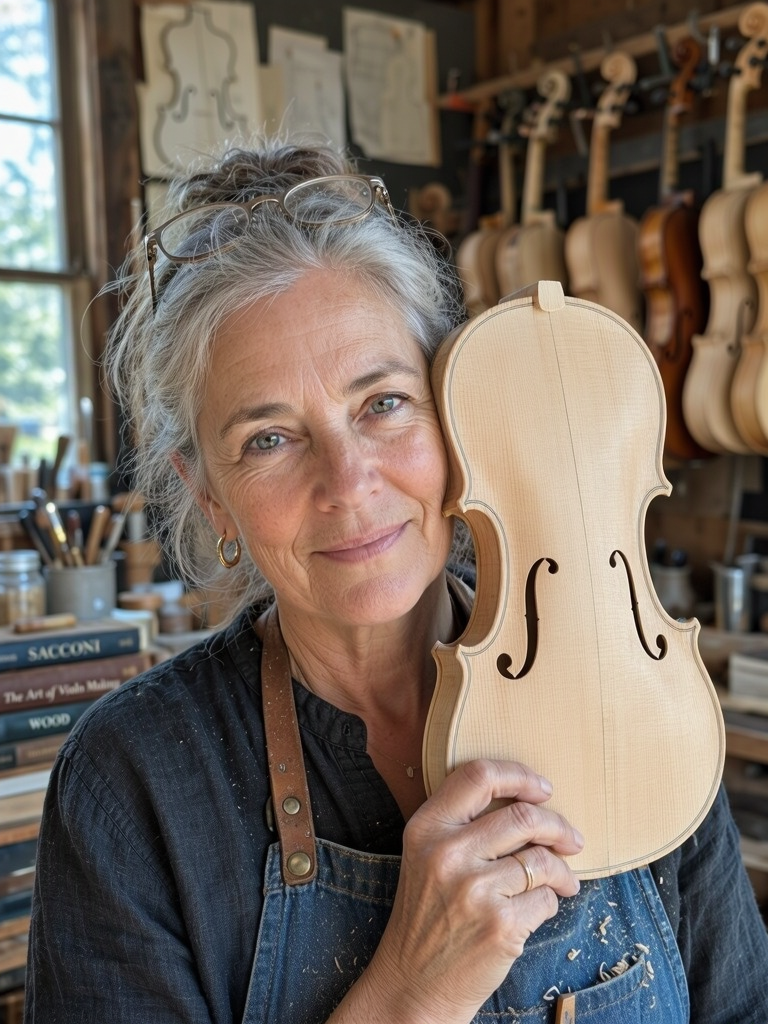
- Natural portraits: accurate facial structure and skin texture.
- Two tiers: standard for the best quality, flash for lower-cost iteration.
Best Use Cases
- Storefront, signage and wayfinding mockups
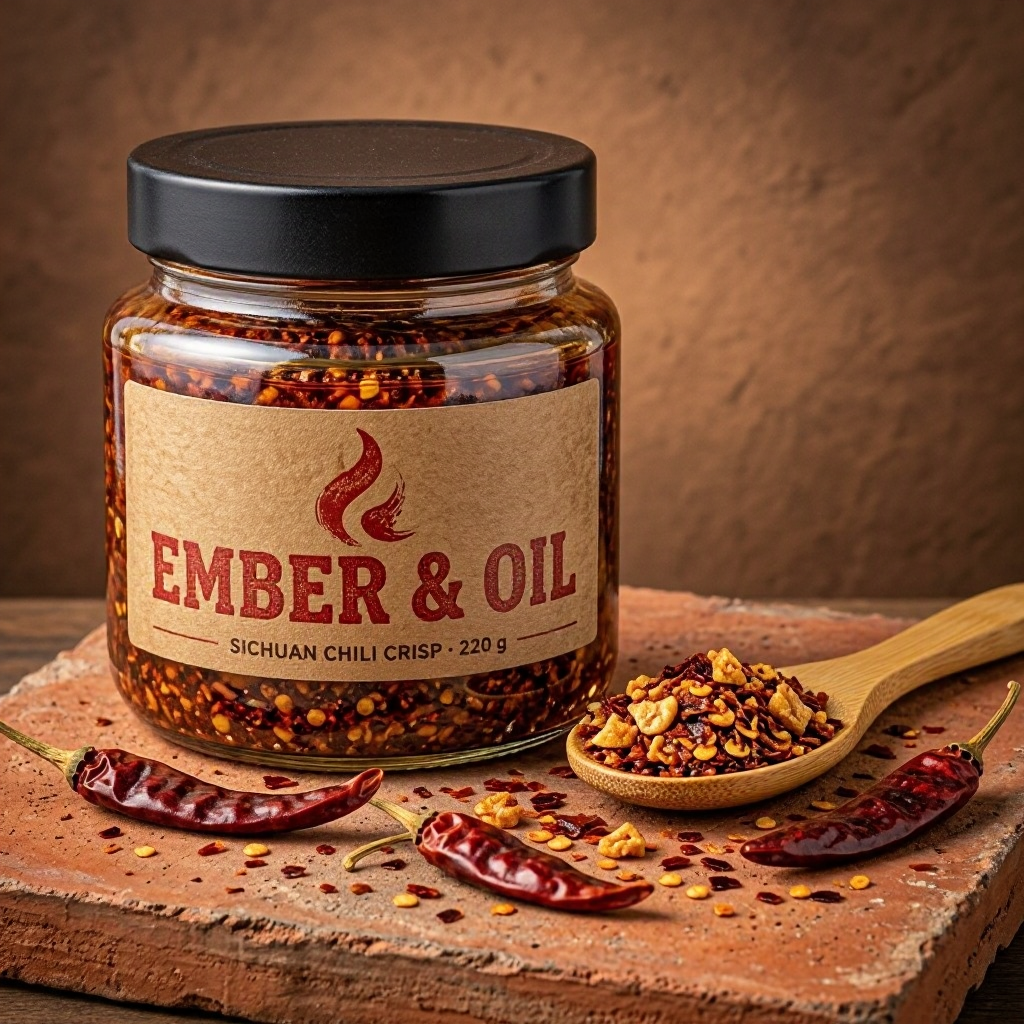
- Packaging and label concepts for e-commerce
- Event posters, menu boards, book covers and social graphics
- Lifestyle and product photography for ads
- Art-directed editorial scenes with several subjects
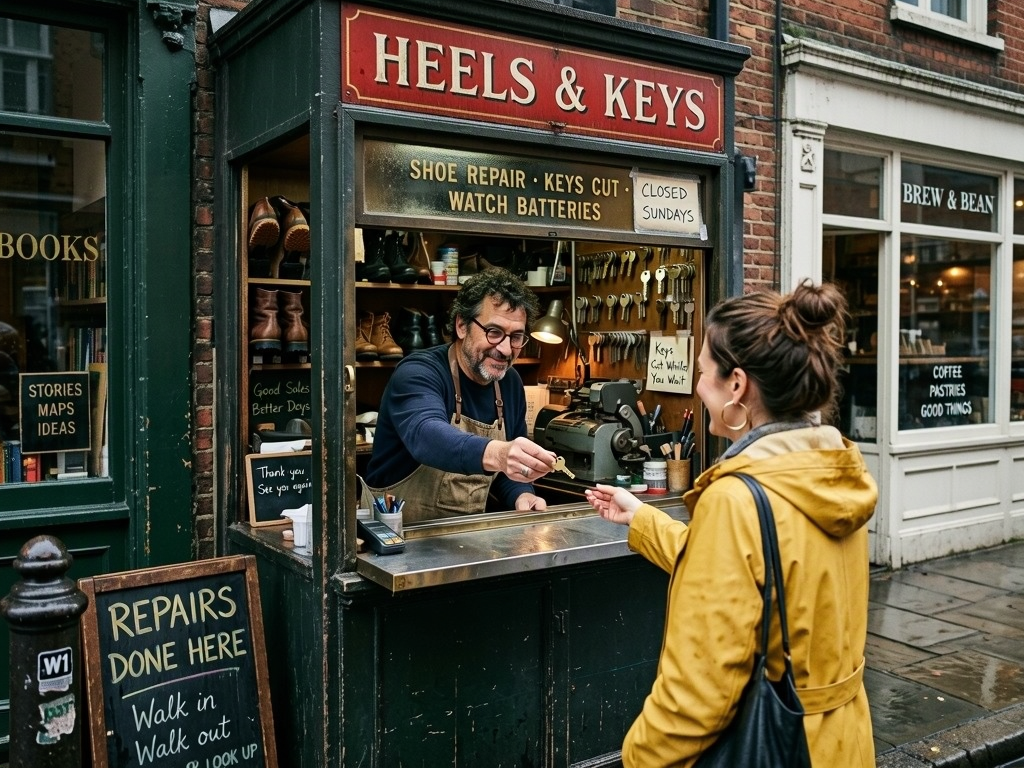
In our testing, a street scene with three text elements (an enamel sign, gold vinyl lettering on glass and a handwritten card) rendered every word correctly across repeated runs.
Prompt Tips and Output Quality
- Put each string in double quotes and name its surface and lettering style, for example a red enamel sign in cream serif capitals.
- Use 2K resolution when small text needs to stay crisp.
- Pick 4:3 or 3:2 for scenes, 2:3 or 9:16 for posters and stories, 1:1 for products.
- The model sometimes adds its own background signage; ask for plain walls if only your text should appear.
- Transparent backgrounds can leave green traces around the subject, so keep the default opaque background for finished images.